6
Advanced copy operations
6-12 ineo 163/213
7 Place the next document page on the original glass, and then press the
[OK] key.
– Repeat this step for all pages of the document.
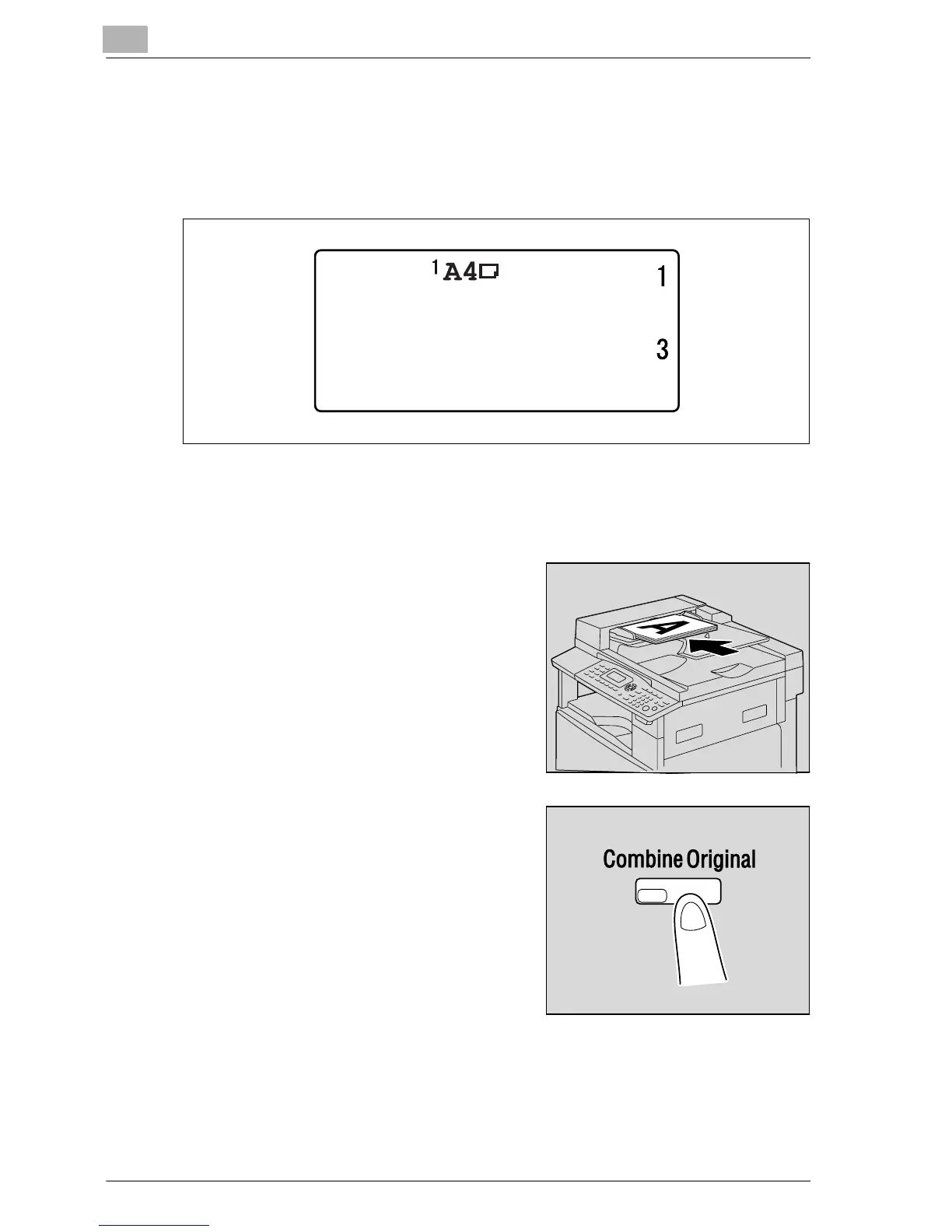
The number of document pages that have been scanned is displayed.
8 After all document pages have been scanned, press the [Start] key.
Using the document feeder
1 Load the document into the
document feeder.
– Refer to "Loading the document"
on page 4-18.
2 Press the [Combine Original] key.
The COMBINE ORIGINAL menu
appears.
PAPER:
ZOOM :50%
NEXT PAGE?
SCAN=OK (PRN=START)










 To Next Page