5
Making copies
5-30 ineo 163/213
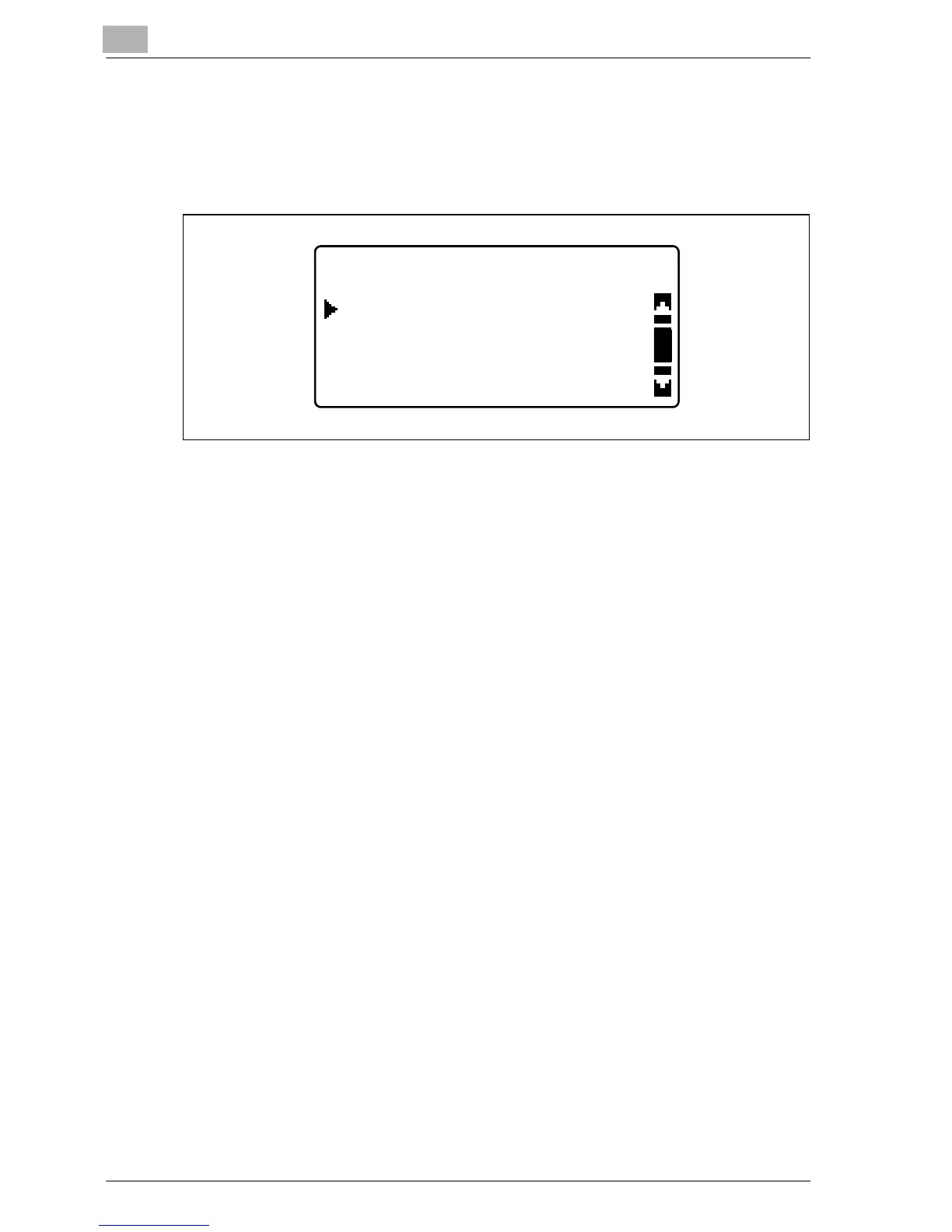
7 Press the [+] or [,] key until the appropriate paper type is selected, and
then press the [OK] key.
– "PLAIN", "TRANSPARENCY", "CARD" or "ENVELOPE" are
available as paper type settings.
The BYPASS PAPER SETTING menu appears again.
8 Select "RETURN".
– To change the paper size or type setting, remove the inserted
paper, and then repeat steps 2 through 8.
The main screen appears.
9 If necessary, specify any other copy settings.
– Refer to "Specifying a zoom setting" on page 5-53.
– Refer to "Selecting a density setting" on page 5-62.
– Refer to "Advanced copy operations" on page 6-3.
10 Press the [Start] key.
– To copy additional pages with the same settings, loading paper into
the manual bypass tray automatically starts copying.
– To copy continuously on thick paper, postcards, overhead
projector transparencies or envelopes, use the 1st paper drawer.
BYPASS MEDIA TYPE
TRANSPARENCY
PLAIN
CARD










 To Next Page