Utility mode/Copy mode parameters
7
ineo 163/213 7-17
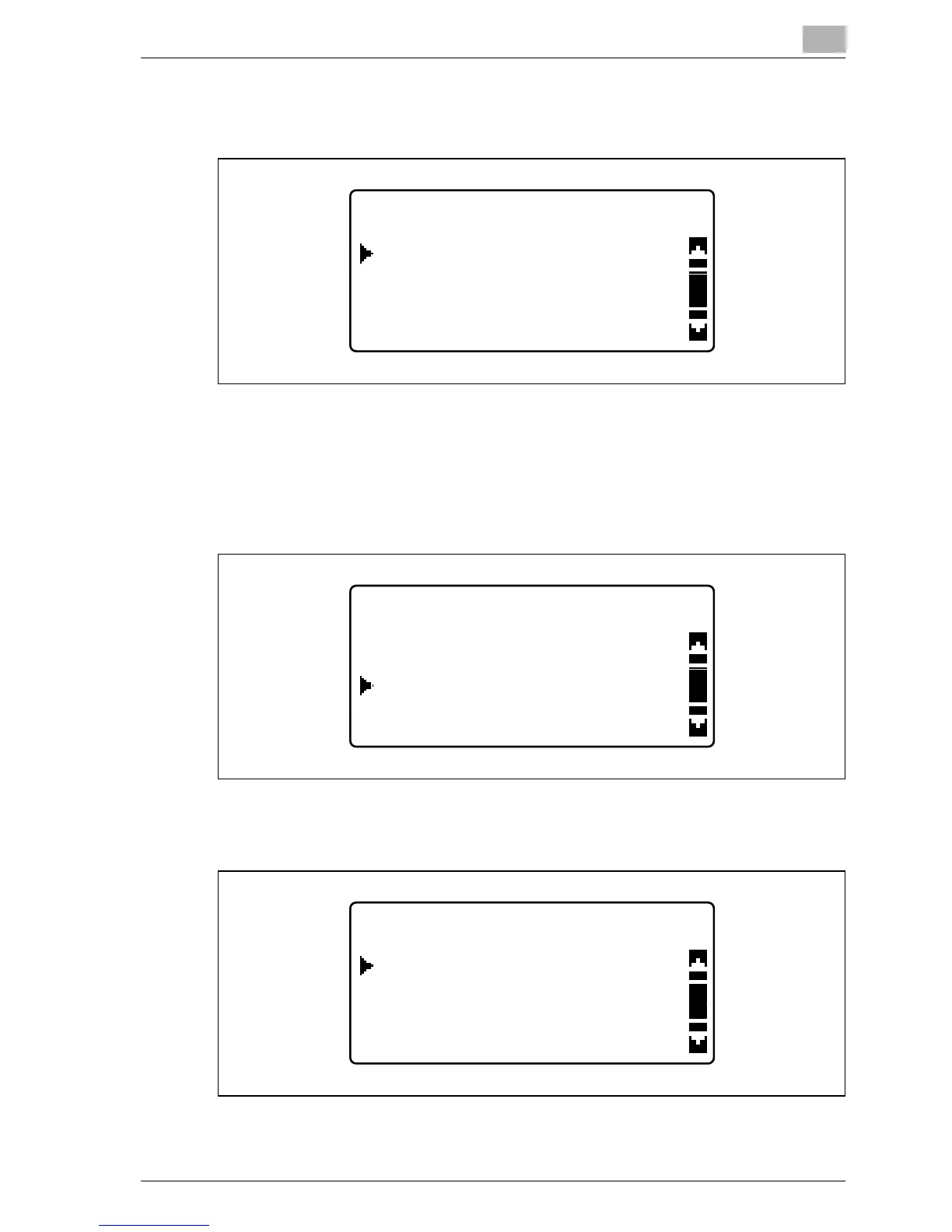
4 Press the [+] or [,] key until the desired length of time until key
repeating begins is selected, and then press the [OK] key.
The "KEY SPEED SETTING" menu appears again. Press the [Back] key
to return to the "MACHINE SETTING" menu. To specify the setting for
"INTERVAL", continue with step 5.
5 Press the [+] or [,] key until "INTERVAL" is selected, and then press
the [OK] key.
6 Press the [+] or [,] key until the desired time interval is selected, and
then press the [OK] key.
The "KEY SPEED SETTING" menu appears again. Press the [Back] key
to return to the "MACHINE SETTING" menu.
TIME TO START
0.3sec
0.1sec
0.5sec
KEY SPEED SETTING
INTERVAL
TIME TO START
RETURN
INTERVAL
0.3sec
0.1sec
0.5sec










 To Next Page