7
Utility mode/Copy mode parameters
7-24 ineo 163/213
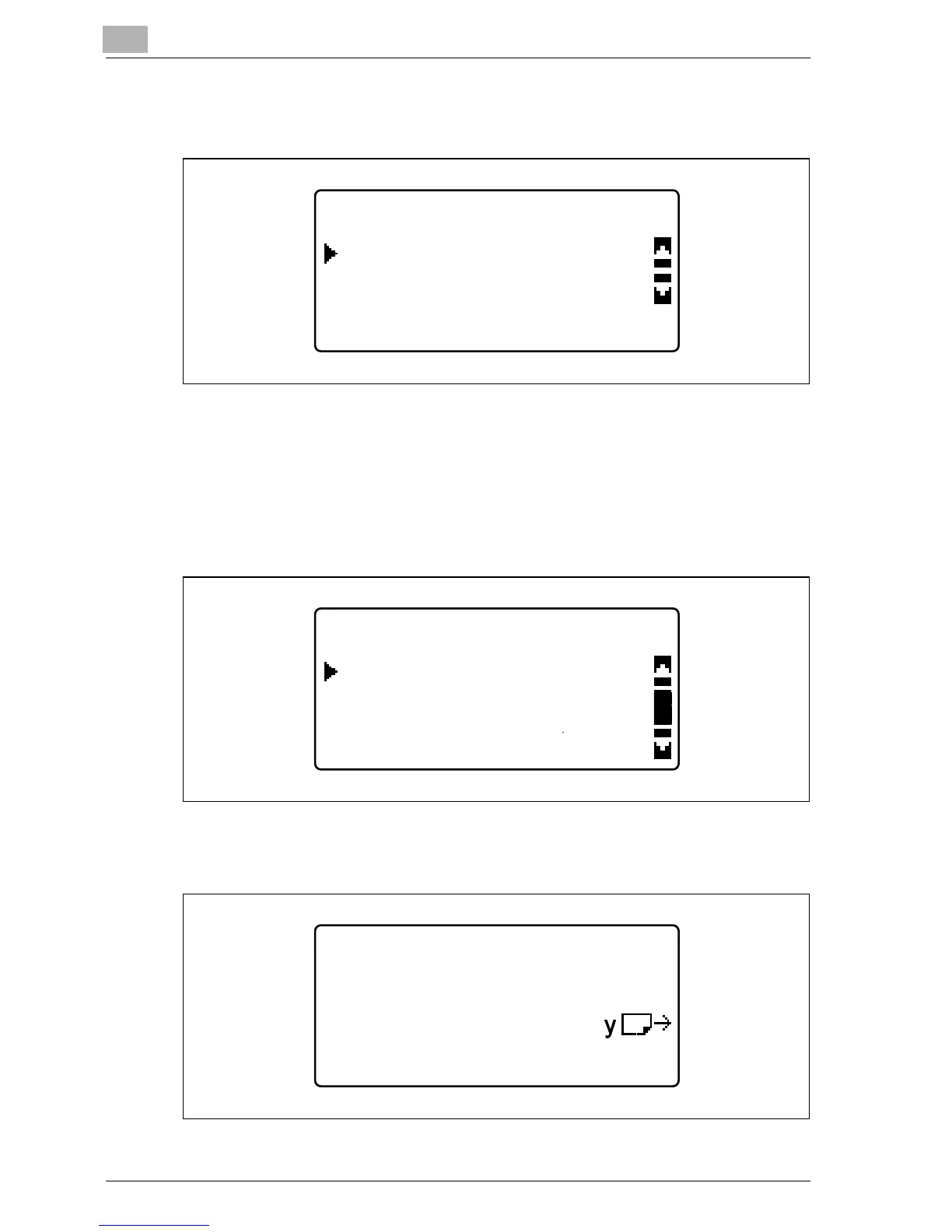
3 Press the [+] or [,] key until "PAPER SIZE" is selected, and then press
the [OK] key.
4 Press the [+] or [,] key until "AUTO", "SIZE INPUT", "MEMORY1" or
"MEMORY2" is selected, and then press the [OK] key.
– By selecting "MEMORY1" or "MEMORY2", a custom paper size
("MEMORY1" or "MEMORY2") registered from the "CUSTOM SIZE
MEMORY" menu can be selected. For details on registering custom
paper sizes, refer to "CUSTOM SIZE MEMORY" on page 7-28.
– If "SIZE INPUT" was selected, use the keypad to type in the X and
Y measurements in the next screen that appears, and then press
the [OK] key.
TRAY1 PAPER
MEDIA TYPE
PAPER SIZE
TRAY1 PAPER SIZE
SIZE INPUT
AUTO
MEMORY1:[216/279]
TRAY1 PAPER SIZE
Y=297( 90-297)
X=210(140-432) x










 To Next Page