Before making copies
4
ineo 163/213 4-23
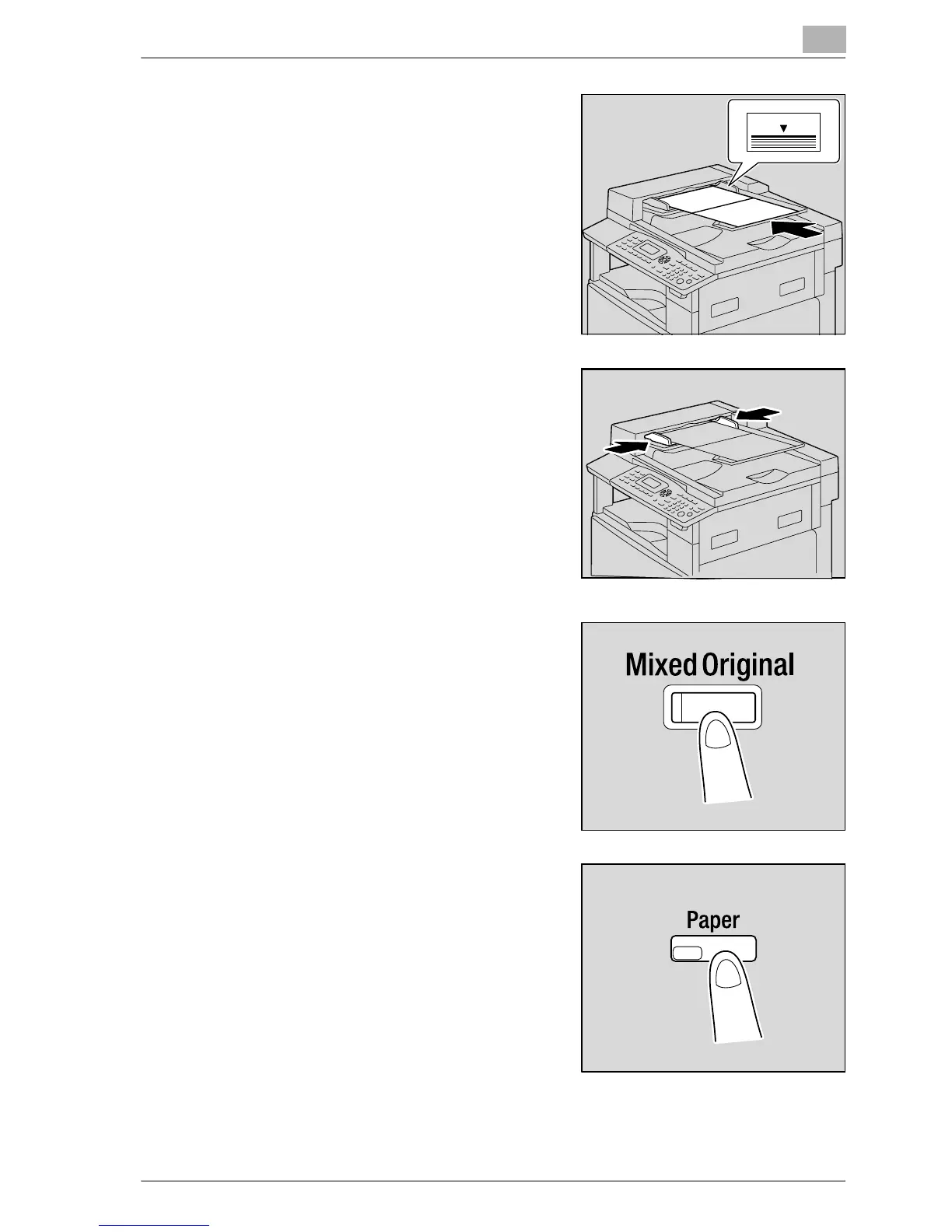
2 Load the document so that the side
to be copied faces up.
– A maximum of 50 document
pages can be loaded.
– Do not load so many pages that
the top of the stack is higher than
the , mark.
3 Slide the document guides to fit the
size of document being loaded.
4 Press the [Mixed Original] key.
The indicator on the [Mixed Original]
key lights up.
5 Press the [Paper] key.










 To Next Page