Solving Other Problems10-32
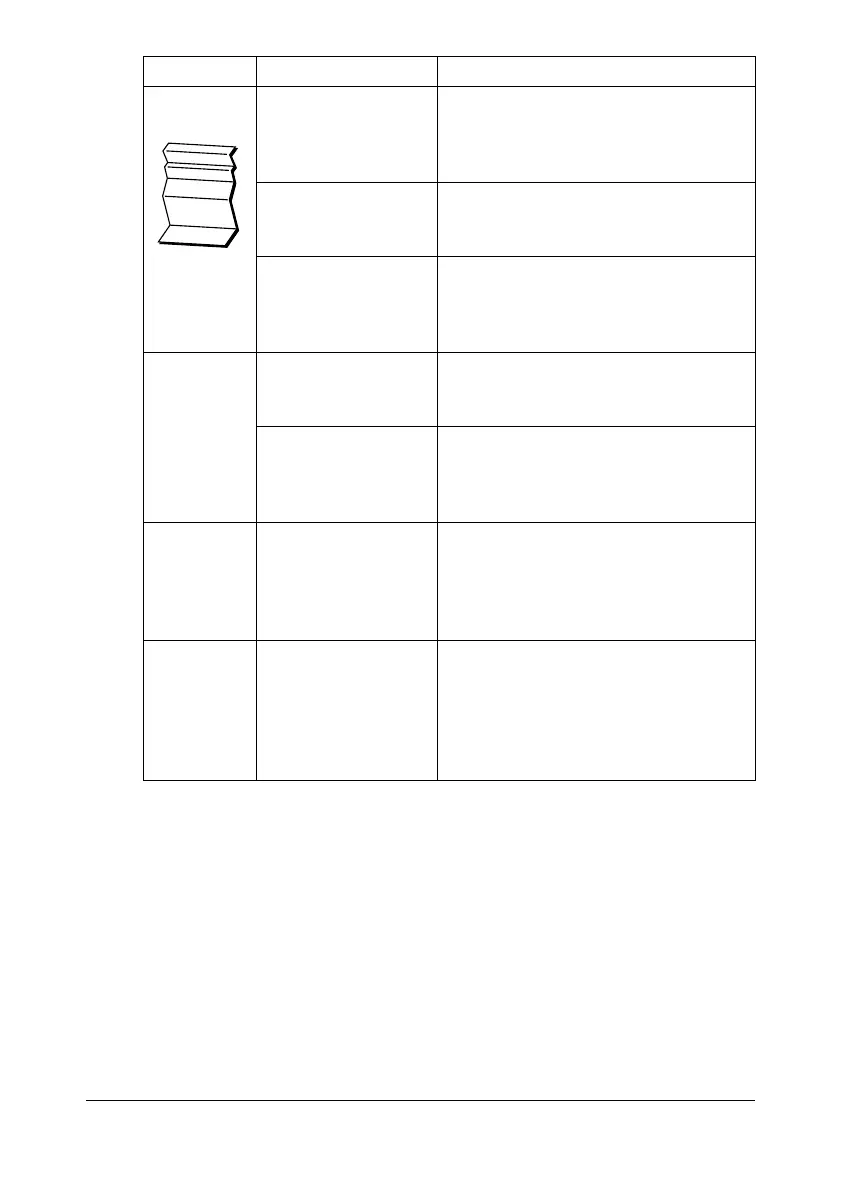
Media is
wrinkled.
The media is moist
from humidity or hav-
ing water spilled on
it.
Remove the moist media and replace
it with new, dry media.
The media feed roller
or fuser unit is defec-
tive.
Check them for damage. If necessary,
contact Technical Support with the
error information.
Unsupported media
(wrong size, thick-
ness, type, etc.) is
being used.
Use DEVELOP-approved media. See
“Specifications” on page 3-2.
Data was
sent to the
machine, but
it doesn’t
print.
An error message is
displayed in the mes-
sage window.
Handle according to the message dis-
played.
A job may be can-
celled if user authen-
tication setting is
specified.
Click the User Authentication button in
the printer driver, and then type in the
necessary information before printing.
The hard
disk was
automati-
cally format-
ted.
The hard disk was
full.
Delete print jobs and resources (fonts,
forms, etc.) which were saved on the
hard disk using Download Manager or
Web Connection.
The Com-
pactFlash
card was
automati-
cally format-
ted.
The CompactFlash
card was full.
When the control panel displays
[MEMORY NEAR FULL], delete
resources (fonts, forms, etc.) which
were saved on the memory card using
Download Manager or Web Connec-
tion.
Symptom Cause Solution










 To Next Page