Manual D900 Operation
49-MD900EN05
29
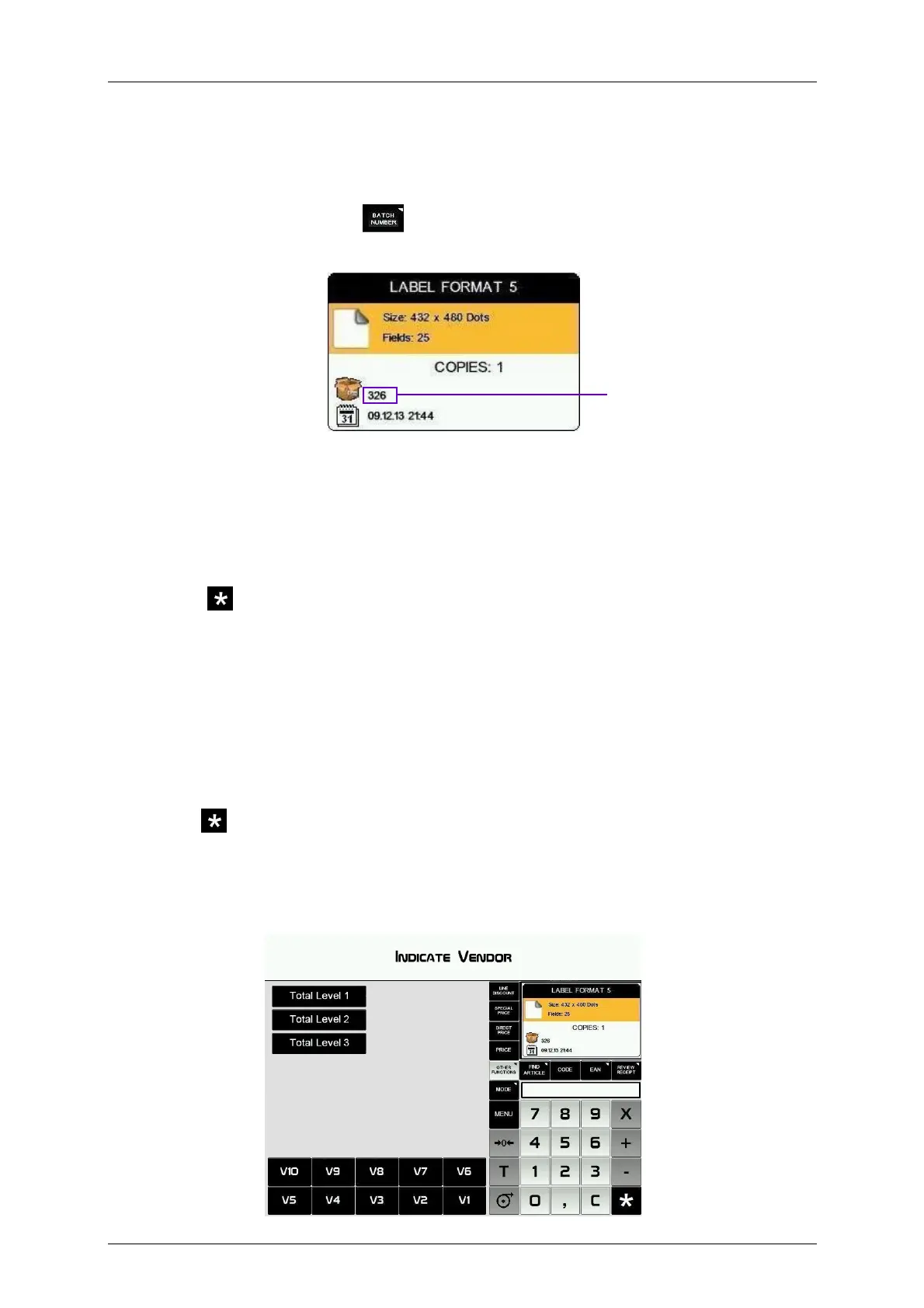
2.8.3.3.Batch Number
In D-900 scales it is possible to program a batch number, which can be alphanumeric with a maximum of
24 characters, in which a global reference to labels of articles may be assigned when the scales are in
label mode.
To program the batch number, press
and enter the batch number. By default this value will be the
number of days passed from the beginning of the year, for example the day 9/9 will correspond to batch
number 252 (253 if it is a leap year).
2.8.3.4.Totals labels
With this procedure it is possible to issue a label with the totals of the previously issued labels. There are
two modes of operation:
2.8.3.4.1 Normal accumulation label
After issuing several labels, you can request a label with the totals of the previous operations. To do this:
1. Press .
2. Select the totals level (see section 2.8.3.4.1 Totals levels).
3. Press the key of the vendor who effected the operations.
In this case, the totals will be calculated from the labels issued from this memory key since the last time a
totals label was printed.
2.8.3.4.2 Totals label for one article
The weight and amount values will be accumulated for one particular code. If a different code is selected,
totals accumulated until then will be reset to zero. To select this accumulation mode, review parameter
Allow label mode (see section 5.1.4.1. Allow label mode). To print a totals label for one article:
1. Press .
2. Select the totals level (see section 2.8.3.4.3 Totals levels).
3. Press the key of the sales assistant who effected the operations.
If we do not choose any level, a copy/copies of the last label issued by that vendor will be printed (see
paragraph Copies of the section 2.8.3. Label mode).
Batch Number



 To Next Page