Manual D900 Maintenance
49-MD900EN05
87
3.8.2.5.Heading
This parameter affects the printing mode of the labels, and can have a value of between 0 and 1 with the
meanings:
Activado
- The label moves backwards and the heading area is printed.
Desactivado
- The label does not move backwards and the heading area of the label is not printed.
When you change the output distance, the way that the fields take place changes too, so this may be
a problem. And, the same programmed label within/out a backward movement, it is printed differently.
3.8.2.6.Centre Label
By adjusting the value of this parameter, you can shift the label’s printing field vertically downwards, with
very little variation. It can be programmed at a value between 0 and 40.
3.8.2.7.Centre Ticket
Adjusting the value of this parameter is possible to shift the beginning of the printing of the receipt. When it
is printed in the labeler. It is possible to program a value from 0 to 40.
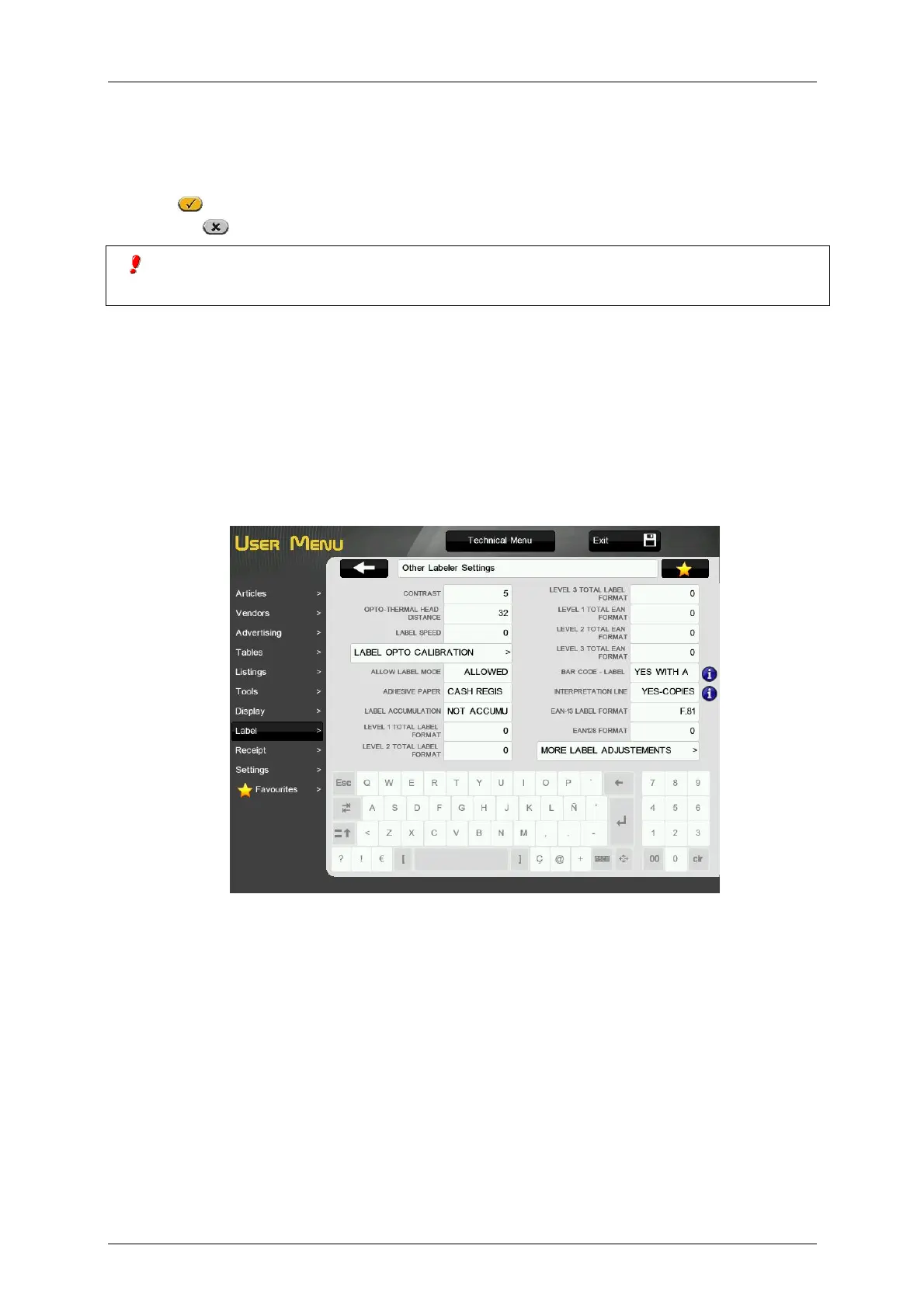
3.8.2.8.Other labeler settings
3.8.2.8.1 Contrast
The value of this parameter (from 0 to 9) is in direct proportion to the contrast with which the labels will be
printed.
Enter the value of the contrast as a number between 0 and 9 (default value 5).
3.8.2.8.2 Opto-Thermal Head Distance
By varying the value of this parameter you can centre the printing field of the labels in a vertical sense
both upwards and downwards achieving greater efficacy than with the previous CENTRE LABEL
parameter.
You can enter a value between 0 and 99 (by default 32).
3.8.2.8.3 Label speed
It determines the printing speed for labels. The greater the value, the higher the printing speed.



 To Next Page