OPERATOR’S MANUAL
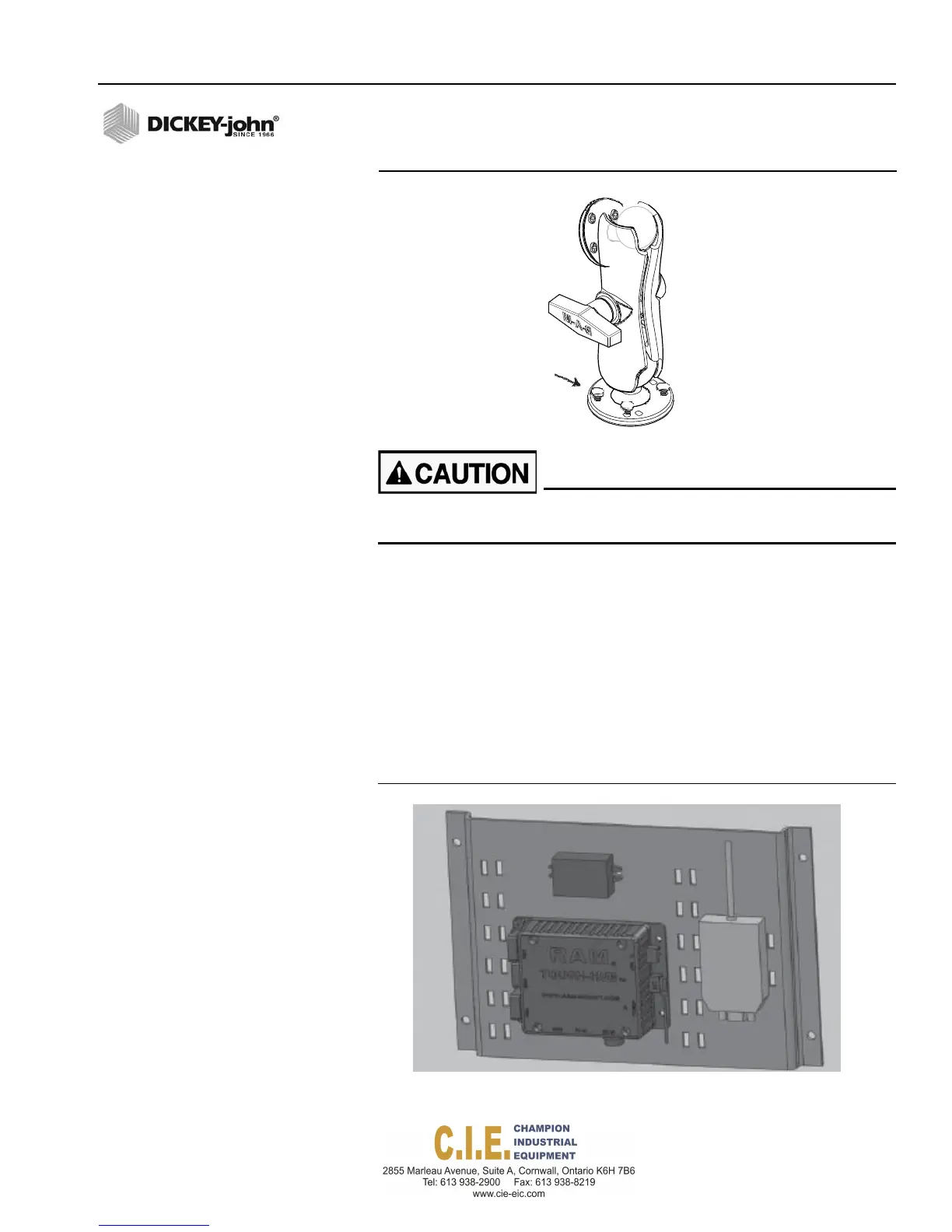
Figure 13
RAM Mount
SecureRammount
bracket(4)SAEScrews
Position tablet so that operator view is not obstructed and does
not interfere with driving/operation.
ATTACHING ACCESSORY PLATE TO CAB
The Accessory Plate contains the USB hub (RAM Tough Hub), DC-DC
converter, and the USB CAN adapter. This plate should be mounted near
the PCECU module.
Recommended mounting location is inside the cab on the floor, back of cab
wall, or center console. The Accessory Plate should be mounted in an area
that avoids possible moisture.
Refer to System Harness connection diagrams for attaching these
components to the cab harness.
Figure 14
Accessories Plate
Flex4 Pro
TM
Control System
6010541 Rev A
INSTALLATION / 19
DCConverter
USB
CAN
Adapter
RAMToughHub



 To Next Page