OPERATOR’S MANUAL
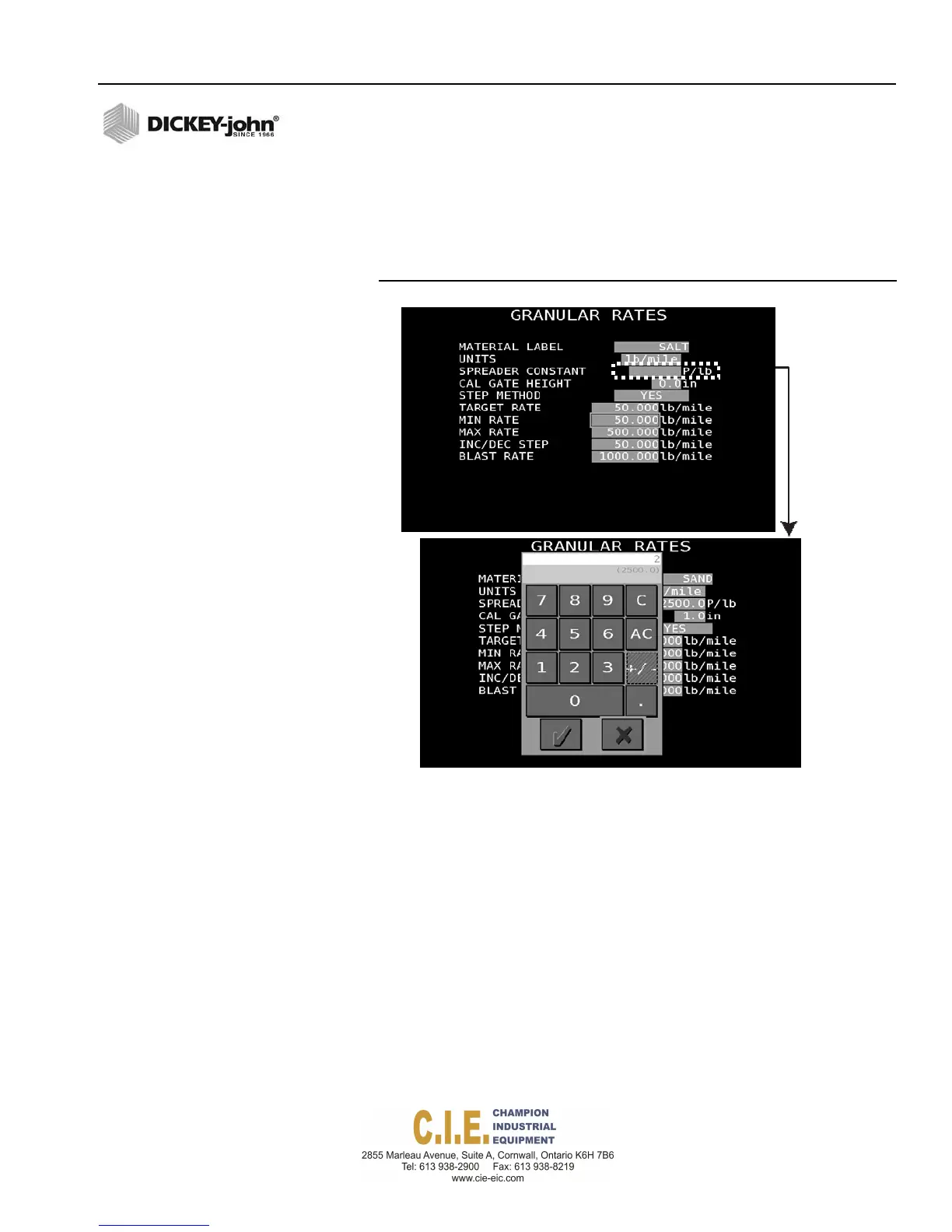
NUMBER ENTRIES
1.
To enter a number value, highlight the field and begin typing numbers
from the keyboard. A virtual keypad display onscreen and the number,
as entered, appears at top of the virtual keypad.
2.
Press the Enter button to accept the label entry.
Figure 50
Virtual Keypad
Number
Keypad
Flex4 Pro
TM
Control System
6010541 Rev A
FLEX4 PROTM PROGRAMMING / 51
2500.0



 To Next Page