OPERATOR’S MANUAL
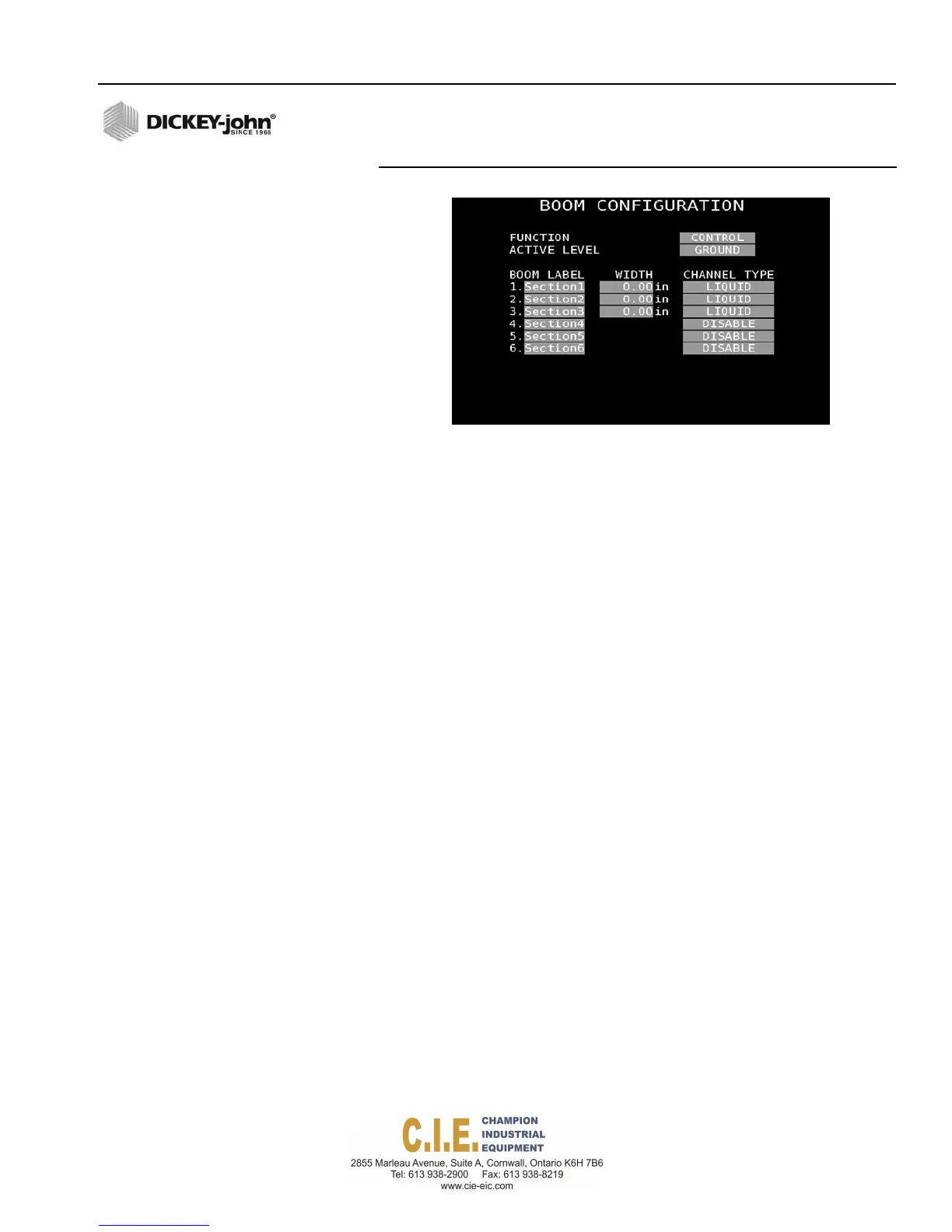
NOTE: Anti-ice and pre-wet channel
types do not require a width
entry and the width column will
not appear in those instances.
Figure 60
Boom Configuration Screen
FUNCTION
NOTE: Contact DICKEY-john Technical
Support at 1-800-637-3302 to
order a DICKEY-john output
module.
Control
Boom sections are controlled by a DICKEY-john output module allowing
sections to be turned on and off at the Operate screen with assigned
section buttons.
Sense
Boom sections are controlled by a separate switch box. Boom sections are
only sensed by the unit and displays on or off status on the Operate screen.
ACTIVE LEVEL
Active level sets the output signal as either ground or 12V for a valve driver
to control a boom shutoff delay.
Flex4 Pro
TM
Control System
6010541 Rev A
SYSTEM PROGRAMMING / 67



 To Next Page