OPERATOR’S MANUAL
Flex4 Pro
TM
Control System
6010541 Rev A
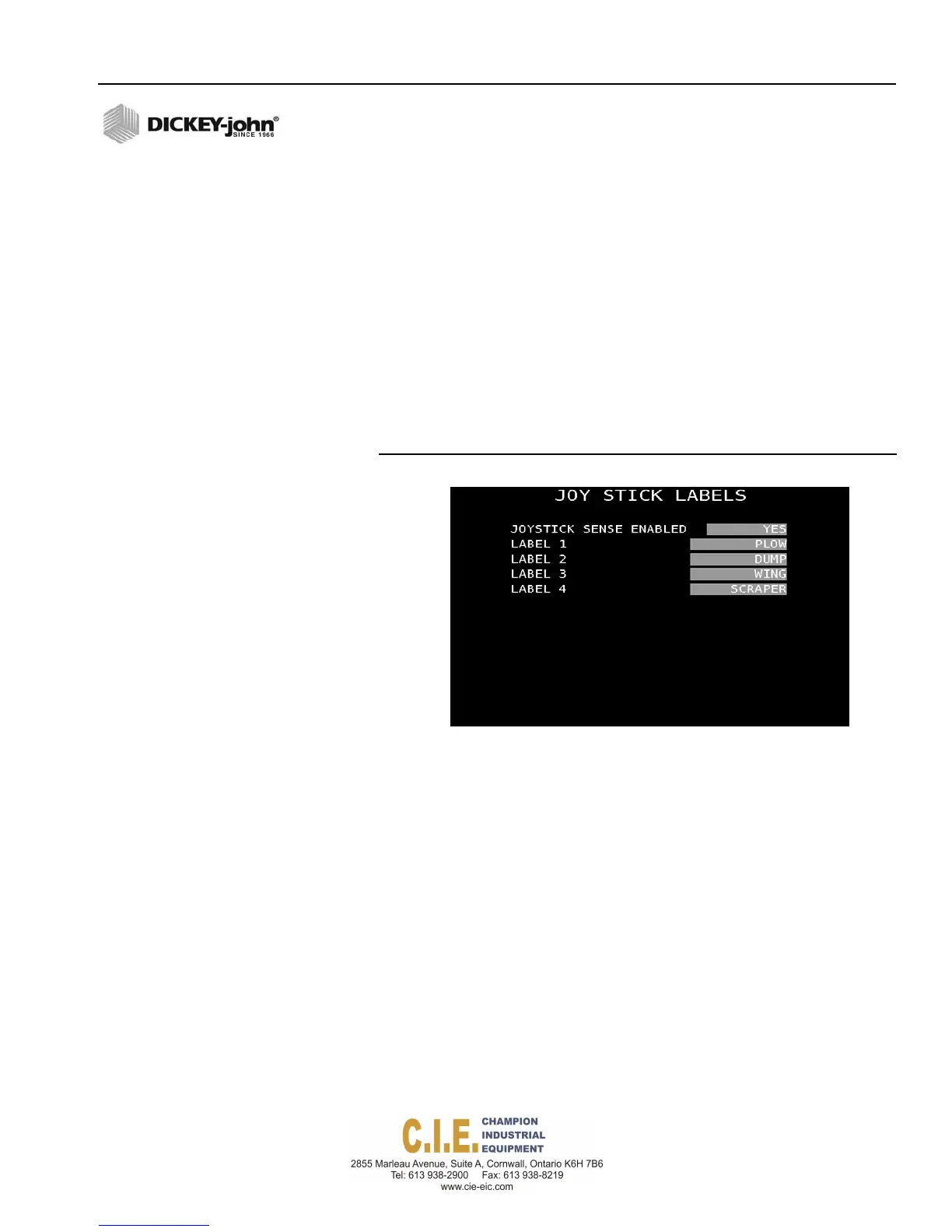
JOYSTICK LABELS
When a DICKEY-john joystick is installed, joystick labels can be created to
indicate functions that are enabled or active.
Joystick function appears on Operate screen as:
SCRAPER
To create Joystick Control Names:
1.
At the (F9) Accessory menu screen, press 7 on the keyboard to display
the Joystick Labels screen.
1.
Select Yes at the Joystick Sense Enabled input box to indicate a
DICKEY-john joystick is installed.
2.
At each label input box, enter a user-defined name that correlates with
the joystick function.
Figure 74
Joystick Labels Screen
SYSTEM PROGRAMMING / 83



 To Next Page