C
HAPTER
15
| Multicast Filtering
Multicast VLAN Registration for IPv6
– 596 –
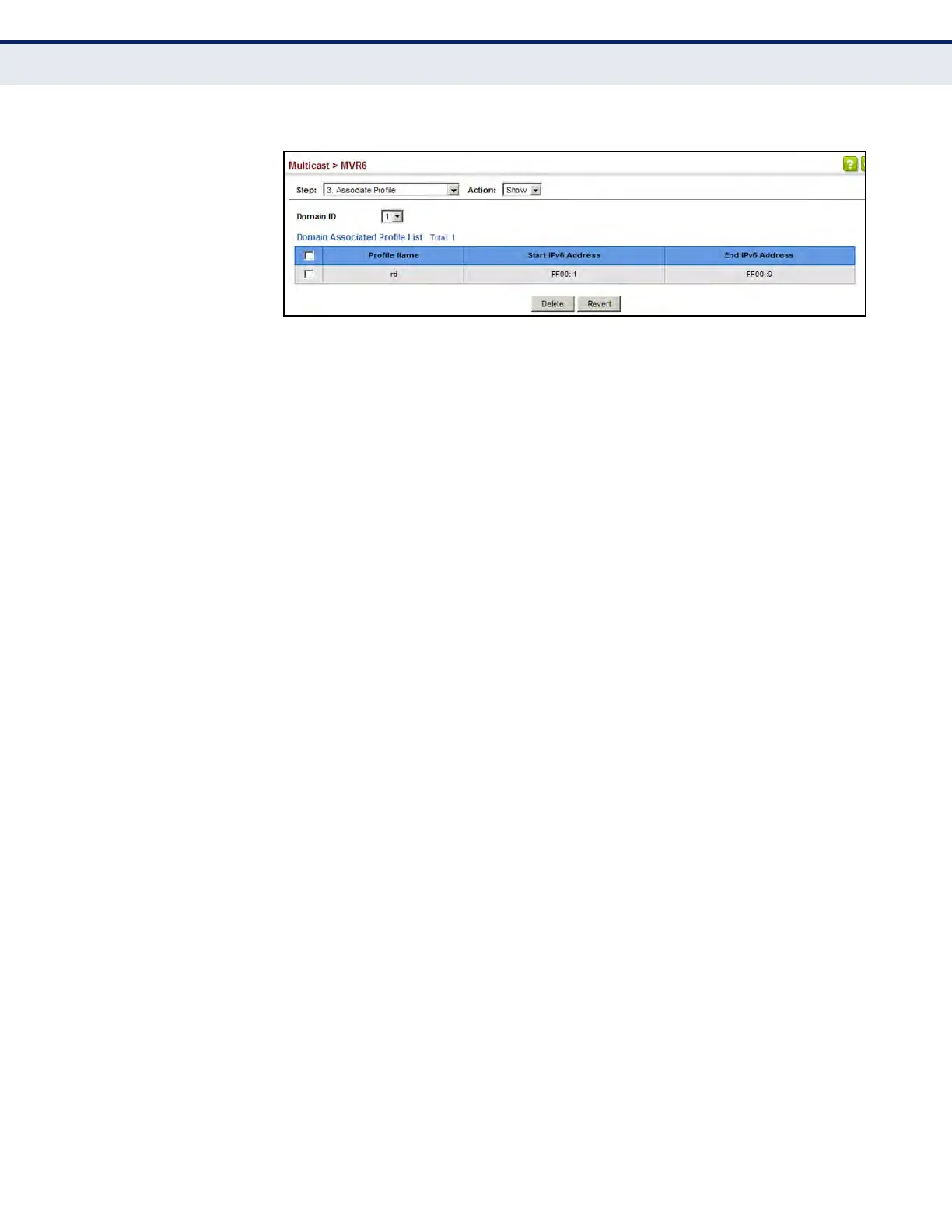
Figure 359: Showing MVR6 Group Address Profiles Assigned to a Domain
CONFIGURING MVR6
I
NTERFACE STATUS
Use the Multicast > MVR6 (Configure Interface) page to configure each
interface that participates in the MVR6 protocol as a source port or receiver
port. If you are sure that only one subscriber attached to an interface is
receiving multicast services, you can enable the immediate leave function.
CLI REFERENCES
u "MVR for IPv6" on page 1234
COMMAND USAGE
u A port configured as an MVR6 receiver or source port can join or leave
multicast groups configured under MVR6.
u Receiver ports can belong to different VLANs, but should not be
configured as a member of the MVR6 VLAN. MVR6 allows a receiver
port to dynamically join or leave multicast groups within an MVR6
VLAN. Multicast groups can also be statically assigned to a receiver port
(see "Assigning Static MVR Multicast Groups to Interfaces" on
page 582).
Receiver ports should not be statically configured as a member of the
MVR6 VLAN. If so configured, its MVR6 status will be inactive. Also,
note that VLAN membership for MVR6 receiver ports cannot be set to
access mode (see"Adding Static Members to VLANs" on page 193).
u One or more interfaces may be configured as MVR6 source ports. A
source port is able to both receive and send data for configured MVR6
groups or for groups which have been statically assigned (see
"Assigning Static MVR Multicast Groups to Interfaces" on page 582).
All source ports must belong to the MVR6 VLAN.
Subscribers should not be directly connected to source ports.
u Immediate leave applies only to receiver ports. When enabled, the
receiver port is immediately removed from the multicast group
identified in the leave message. When immediate leave is disabled, the
switch follows the standard rules by sending a group-specific query to
the receiver port and waiting for a response to determine if there are
any remaining subscribers for that multicast group before removing the
port from the group list.
n
Using immediate leave can speed up leave latency, but should only
be enabled on a port attached to one multicast subscriber to avoid













 To Next Page