Dobot M1 User Guide 6 Operation
Issue V1.3.4 (2019-05-23) User Guide Copyright © Yuejiang Technology Co., Ltd
102
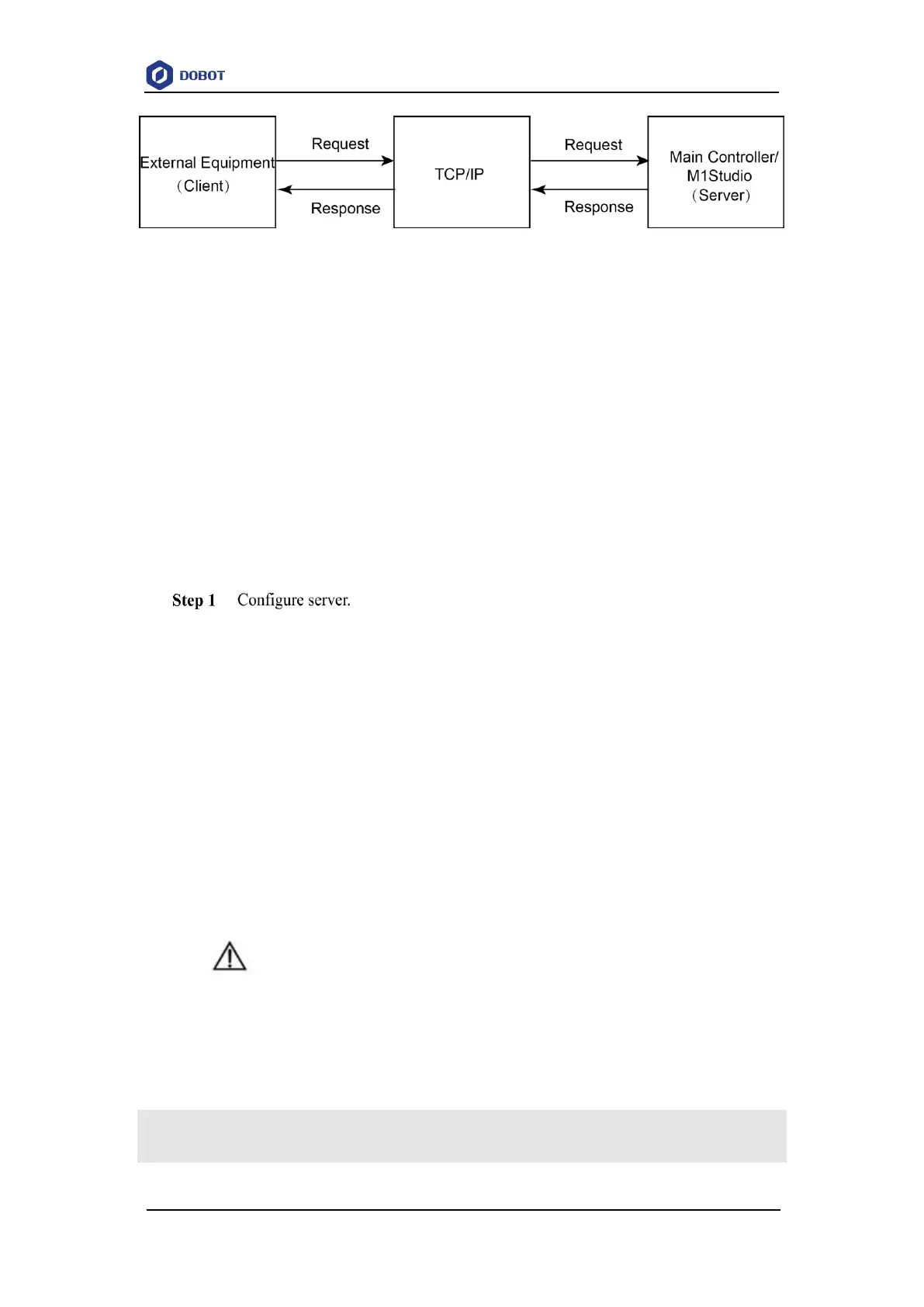
Figure 6.50 Communication process
This topic describes how to use the external equipment to control the robot arm by sending
commands with TCP/IP.
Prerequisites
The Dobot M1 has been connected to a PC successfully. For details, please see 5.2.3
Connecting Serial Port or 5.2.4Connecting Network Cable.
If the server is the main controller, you must connect the Dobot M1 to a PC with a network
cable.
The Dobot M1 has been powered on.
The Dobot M1 has been connected to the emergency stop switch.
Procedure
To build a remote control system, we need to create a server. We can take the PC
where the M1Studio is located or the main controller as a server. Program 6.1 shows
the server script demo (supposing that the name is syncServer.script), and the parts
of the demo shown in bold can be user-defined.
If the server is the PC where the M1Studio is located (Supposing that IP address is
192.168.1.10), the Dobot M1 can be connected to the PC by a serial port or a network
cable, and HOST, PORT = "192.168.1.10", 50030.
The port cannot be occupied.
If the server is the main controller (Suppose that IP address is 192.168.1.20), the
Dobot M1 can only be connected to PC by a network cable, and HOST, PORT =
"192.168.1.20", 50030.
The port cannot be occupied.
NOTICE
The IP address of server and client must be in the same network segment. Otherwise, the
remote control is invalid.
Program 6.1 Sever script
import socket
import threading



 To Next Page