Dobot M1 User Guide 7 Maintenance
Issue V1.3.4 (2019-05-23) User Guide Copyright © Yuejiang Technology Co., Ltd
132
Clearing alarm is not allowed after resetting the Encoder. Otherwise, the Dobot M1 may
move following an unexpected path, resulting in interference with peripheral equipment.
Moreover, please reboot the Dobot M1 after resetting the Encoder to avoid resetting
failure.
Restart the Dobot M1.
Check whether encoders are reset on the Debug page. Please check the default
values of the encoders (UserParam5 to UserParam8). If the values range from
163790000 to 196548000, the operation is successful.
Select the corresponding serial port from the serial drop-down list, and click
Connect.
If Connect turns to Disconnect, the connection is successful, and the Dobot M1
can be controlled by the M1Studio.
Click the icon of Motor on the Calibration page to make the
motor of Dobot M1 in the open-loop state.
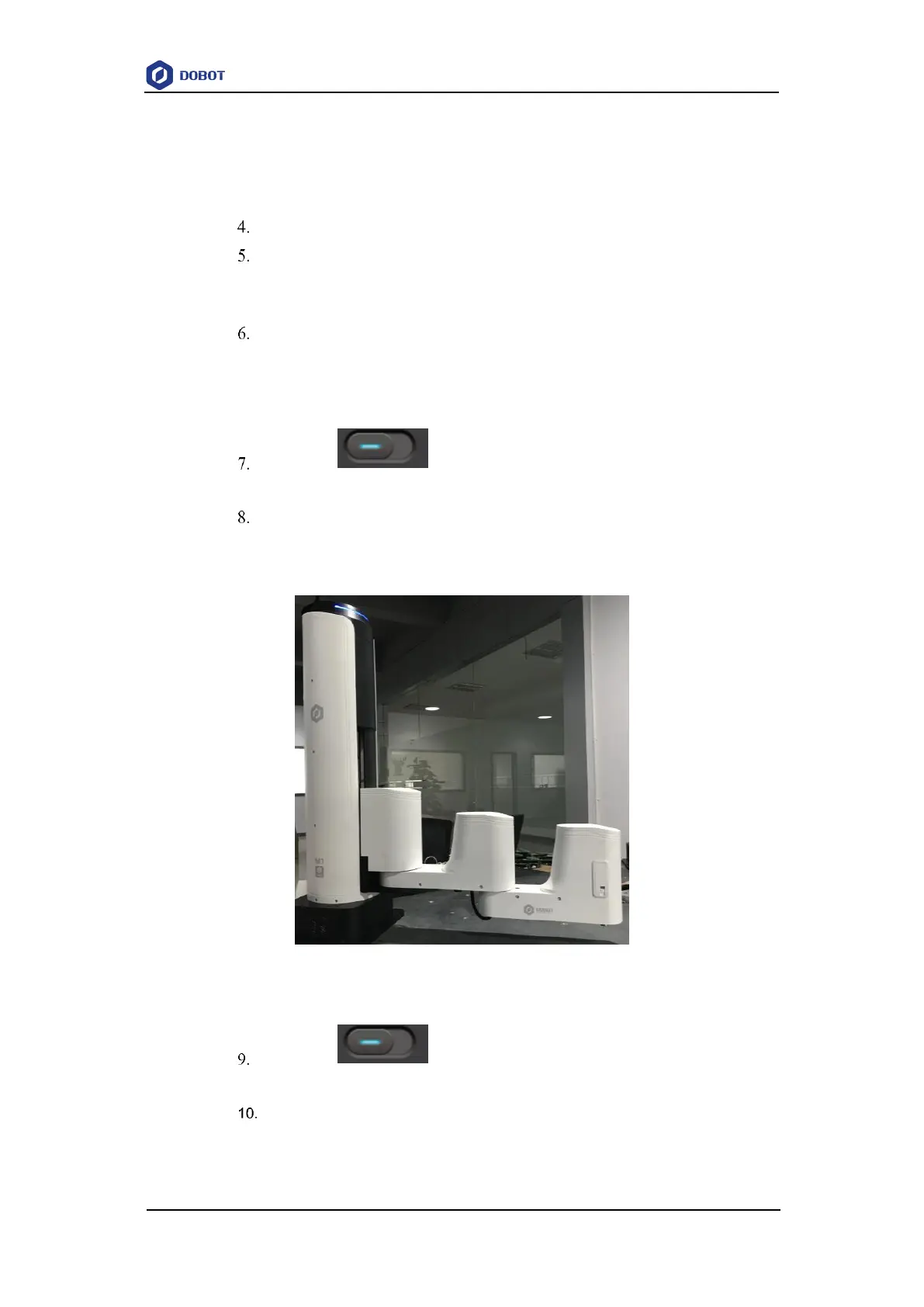
Jog the Dobot M1 by hand to make the Rear Arm and Forearm in a straight line
and perpendicular to the base forward, and then jog the Dobot M1 to the bottom
of Z-axis, as shown in Figure 7.20.
Figure 7.20 Location of Dobot M1 after Factory calibration
Click the icon of Motor on the Calibration page to make the
motor of Dobot M1 in the closed-loop state.
Click InitPos on the Debug page to make the Dobot M1 in the origin position
of which the coordinate is (400,0,0,0).



 To Next Page