Dobot M1 User Guide 6 Operation
Issue V1.3.4 (2019-05-23) User Guide Copyright © Yuejiang Technology Co., Ltd
70
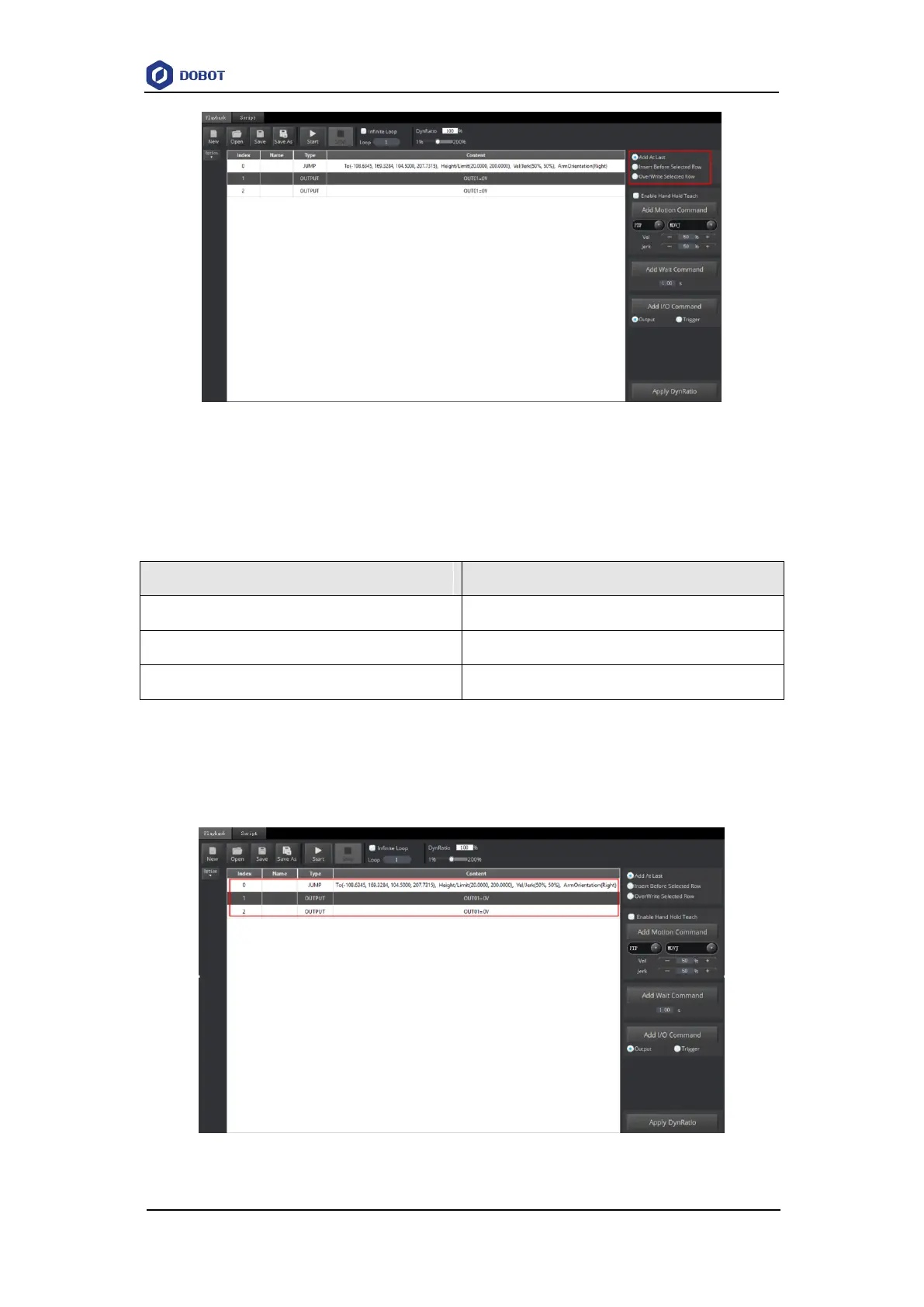
Figure 6.9 Overwrite the current saved point
Table 6.4 lists the location description of a saved point.
Table 6.4 Description of the location of a saved point
Add a new point after the last saved point.
Insert Before Selected Row
Insert a point before the current saved point
Overwrite the current saved point
Select a saved point and double-click the parameters on the line to modify the relevant
information. The saved point information is shown in Figure 6.10.
Figure 6.10 The saved point information



 To Next Page