Dobot M1 User Guide 6 Operation
Issue V1.3.4 (2019-05-23) User Guide Copyright © Yuejiang Technology Co., Ltd
72
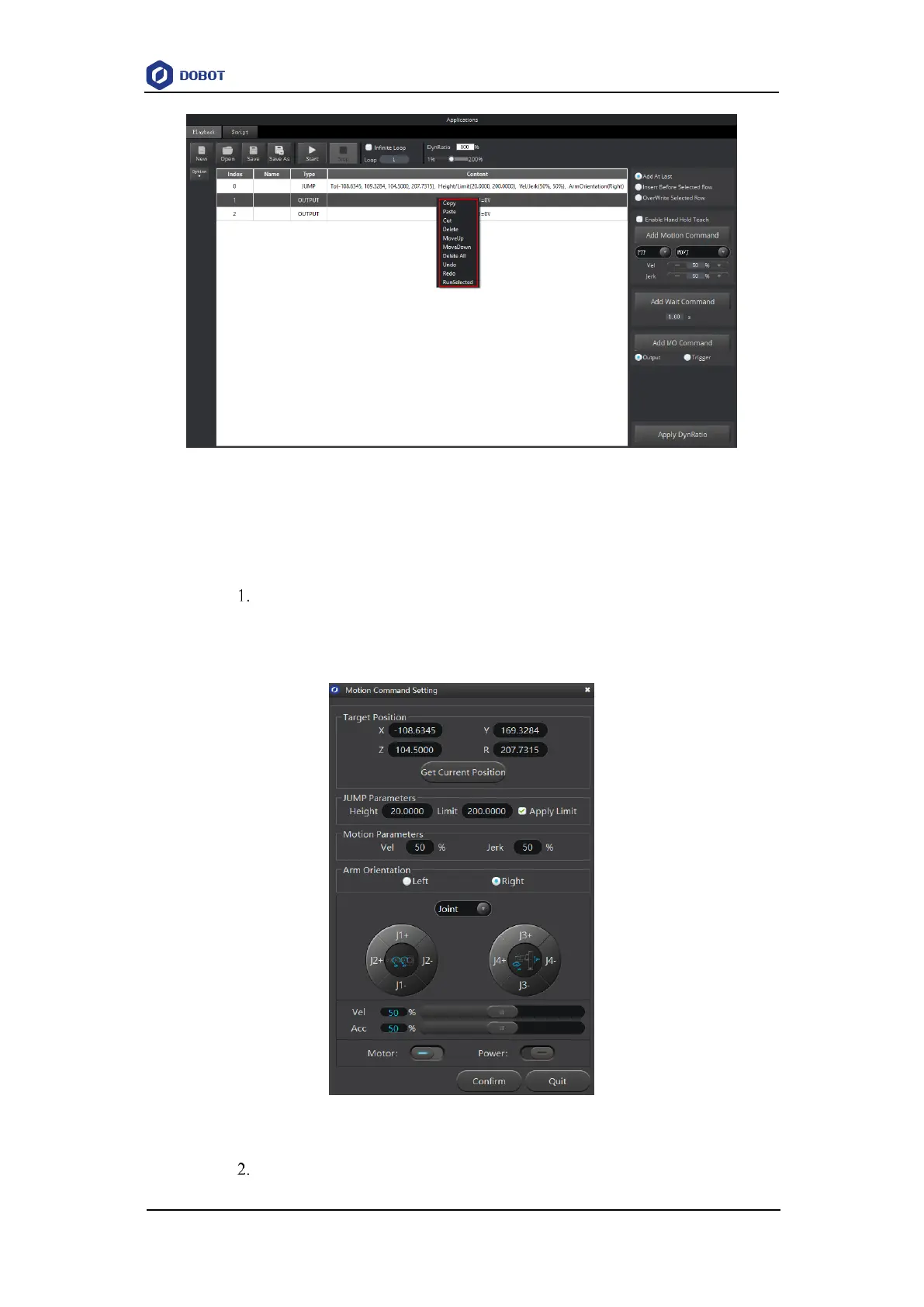
Figure 6.11 Right-click options of the saved points list
When modify the coordinates displayed in Content of which Type is motion mode, you
can input the coordinate values manually or operate the operation panel to modify them.
Select the saved point on the left pane of the Playback page, double-click
contents displayed in Content.
The Motion Command Setting page is displayed, as shown in Figure 6.12.
Figure 6.12 Modify the current saved point
Click the coordinate buttons on the operation panel pane of the Motion



 To Next Page