Dobot M1 User Guide 6 Operation
Issue V1.3.4 (2019-05-23) User Guide Copyright © Yuejiang Technology Co., Ltd
82
Machine center, please select it
Please select RepRap Marlin/Sprinter
Please select the corresponding serial port
NOTE
The maximum width of 3D printing that Dobot M1 supports is 200mm, the maximum
depth is 200mm, and the maximum height is 220mm. Please make the 3D-print in the
Dobot M1 workspace.
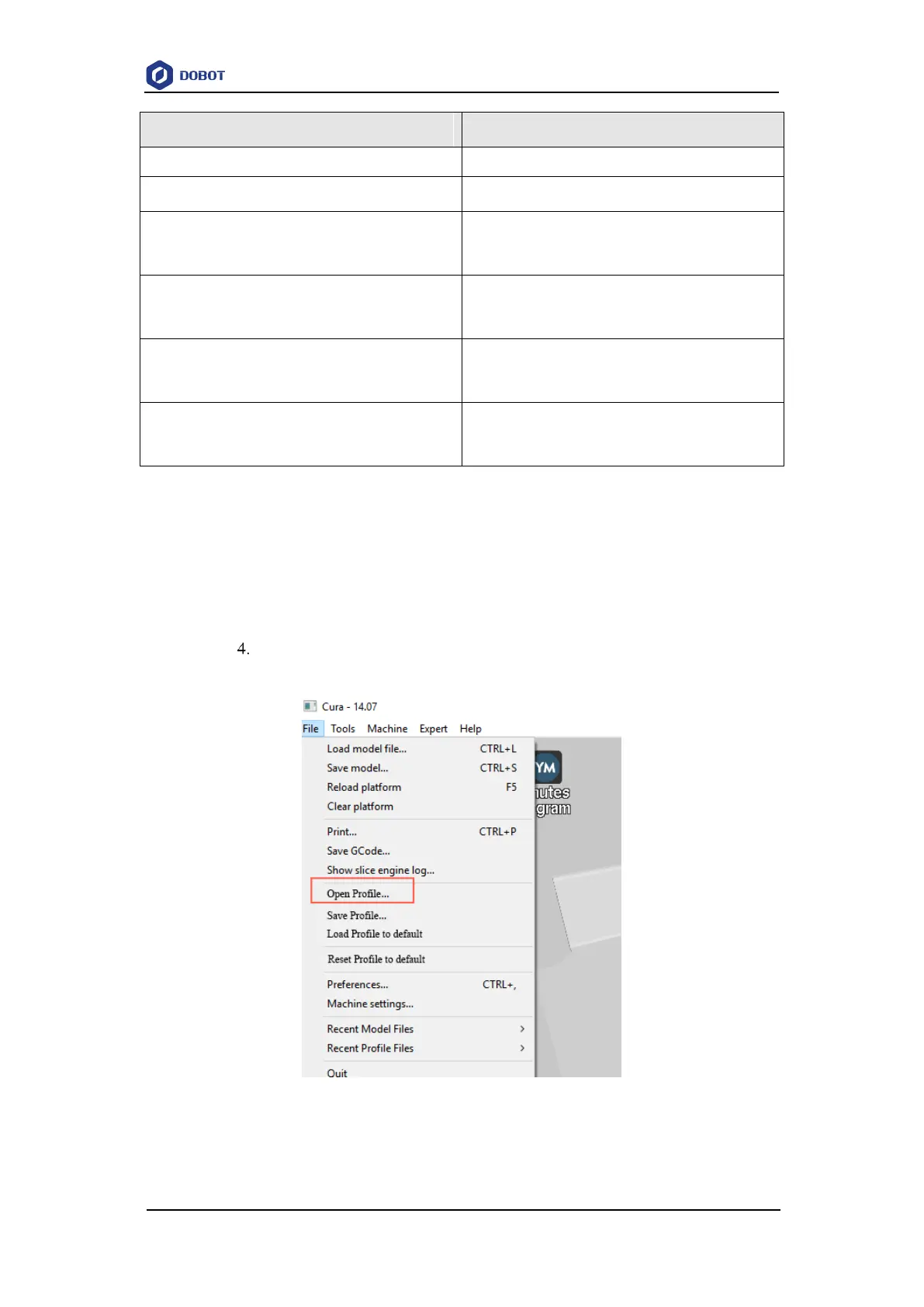
Set slice parameters, and select File > Open Profile to import these parameters,
as shown in Figure 6.22.
Figure 6.22 Import slice parameters
The 3D printing effect depends on the slice parameters. This topic provides a
configuration sample, you can import it directly for printing.



 To Next Page