82
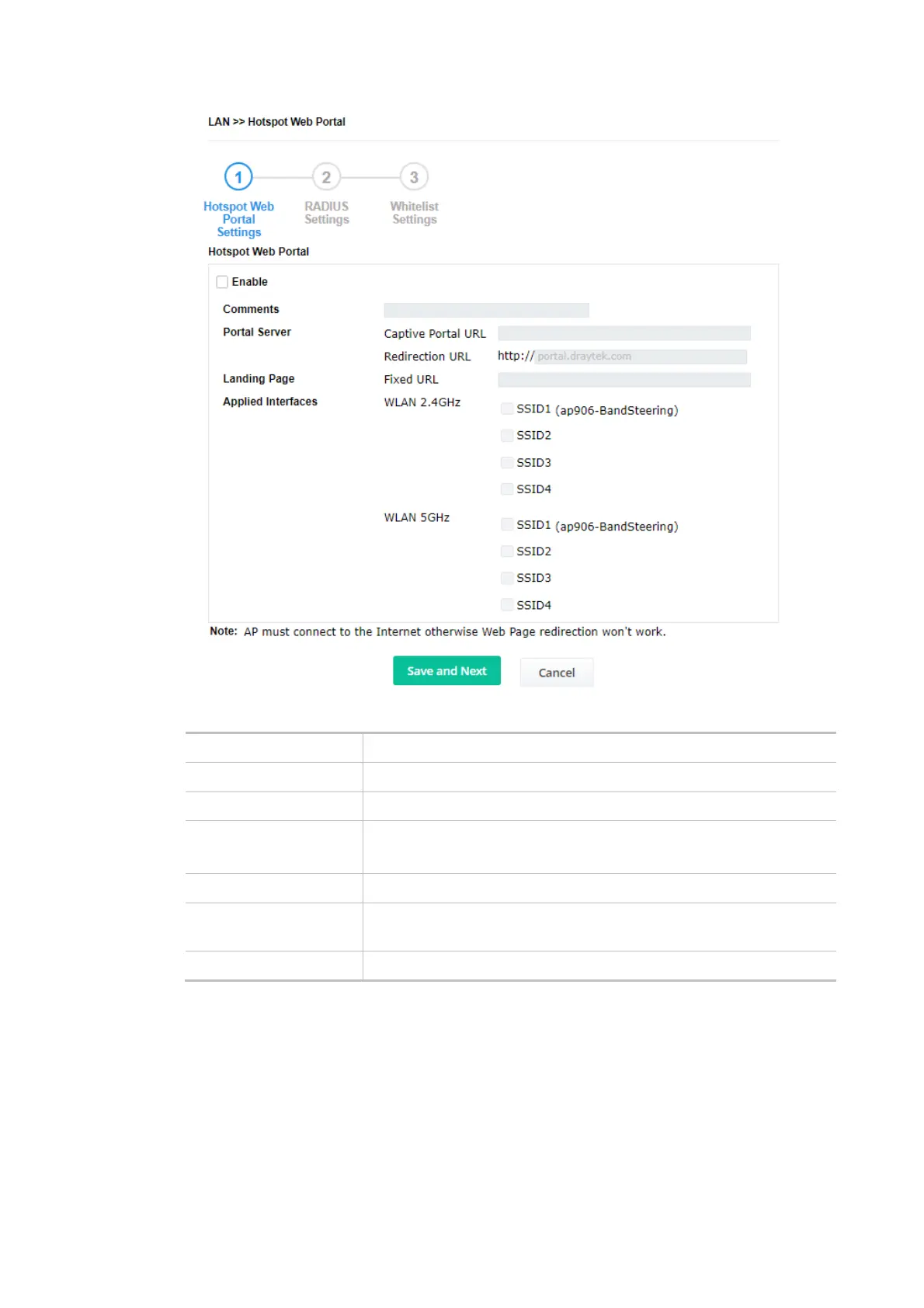
Available settings are explained as follows:
Item Description
Enable Check it to enable the hotspot web portal settings.
Comments Enter a brief description for this profile.
Portal Server Captive Portal URL - Enter the captive portal URL.
Redirection URL - Enter the URL to which the client will be redirected.
Landing page Fixed URL - Enter the URL as the landing page for wireless clients.
Applied Interfaces SSID1 to SSID4 - The current Hotspot Web Portal profile will be in
effect for the selected WLAN SSIDs.
Save and Next Click to access into next page.
After finishing this web page configuration, please click Save and Next for the next setting page.
(2) RADIUS Settings
Configure the external RADIUS server for mutual authentication.













 To Next Page