Machine description
4812164901_A.pdf 2022-11-14
Adjusting the speed
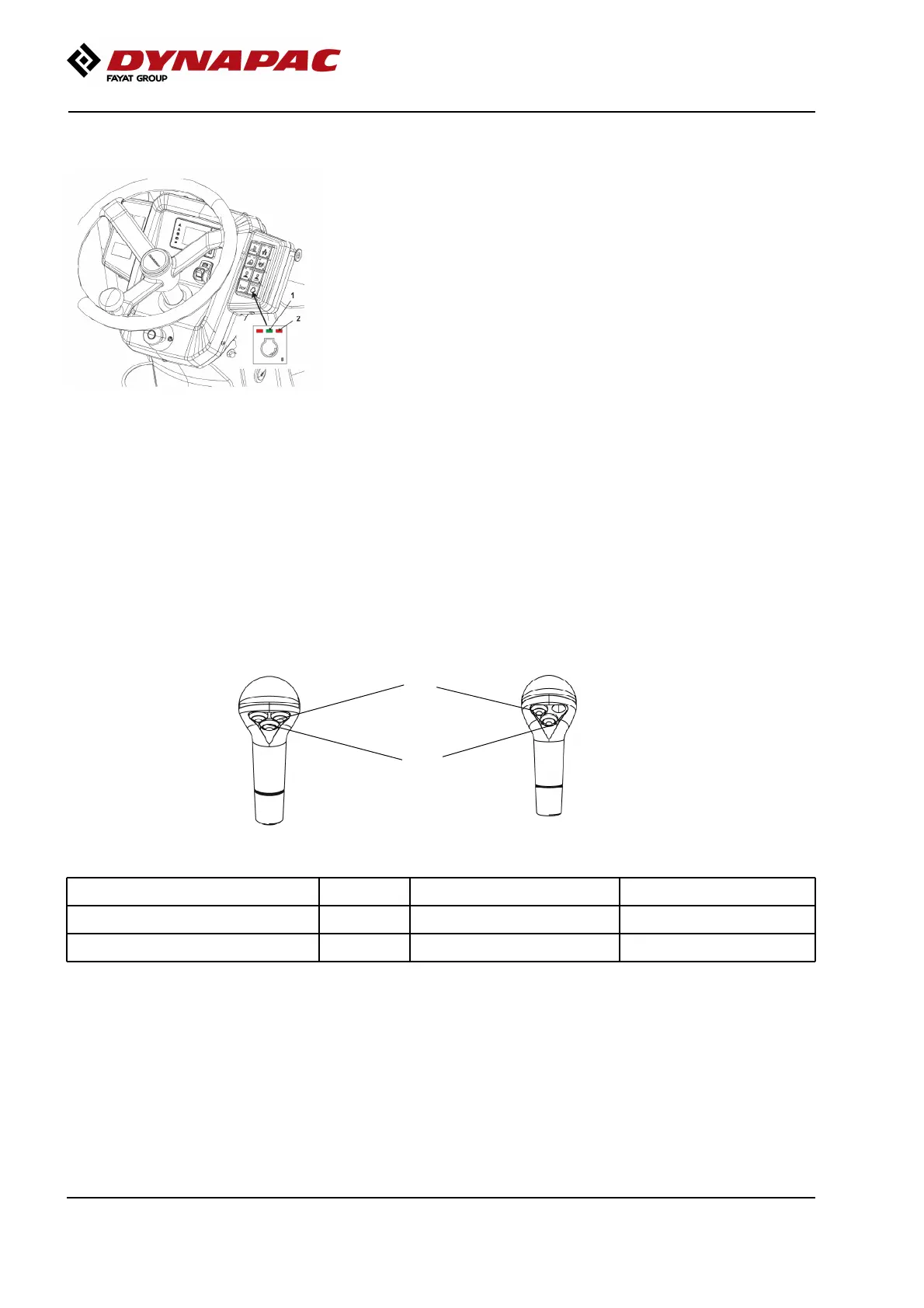
Fig. Speed selector for drive
Speed selector for drive
If the LED on the left is lit, the low drive speed is
selected.
If the LED in the middle (green) is lit, ECO/medium
drive speed is selected.
If the LED on the right is lit, the high drive speed is
selected.
Function description, buttons on
Forward/Reverse lever
Mode / Button LED Button 1 Button 2Mode / Button LED Button 1 Button 2
Transport mode
0
None NoneTransport mode
0
None None
Working mode
1
Vibration, front Vibration, rearWorking mode
1
Vibration, front Vibration, rear
Right lever (RH)
Left lever (LH)
2
1
30



 To Next Page