Machine description
4812164901_A.pdf 2022-11-14
User settings
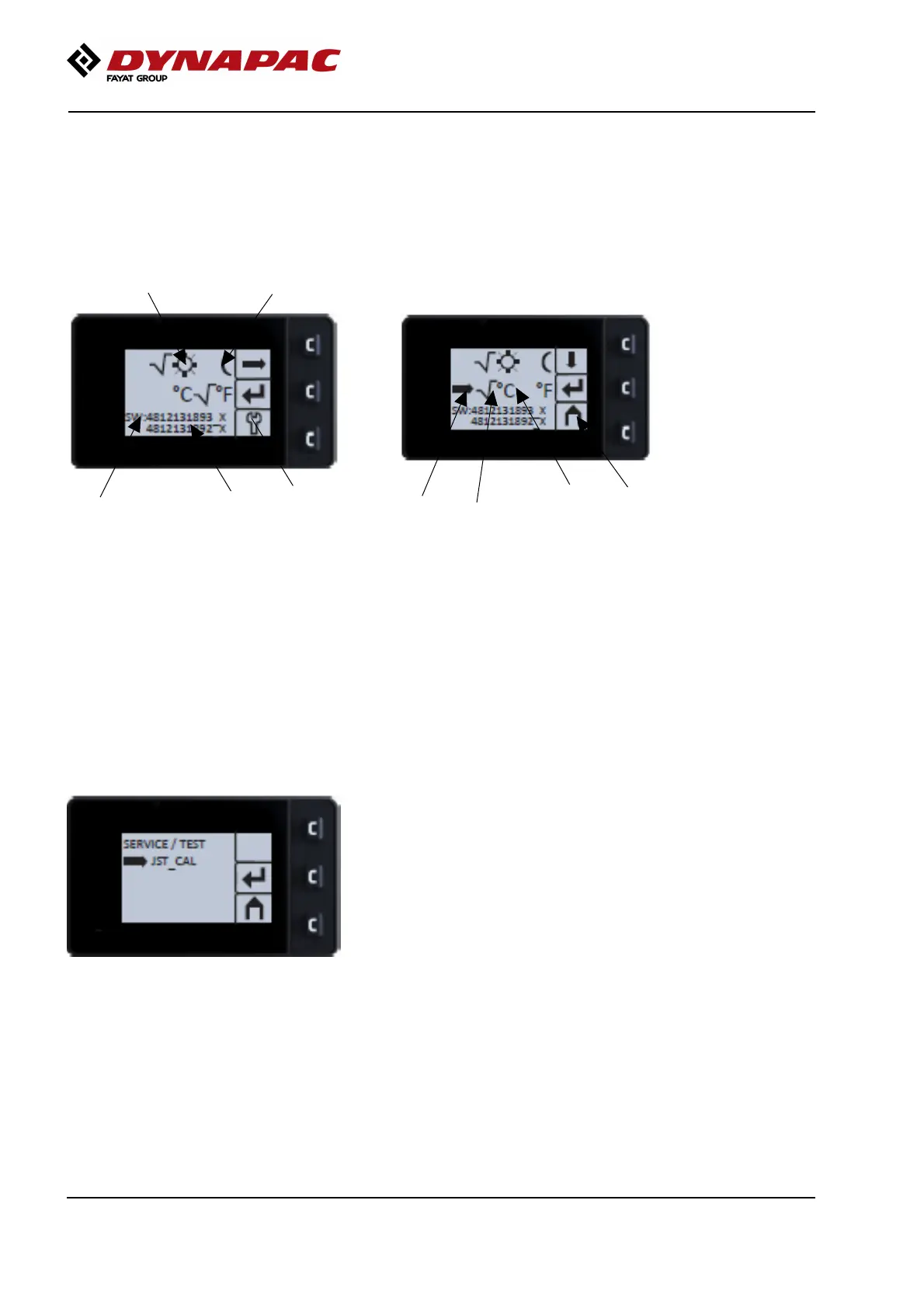
The user can change the light settings (day mode (9) /
night mode (10)), choose between the Metric or
Imperial unit system (14) and also read version of
installed software for display (11) and ECU (12).
Fig. User settings
9. Light settings, Day mode
10. Light settings, Night mode
11. Software version, Display
12. Software version, ECU
13. To service / test site
13
109
12
11
Fig. User settings
14. Cursor
15. Section selector
16. Metric / Imperial unit
17. Start menu
16
15
17
14
"SERVICE MENU"
The service menu is also accessible via the main
menu for adjustments.
38



 To Next Page