Machine description
4812164901_A.pdf2022-11-14
Function description - Display
Display explanations
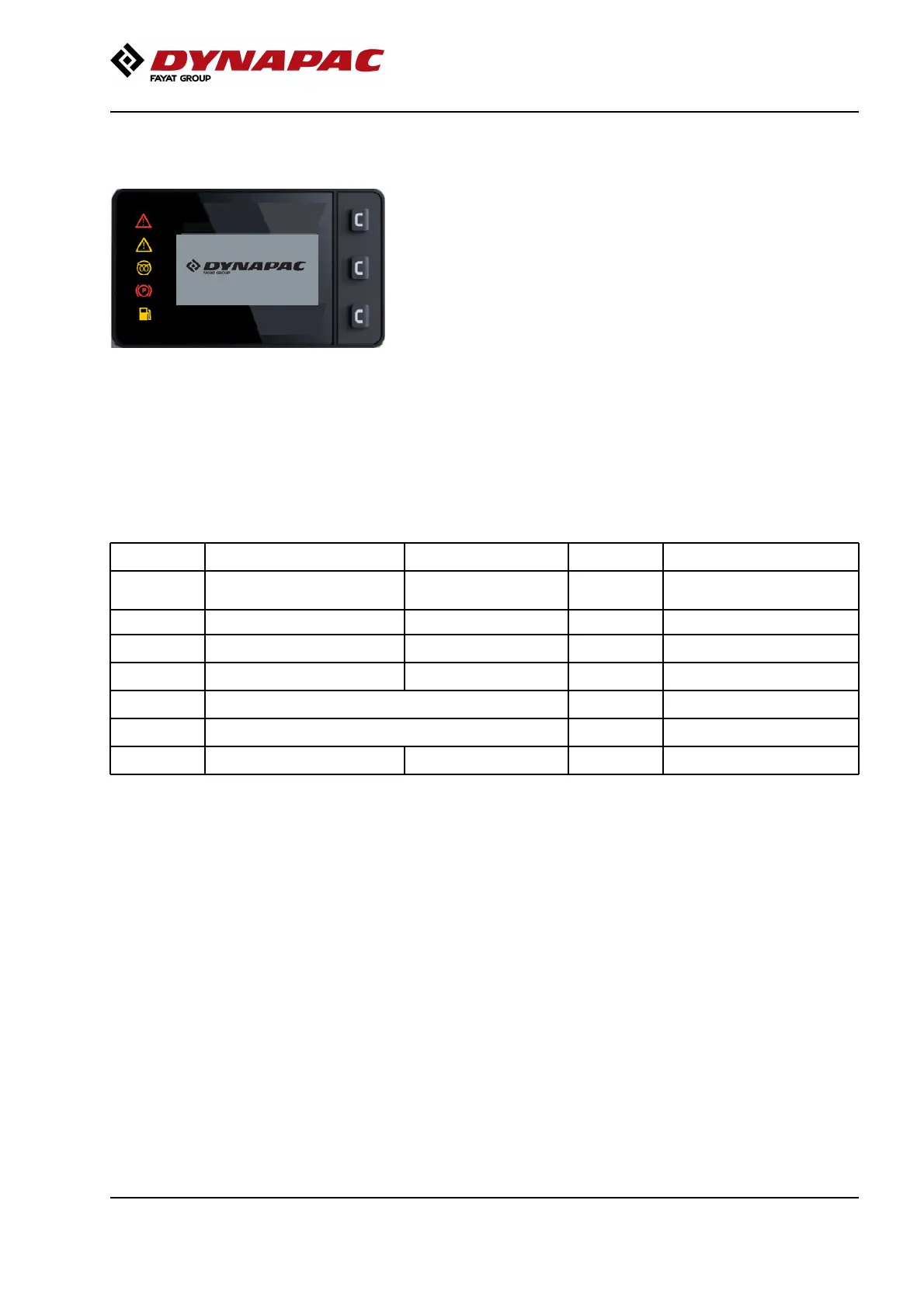
Fig. Start-up image
When the ignition switch is activated to position I, a
start-up image is shown on the display. This image is
visible for three seconds and then changes to
Transport/Working mode, depending on which mode is
selected on the membrane panel.
The battery pack must be initialized in order for the
display to light up.
Navigation submenus
There are 3 buttons on the right-hand side of the
display for navigating in menus and submenus.
Level 1 Level 2Level 1 Level 2
1st press Transport mode/Working
mode
1st press Transport mode/Working
mode
2nd press Machine status (via center button) 1st press Battery2nd press Machine status (via center button) 1st press Battery
2nd press Propulsion2nd press Propulsion
3rd press Vibration3rd press Vibration
3rd press Error log (Machine-related errors)3rd press Error log (Machine-related errors)
4th press Error codes (BMS Battery Management System)4th press Error codes (BMS Battery Management System)
5th press User settings5th press User settings
31



 To Next Page