Machine description
4812164901_A.pdf2022-11-14
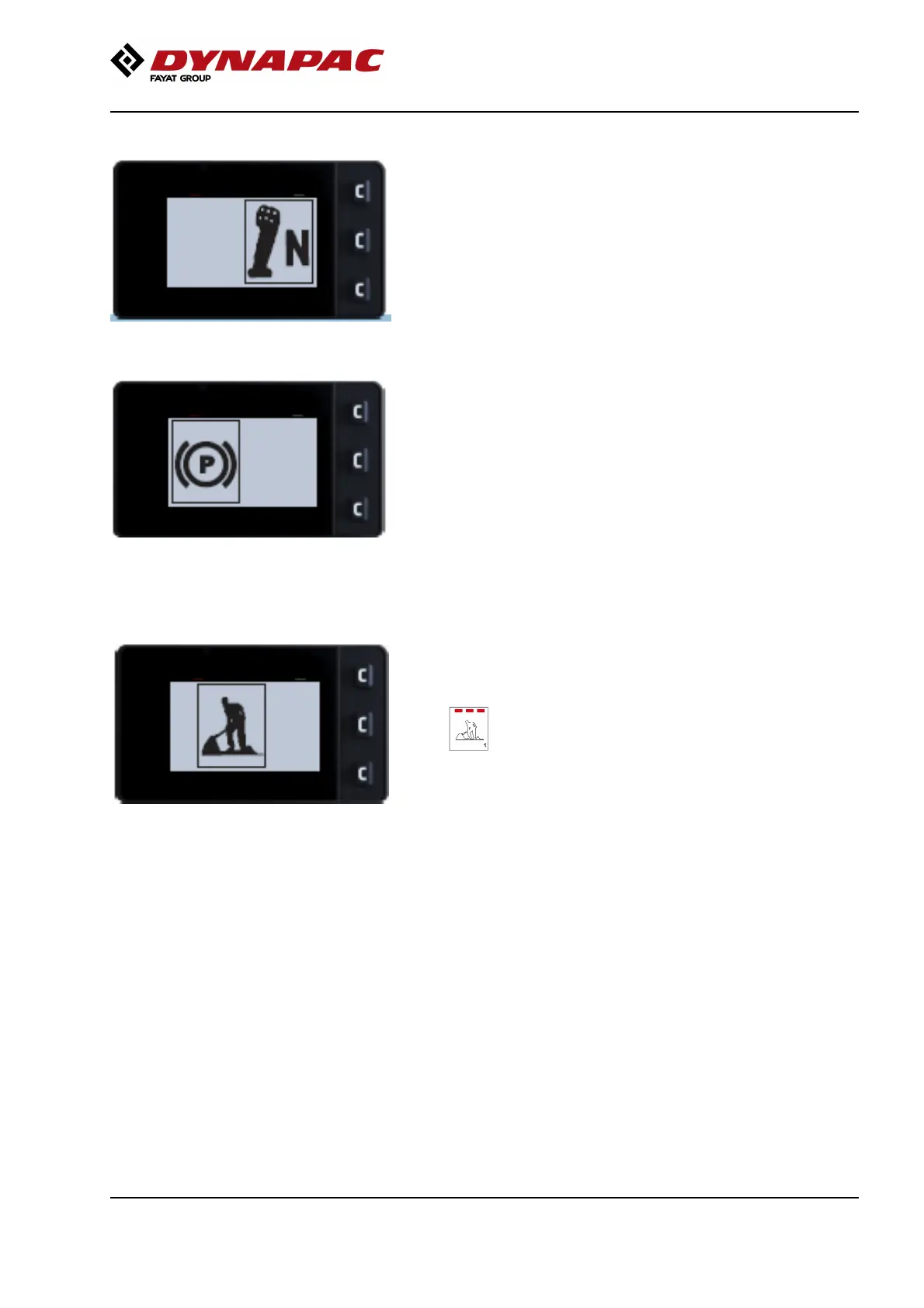
Operator help when starting
The machine starts and the forward drive pump is
activated when the parking brake button is released.
This can only be done if the following conditions are
met:
- Control lever in neutral
- The driver is seated in the driver’s seat
For conditions that are not met and operator
assistance is available, respective symbols are shown
on the display during attempted start-up.
Operator help Workmode
Working mode must be selected and the parking brake
button must be deactivated in order to activate
vibration.
Operator assistance (and the three LED
indicators on the working mode selection button)
indicate if activation is attempted without the
working mode being selected.
Operator assistance (and the three LED
indicators on the working mode selection button)
indicate if activation is attempted without the
working mode being selected.
35



 To Next Page