Operation
4812164901_A.pdf 2022-11-14
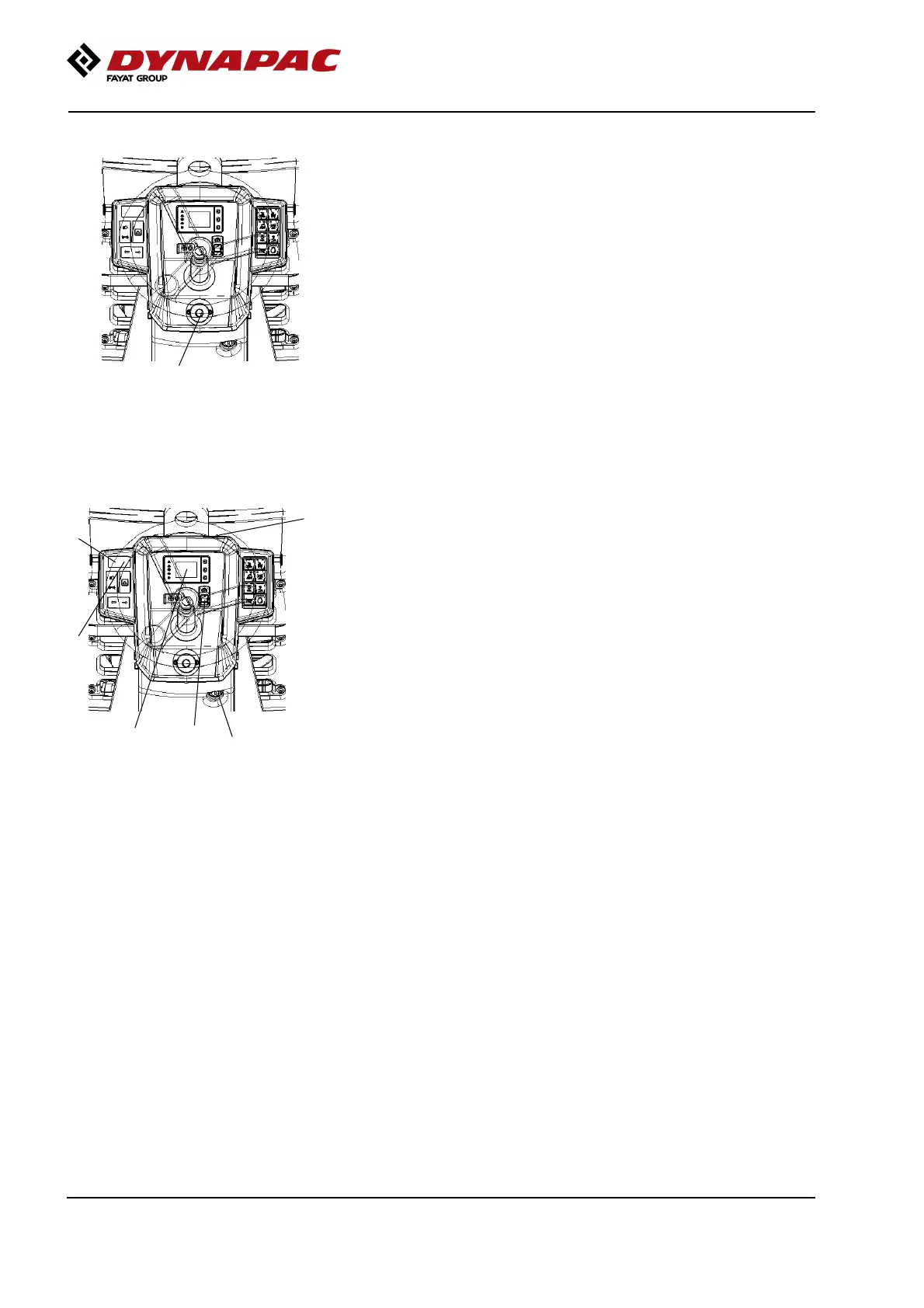
Emergency stop
1
Fig. Control panel
1. Emergency stop
The emergency stop is activated by pressing the
button (1).
Hold the steering wheel firmly and brace yourself for a
sudden stop.
The brakes are engaged, forward drive stops and the
machine is switched off.
After an emergency stop, return the forward/reverse
lever to neutral and deactivate the emergency stop by
pulling up the button (1).
Restart the machine in accordance with the start-up
procedure, see section on Start-up.
Switching off
2
3
1
6
5
4
Fig. Instrument panel
1. Ignition key
2. Battery OFF
3. Battery ON
4. Instrument cover
5. Panel for warning lamps
6. Parking brake
Activate the parking brake (6).
Check instruments and warning lamps to see if any
faults are indicated. Switch off all lights and other
electrical functions.
Turn the ignition key (1) to position 0. This will turn off
the display and other machine functions, but not the
battery.
Switching off: Press and hold down the battery OFF
switch for 2 seconds to turn off the battery.
70



 To Next Page