Operation
4812164901_A.pdf 2022-11-14
Battery status
light– green light
The battery is initialized for 2–3 seconds and the
battery status light emits a solid light when the battery
and its monitoring system are ready for charging.
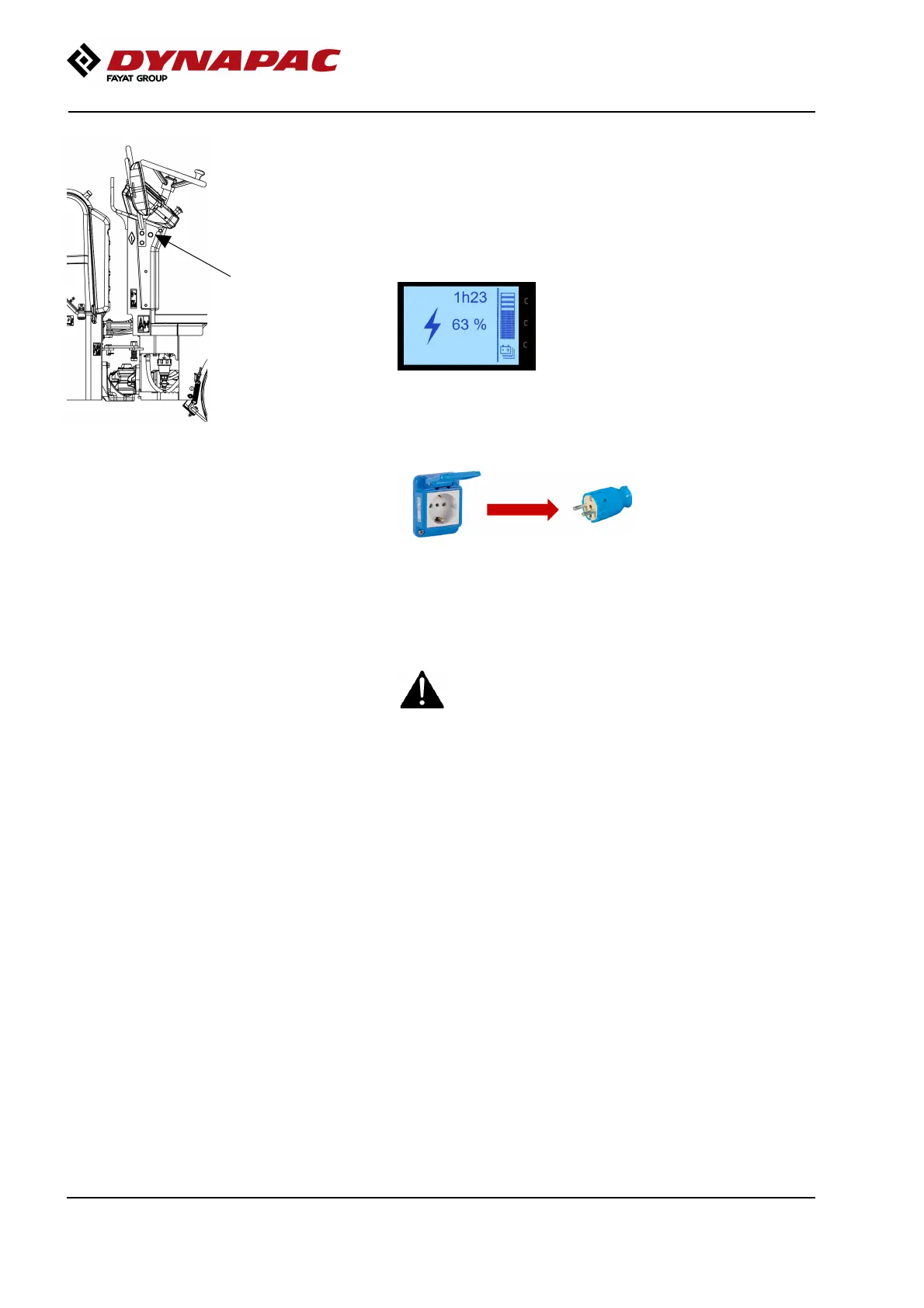
If you during the charging procedure turn on the
machine´s ignition and start the display you are able to
see the current charging level in % and also the
estimate remaining charge time until fully charged.
After the charging is completed the green status lamp
on the machine´s sterring column goes out.
Disconnect the charger from the wall socket.
Remove the charging cable from the machine’s
charging socket.
Store and handle the battery charger with a cable
so that neither the charger nor the charging
connection are damaged.
Store and handle the battery charger with a cable
so that neither the charger nor the charging
connection are damaged.
58



 To Next Page