69
6. Screen saver
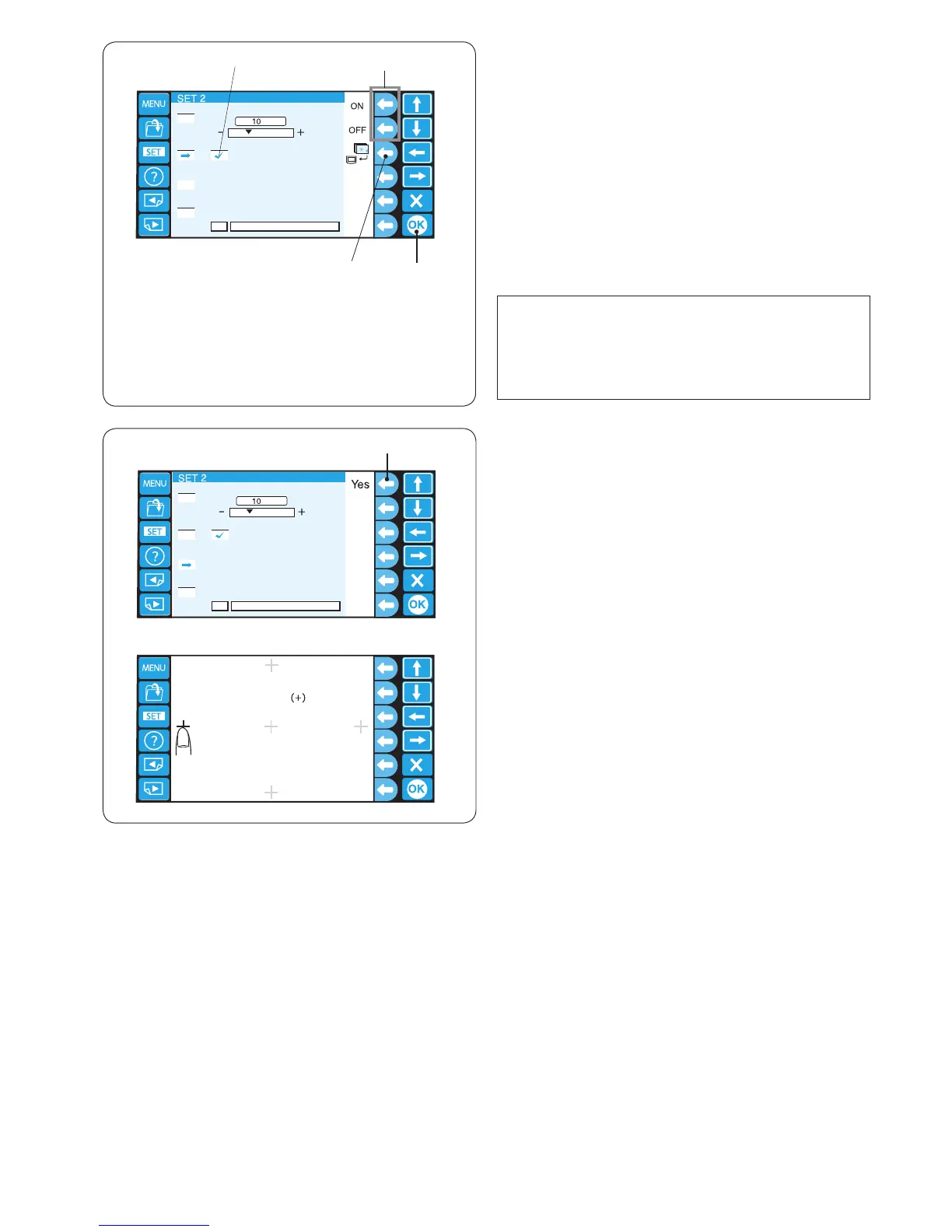
If the screen saver is activated, it will be shown on the
LCD screen instead of entering the eco mode.
To activate the screen saver, press the function key next
to “ON”.
When it is activated, a check mark will appear in the box.
To disable the screen saver, press the function key next
to “OFF”.
q Function keys (ON, OFF)
w Check mark
Press the OK key to register the new setting.
e OK key
NOTE:
You can import the original screen saver via the USB
ash drive by pressing the function key next to the
machine icon.
r Function key (screen saver)
7. Touch screen calibration
If you feel the keys on the touch screen do not respond
correctly, adjust the key position in this mode.
Press the function key next to “Yes” and the touch screen
calibration window will open.
q Function key (Yes)
Press the cross mark “+” with your ngertip in the order
as they appear on the touch screen.
When you press the last cross mark, the nishing screen
appears for a while and then the screen will return to the
setting mode window.















 To Next Page