Release date: 01 Nov 2021
Revision: 1.0
1.
2.
3.
4.
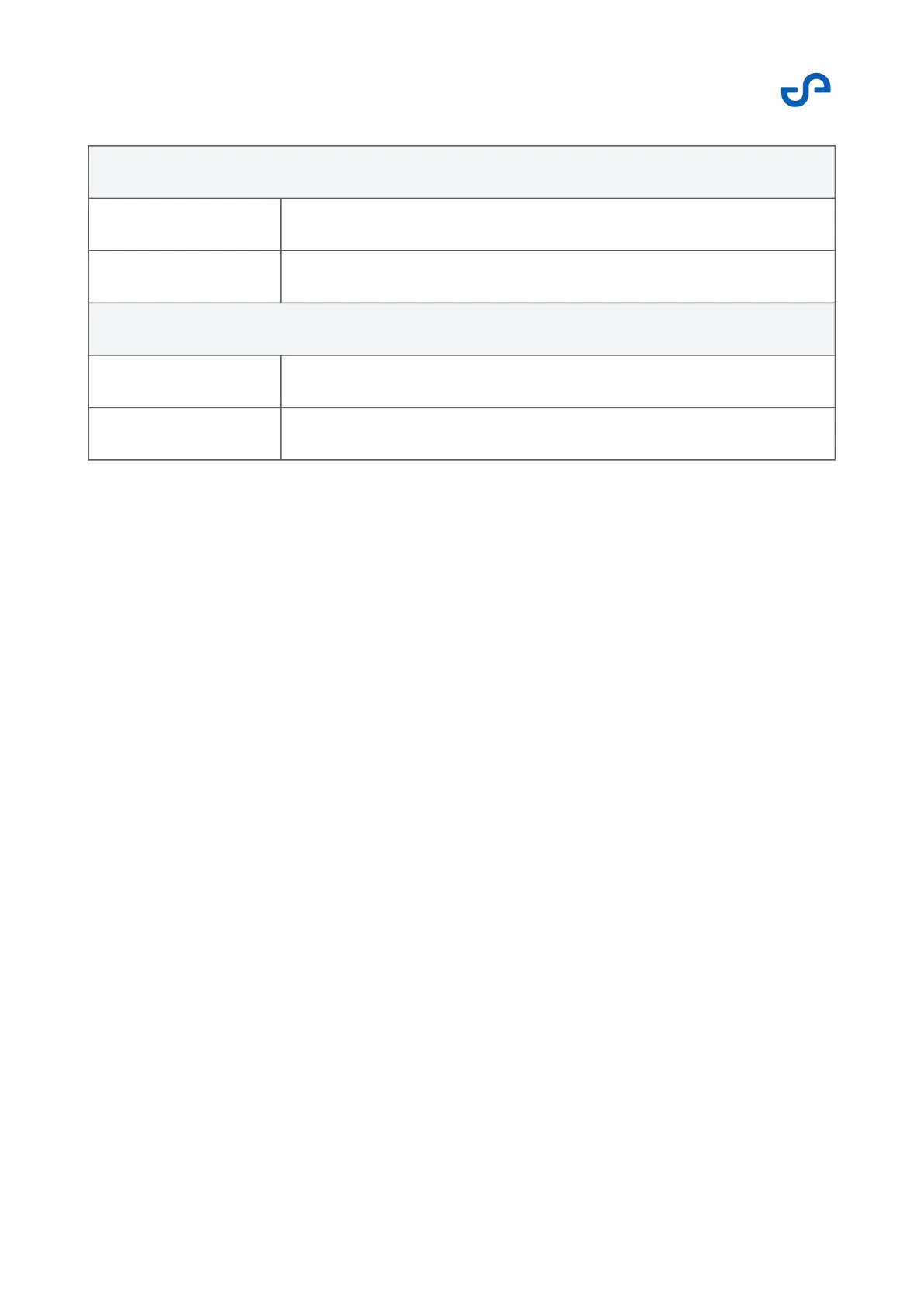
Vertical center of gravity limits
Down -175 mm
Up 100 mm
Lateral center of gravity limits
Left -25 mm
Right 25 mm
4.5.4.2 Determining the center of gravity
This is a general method for finding the center of gravity of your drone, independent of its
configuration, shape, or mass.
Perform this step with the front or back towards you. Find an edge on which you can tilt the
drone. If the drone is in its balanced position, determine a vertical line through the balancing
edge.
Find a different edge to balance the drone in the same view. Again, find its balance point as
described above. Determine a vertical line once the balance point is found. The point where the
two lines meet is the center of gravity from the front or back view.
Now turn your drone 45 degrees so that you have a side view.
Repeat the above step again from this view. The vertical line from the edge on which the
drone is balanced should cross the fictional horizontal line through the center of gravity point
from the front view. The point where these two lines meet should be the center of gravity of your
drone configuration.



 To Next Page