Release date: 01 Nov 2021
Revision: 1.0
•
•
•
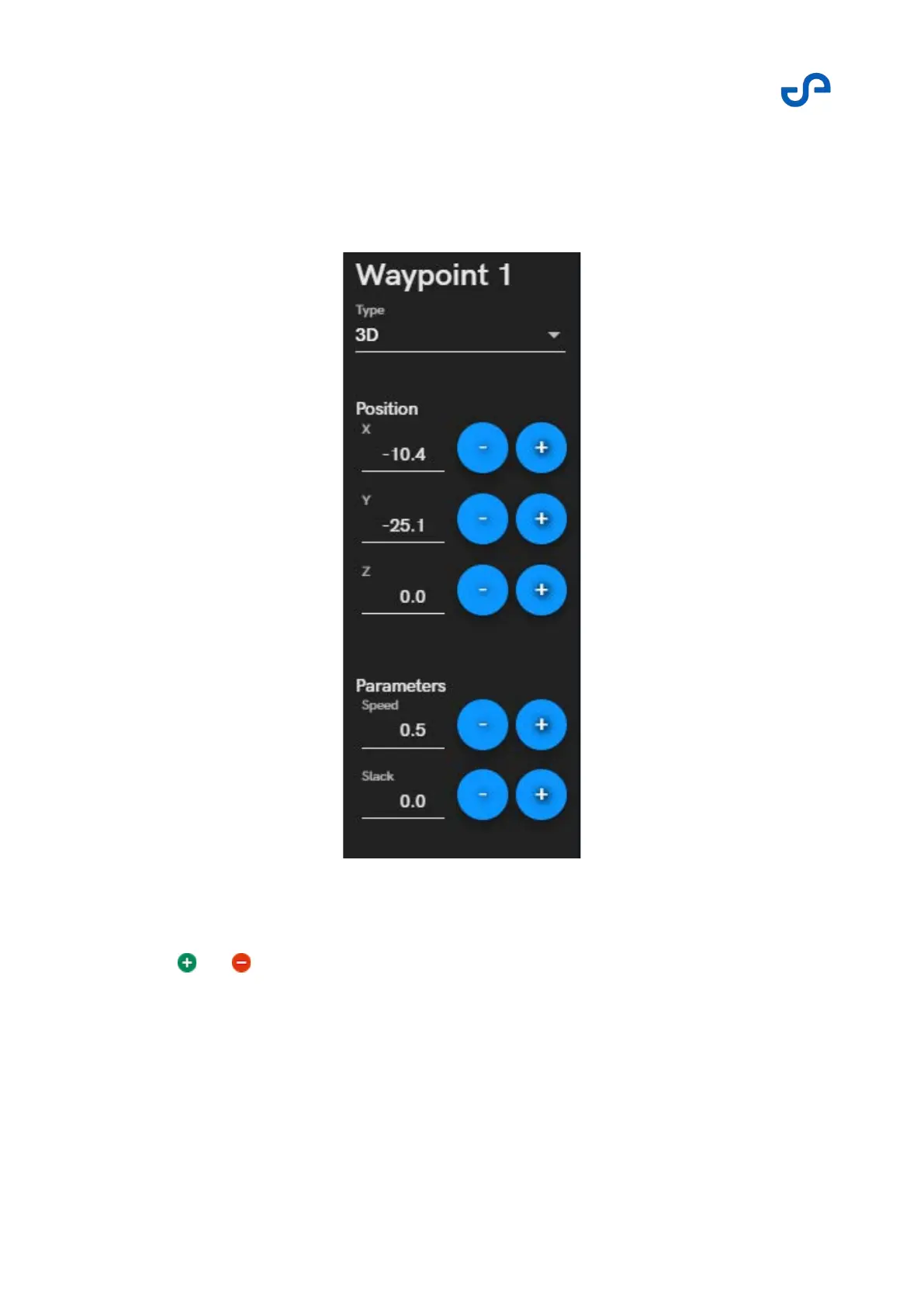
The Waypoint Editor
The Waypoint Editor appears on the left of the screen when a new waypoint is added, or when an
existing waypoint is edited.
Figure 28 The waypoint editor
In the Type field, select your waypoint type from the dropdown list.
Press and to edit the waypoint positions.
Move a waypoint using the touch interface. You can touch and move the current waypoint from
anywhere on the screen.
The available position information will vary depending on the waypoint type.



 To Next Page