Release date: 01 Nov 2021
Revision: 1.0
•
•
Clear Data
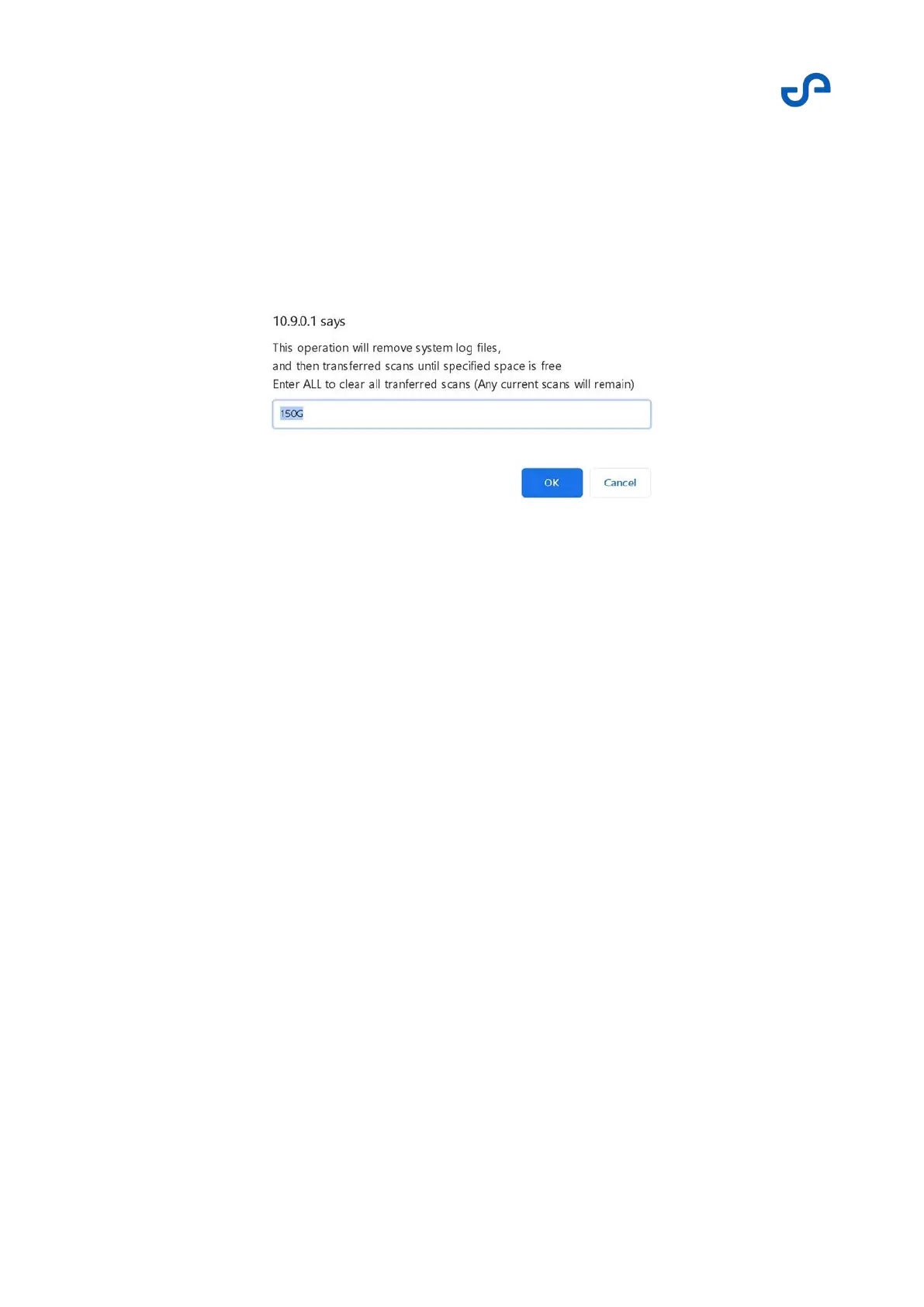
The Clear Data button allows you to bulk delete your files. Free up space by entering the amount of
space that you require. The system will then delete data until the space requirement is met.
You can also delete all data from the Transferred folder by entering ALL (note the capitalization). Scan
data contained in the Scans folder will remain unchanged.
Figure 13 Clear Data function
3.3 The Hovermap App
3.3.1 Overview
The Hovermap App allows you to operate your drone in Pilot Assist mode and Autonomous Waypoint
mode. The app gathers and displays both drone and Hovermap information in one place. It is designed
for use on popular drone vendor tablets. Many off-the-shelf tablets can also be used.
3.3.1.1 Specifications
The minimum specifications required to run the Hovermap App are:
Android 5.1
Hardware specifications matching or exceeding the Samsung Galaxy Tab Active 2
3.3.1.2 Supported devices
The following Samsung Galaxy Tab Active tablets are the device of choice for autonomy operations, due
to their relatively low cost and availability worldwide. These tablets also have the processing power
required to display the real-time point streaming provided by Hovermap. The following devices have
specifically been tested with the Hovermap App:



 To Next Page