Release date: 01 Nov 2021
Revision: 1.0
2. Data capture basics
2.1 Overview
Hovermap is designed to map the surrounding environment via LiDAR data capture. Data can be
captured between 1.5 m and 100 m away from the LiDAR puck. The captured data includes
characteristics such as range, intensity, and the time the data was returned.
This section shows the basic data capture workflow, and provides some guidelines on how to use
Hovermap to achieve the best possible results.
2.2 Basic workflow
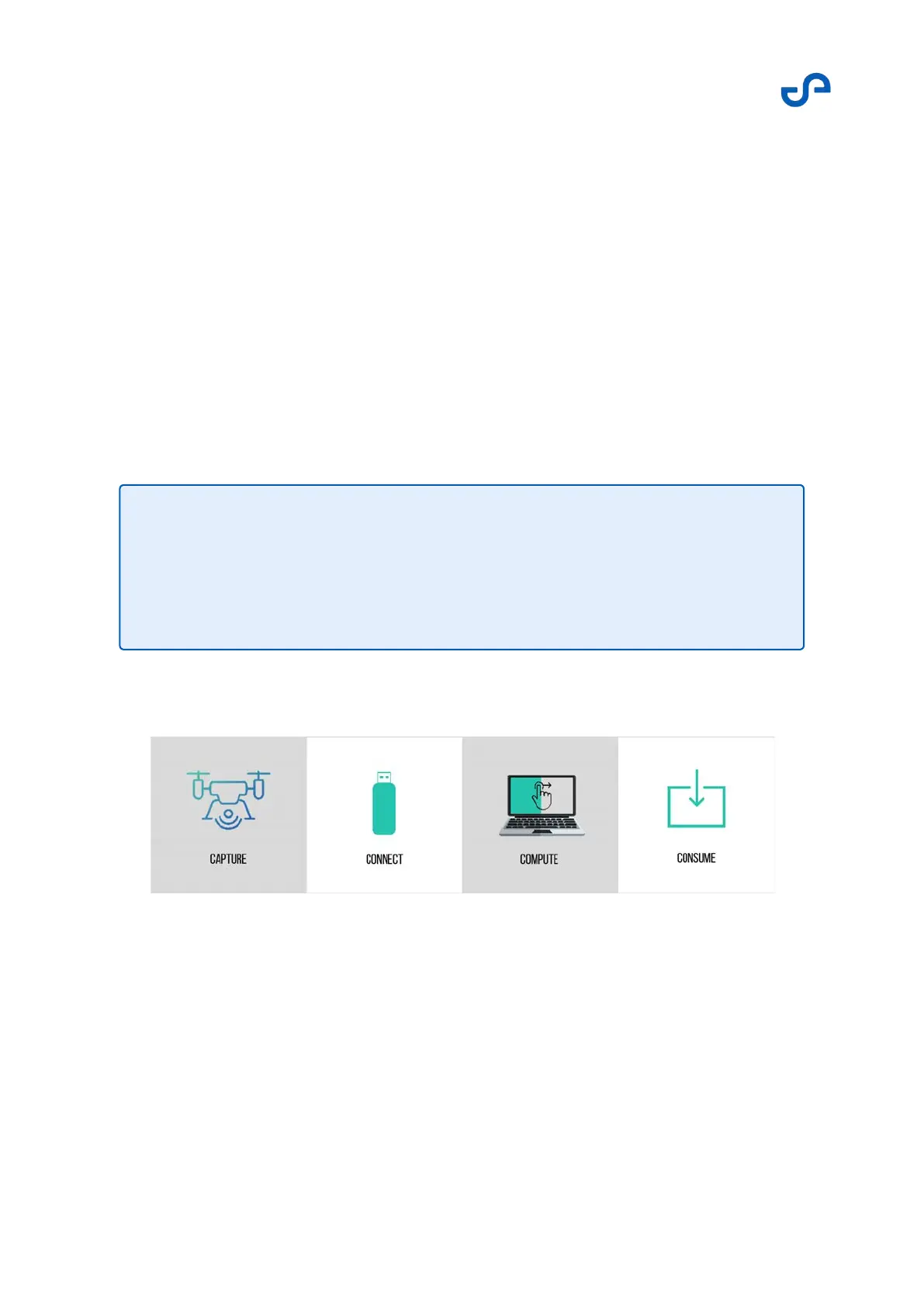
Figure 7 Data capture workflow
This workflow shows how to use Hovermap to capture data. For simplicity, this section focuses on using
the unit in Mapping mode. However, the process can be adapted for any platform of choice.
Note
Mounting Hovermap onto Zoe allows the system to embed the GPS data into the
collected LiDAR data. The embedded data can later be used during the
postprocessing stages to help align multiple scans. This allows you to create a
single merged deliverable point cloud.



 To Next Page