Release date: 01 Nov 2021
Revision: 1.0
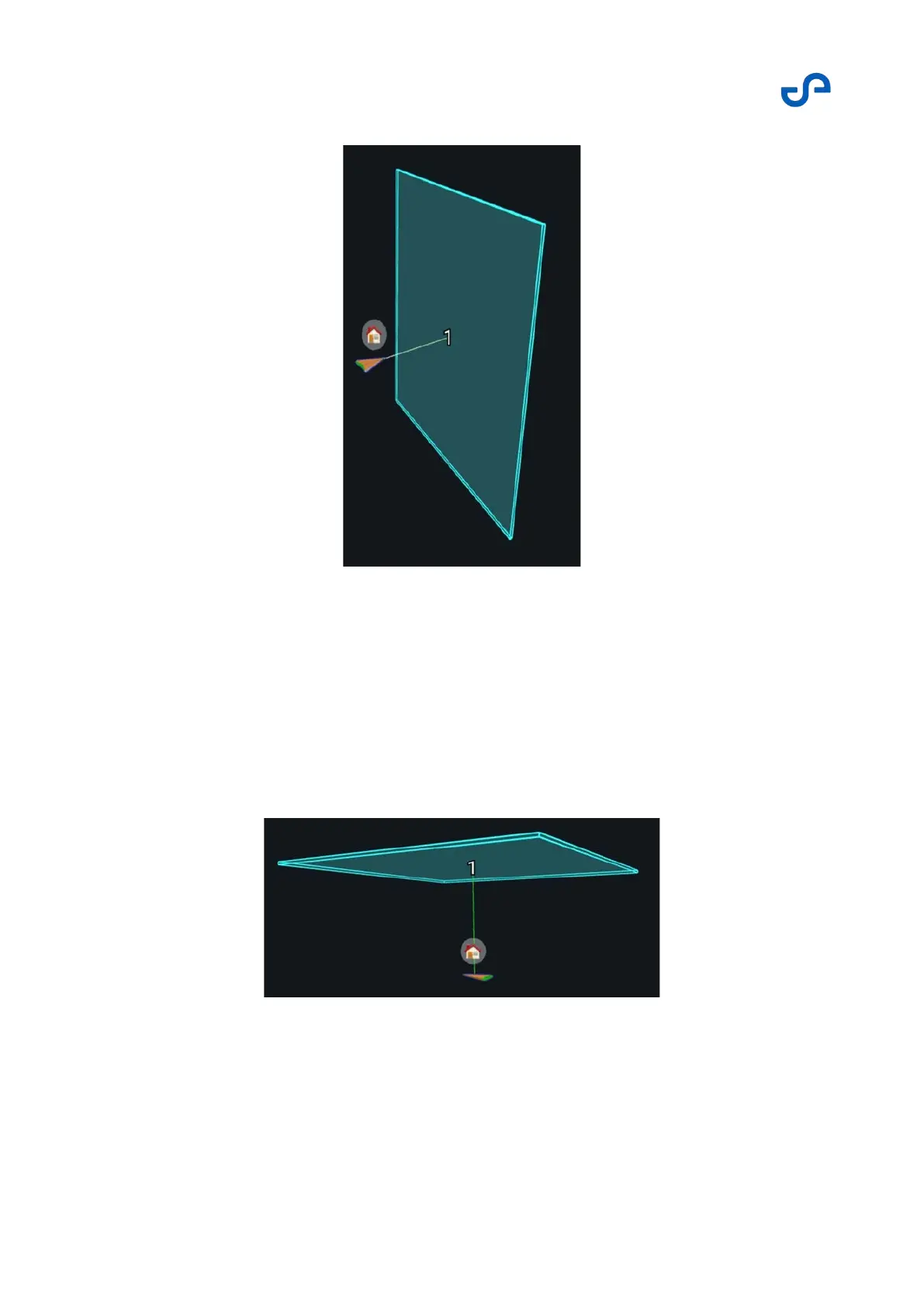
Figure 31 Planar waypoint
Height waypoints
A height waypoint is similar to a planar waypoint, but it is placed on a horizontal plane instead. Height
waypoints can be placed above or below the starting position. They are good to use when you want to
explore in a vertical direction in an area that may be obscured. Once the point cloud is created, a more
specific waypoint can be added to the mission, or an additional height waypoint can be placed further
away to allow more exploration. Height waypoints are best placed using the left or front views in the
View Controller.
Figure 32 Height waypoint



 To Next Page