Release date: 01 Nov 2021
Revision: 1.0
•
•
•
•
3.3.3.6 Hovermap odometry bar
The Hovermap odometry bar shows:
The distance from the scan start location
The height relative to the scan start location
Horizontal speed
Vertical speed
For troubleshooting purposes, you can compare this data against the data that Zoe provides.
3.3.3.7 Hovermap platform
This bar shows the platform type (for example, Zoe) that the payload is configured to run on. The
Hovermap App automatically detects the connected platform type, and will send a request to the
payload to set the platform type accordingly.
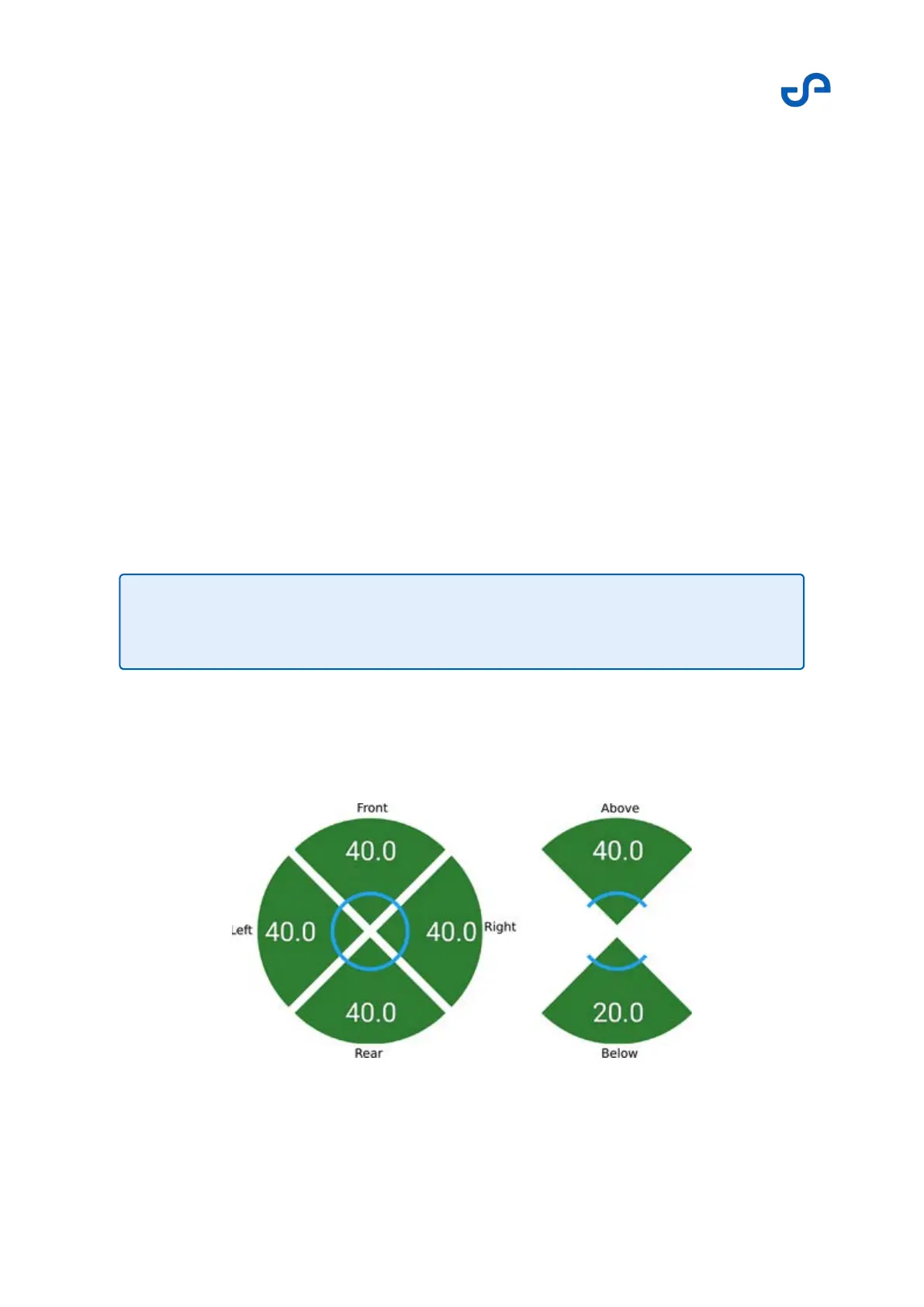
3.3.3.8 VESH limits
This indicator shows the approximate distances to obstacles around the drone. The blue lines indicate
the minimum distances set in the VESH settings.
Note
This information only updates once the payload is active.



 To Next Page