Release date: 01 Nov 2021
Revision: 1.0
•
•
•
•
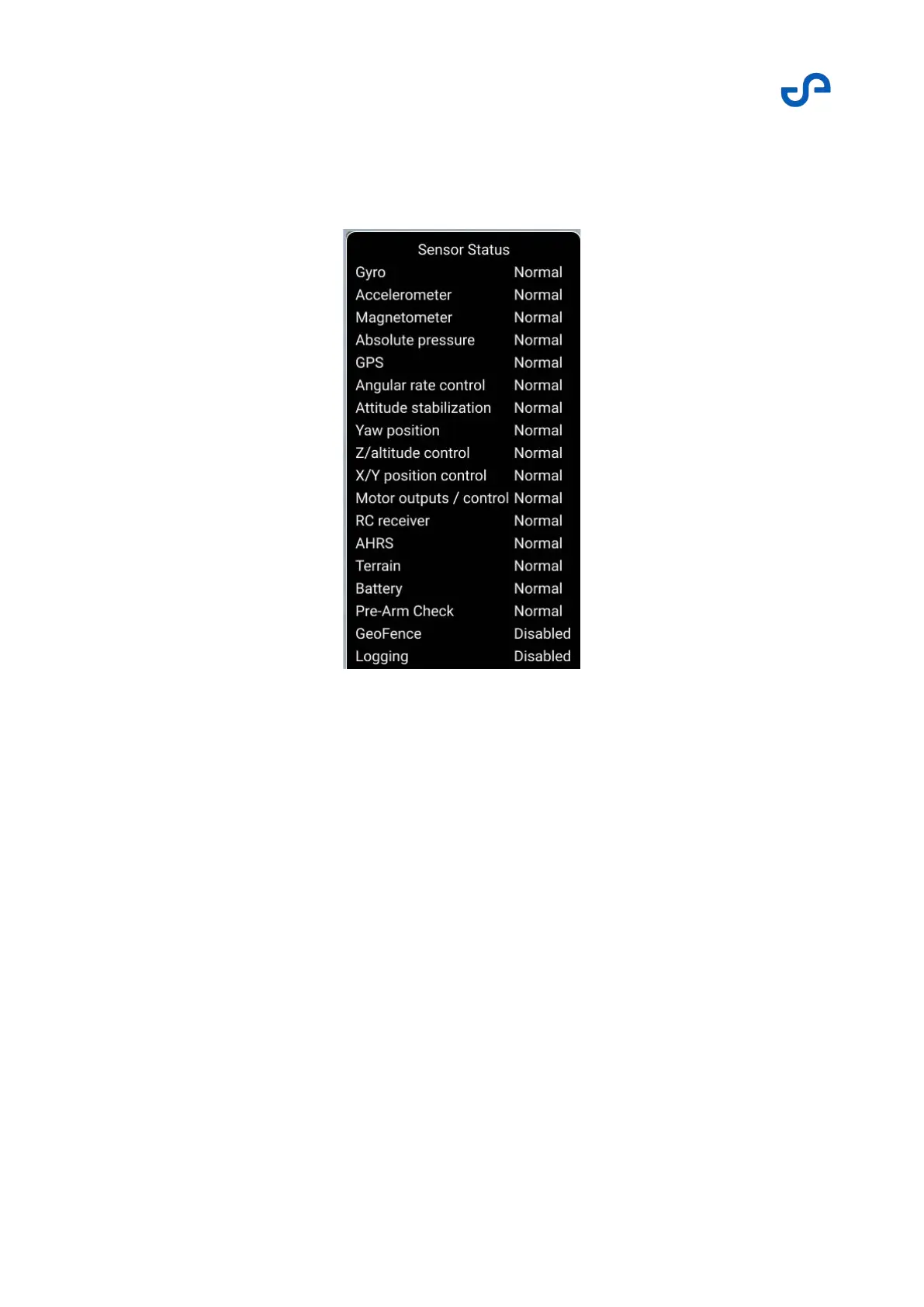
Zoe status indicator
Press the status bar to open information on the suite of Zoe sensors.
Figure 43 Zoe sensor status
3.3.3.11 Zoe odometry bar
This panel shows telemetry data that is reported and used by Zoe. It shows:
The distance from the takeoff position
The height relative to the takeoff position
The horizontal speed
The vertical speed
When flying above the ground, these indicators can be used to troubleshoot potential issues with the
drone or Hovermap.



 To Next Page