Release date: 01 Nov 2021
Revision: 1.0
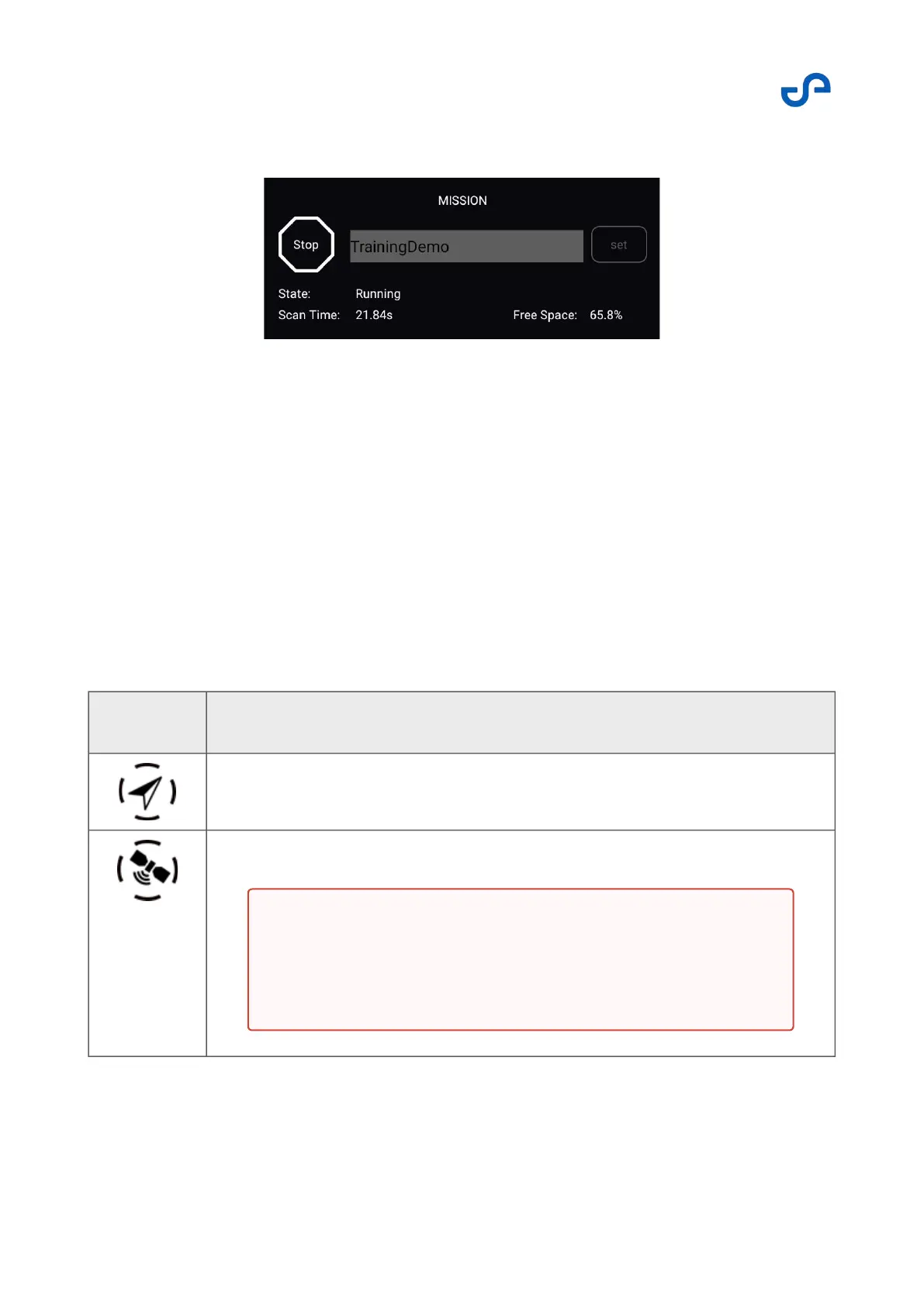
When active, the mission settings appear as follows:
Navigation method settings
Press the Navigation Method button to open the menu. Use these settings to set your primary (SLAM
or GPS) and secondary navigation methods (SLAM, GPS, or INS). The secondary navigation system will
be used only if the primary is no longer available.
The navigation method can be set before a flight, or during a flight if in drone control mode.
The following options are available.
Table 2 Navigation method settings
Icon Navigation method
Uninitialized
Navigate using GPS
Warning
With the GPS set as the primary navigation mode, Hovermap
autonomy functionality is not possible (such as the Low
Battery RTH failsafe or automatic landing).



 To Next Page