Release date: 01 Nov 2021
Revision: 1.0
•
•
Blue (INC): The user-set limits are different (inconsistent) from the active limits. This can happen
when changing the drone you are using, the navigation method, or when Autonomous Waypoint
mode is active.
Red (ERR): Red indicates an error. You should restart the system.
3.3.3.4 The Waypoint UI
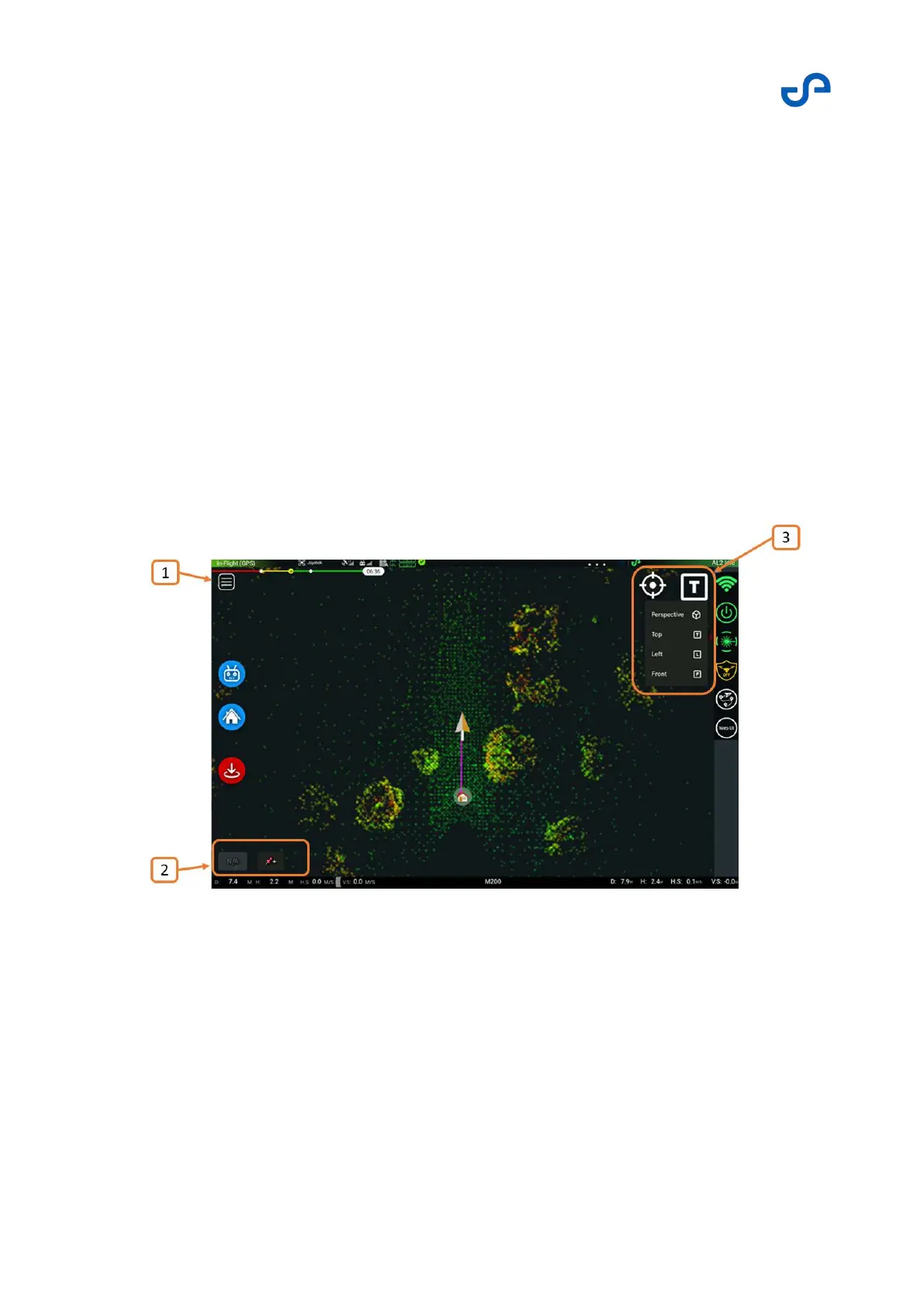
The Waypoint UI allows you to view the 3D environment in real-time while the system is in operation. In
Autonomous Waypoint mode, you can perform tap-to-fly operations, with waypoint mission planning,
advanced flight autonomy, and many smart failsafe capabilities that keep Zoe safe, even when it is not
in view. Access to the Waypoint UI is only available on more powerful tablet devices, such as the
Samsung Galaxy tablets. You can also view the Waypoint UI using an internet browser.
Press the Waypoint UI button to open the Waypoint UI. The top bar information, Zoe and Hovermap
odometry, the Master Controls, and the menu on the right remain unchanged.
Figure 21 The Waypoint UI



 To Next Page