Release date: 01 Nov 2021
Revision: 1.0
3.3.3.9 Master Controls
Change to Pilot Assist mode
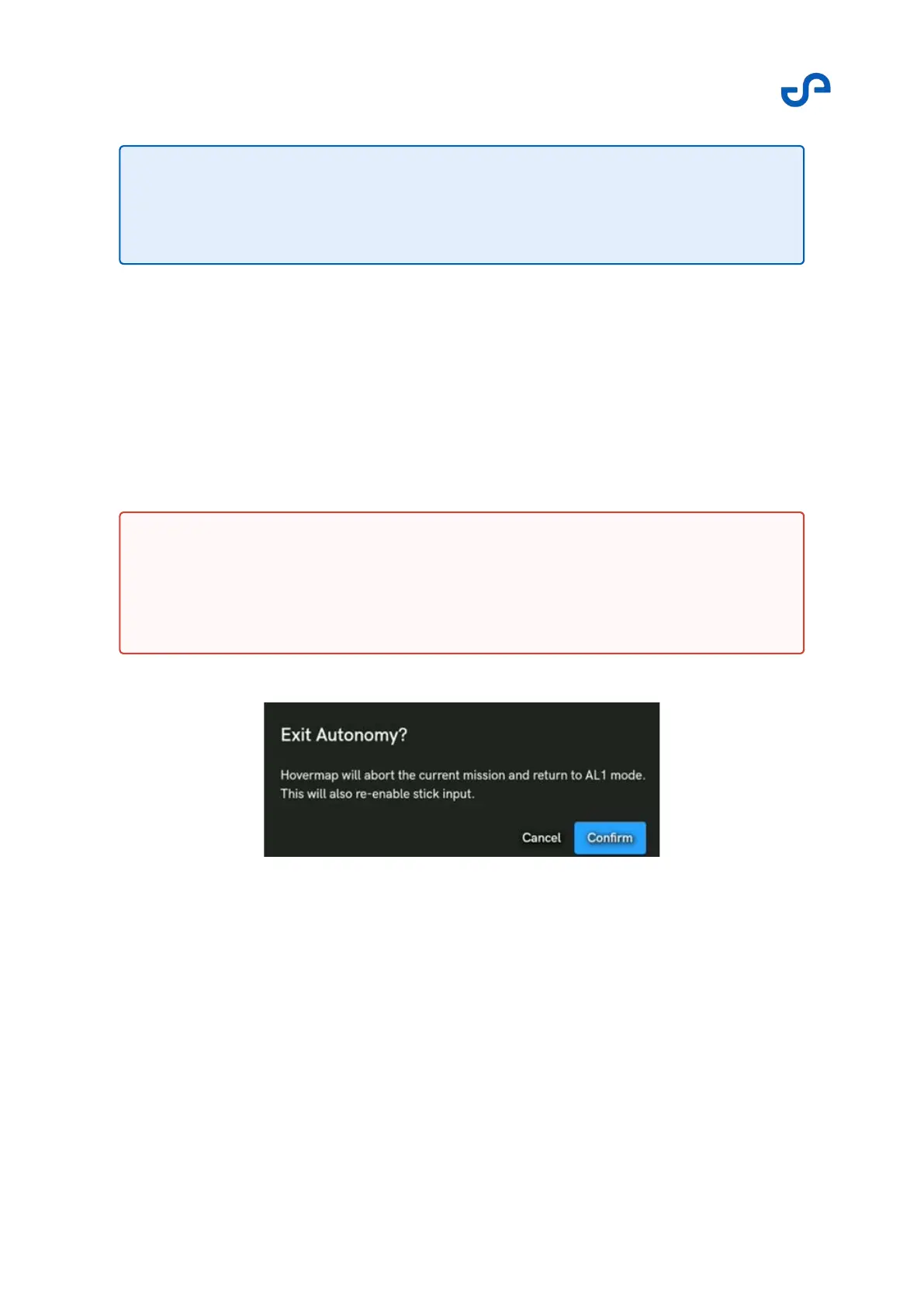
This button allows you to change back to Pilot Assist Mode, giving you back stick controls. This may be
required if you want to pass through a small opening to gain access to a larger area. You can take
control and fly the system to the desired location, and then reengage Autonomous Waypoint mode
once on the other side.
On activation, you will have to confirm the action via a pop-up.
Figure 38 Change to Pilot Assist mode
Note
Although the range of the LiDAR is 100 m, the obstacle distances shown in the
current version of the indicator are limited to 40 m.
Warning
If you choose to fly through a small opening that Autonomous Waypoint mode will
not fly through, you will have to take control using Pilot Assist mode to bring the
drone home.



 To Next Page