Release date: 01 Nov 2021
Revision: 1.0
Autonomy Settings menu
Press the Autonomy Settings button to control the display and access the system log files for analysis.
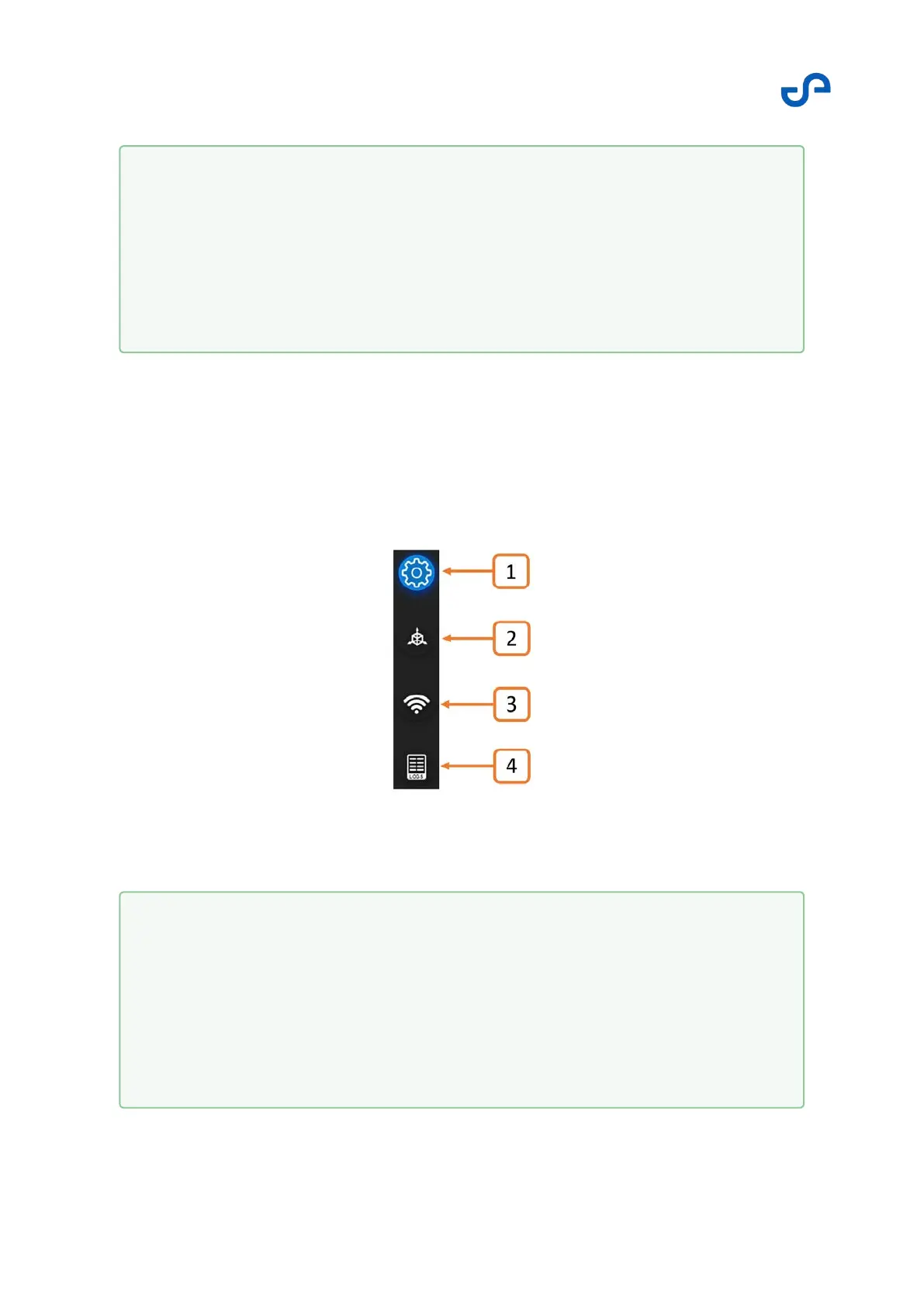
There are a number of parameters available in this menu. A handy quick-access mechanism is
available, allowing you to jump to the parameters of interest quickly and easily. The quick-access menu
is visible at all times in the right-hand settings display.
Figure 22 Quick-access menu
1.
2.
3.
The Waypoint UI
The Waypoint UI introduces three new functions:
The Autonomy Settings menu
The Waypoint Manager
The View Controller
1.
2.
3.
4.
Quick-access menu
Settings menu
Renderer settings
Connection settings
Logs



 To Next Page