Release date: 01 Nov 2021
Revision: 1.0
1.
2.
1.
2.
3.
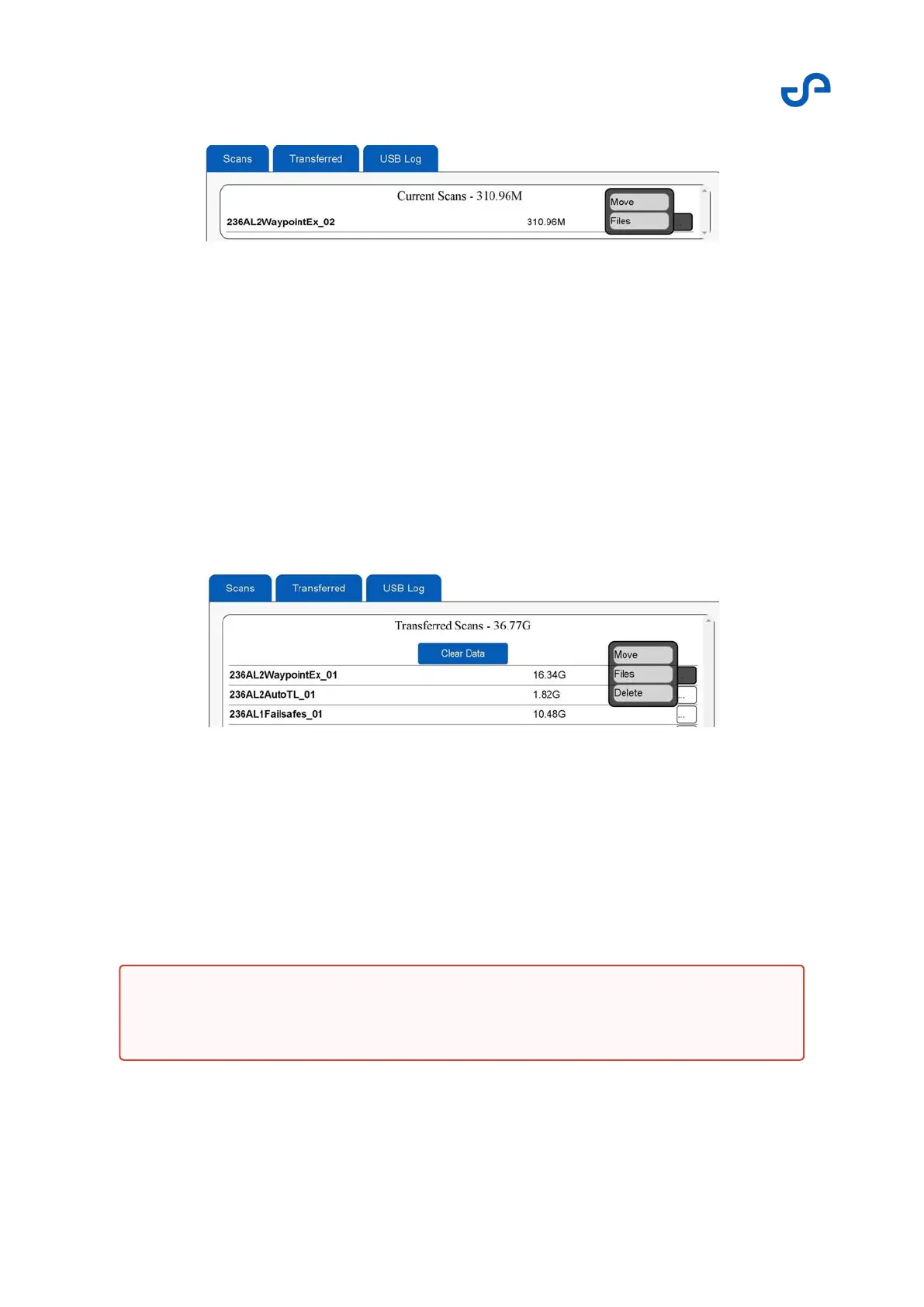
Figure 11 Scans file management
Two options appear:
Move: This option transfers the scan data to the Transferred tab, removing it from the Scans
tab.
Download: This option shows the BAG and BIN files that are available for download.
Transferred tab
The Transferred tab provides a number of helpful functions for individual scan file management. To
access these functions, press the three-dot icon next to the scan name.
Figure 12 Transferred file management
Three options appear:
Move: This option transfers the scan data to the Scans tab, removing it from the Transferred
tab.
Download: This option shows the BAG and BIN files that are available for download.
Delete: This option removes the scan data from the internal solid-state drive.
Warning
Once deleted, the scan data cannot be restored.



 To Next Page