Release date: 01 Nov 2021
Revision: 1.0
•
•
•
•
Logs
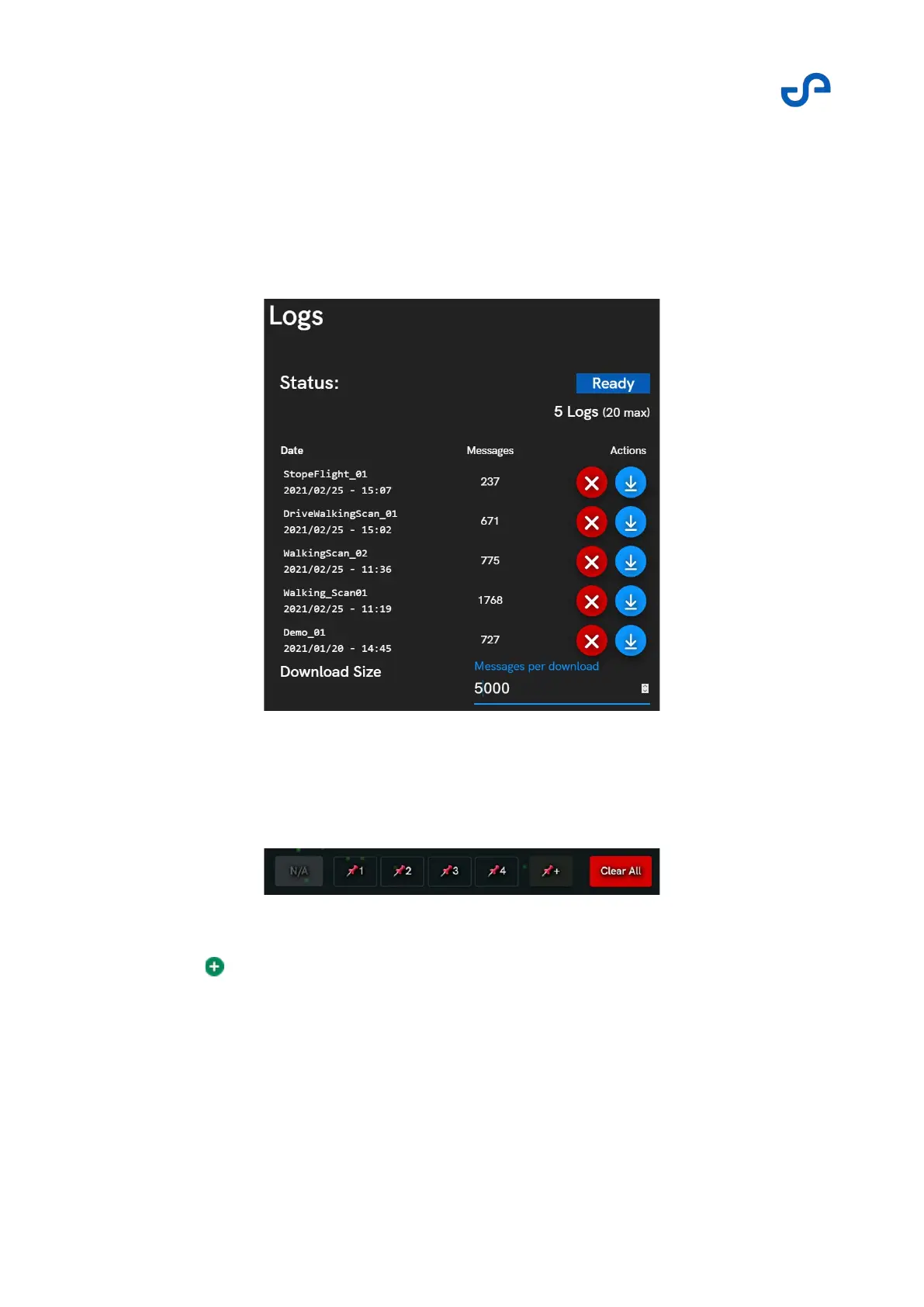
Press the Logs button to open the menu. Up to 20 mission logs are captured. These can be deleted or
downloaded using the buttons on the right. The logs can be used to replay the mission for training
review, or for incident analysis. When downloaded, these are stored on the device and can be accessed
from the file browser.
The Waypoint Manager
Use the Waypoint Manager to add and edit waypoints to create a mission.
Figure 27 The waypoint manager
Press the pin to add new waypoints.
Press an individual waypoint to edit it.
Press Clear All to clear all the waypoints.
Press Confirm to add waypoints without immediately commencing the mission.



 To Next Page