Release date: 01 Nov 2021
Revision: 1.0
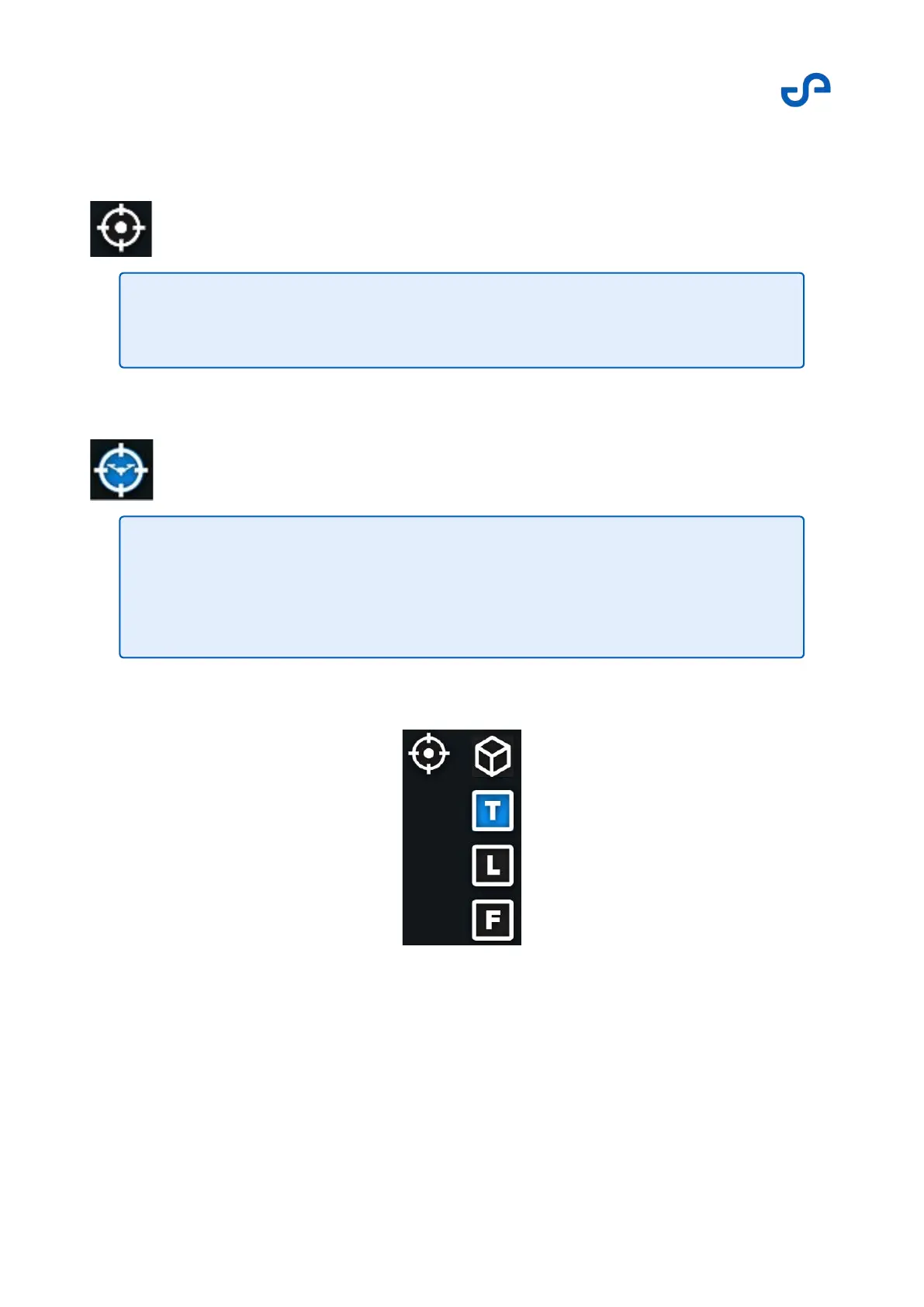
Press the Center button to center the screen on the drone. In this mode, your viewpoint will move with
the drone.
Press the Follow button to unlock the screen from the drone, instead of having the display follow the
drone. This allows you to move the screen independently of the drone.
To save space on the screen, the View Controller will change to compact mode when the screen is too
small.
Figure 36 View controller: Compact mode
3.3.3.5 The Web UI
Press the Web UI button to open the Web UI. Refer to the Web UI section for more information.
Note
Once it has been pressed, the button will change to the Follow button.
Note
Ensure that you have completed any waypoint editing before attempting to
manipulate the view of the point cloud. During waypoint editing, the waypoint is
moved when touching the point cloud display.



 To Next Page