Release date: 01 Nov 2021
Revision: 1.0
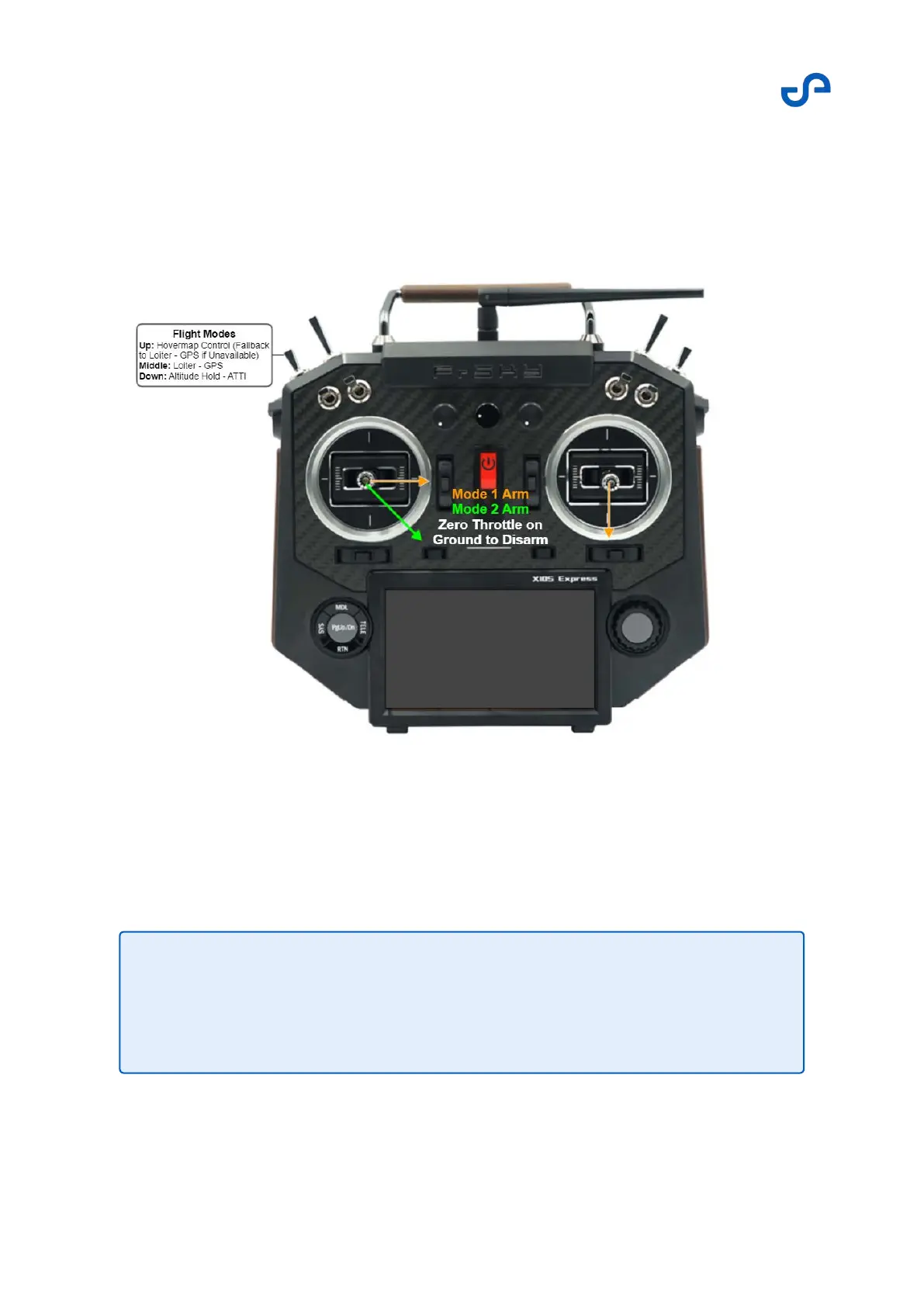
When operating under Mode 2, the left stick controls the yaw/throttle, and the right stick controls the
roll/pitch.
The toggle switch shown below is the mode switch. Use this switch to change between Hovermap
mode, Loiter mode (GPS) and Altitude-Hold (no GPS) mode.
The screen on the bottom of the controller is the telemetry readout, which contains a suite of flight and
battery information. The image below shows all available telemetry readouts.
Note
Most information relevant to a Hovermap-Zoe flight will be available in the
Hovermap App. You will only need to use the telemetry screen for stand-alone
Zoe flights, or for cross-checking flight information.



 To Next Page