Release date: 01 Nov 2021
Revision: 1.0
Connection settings
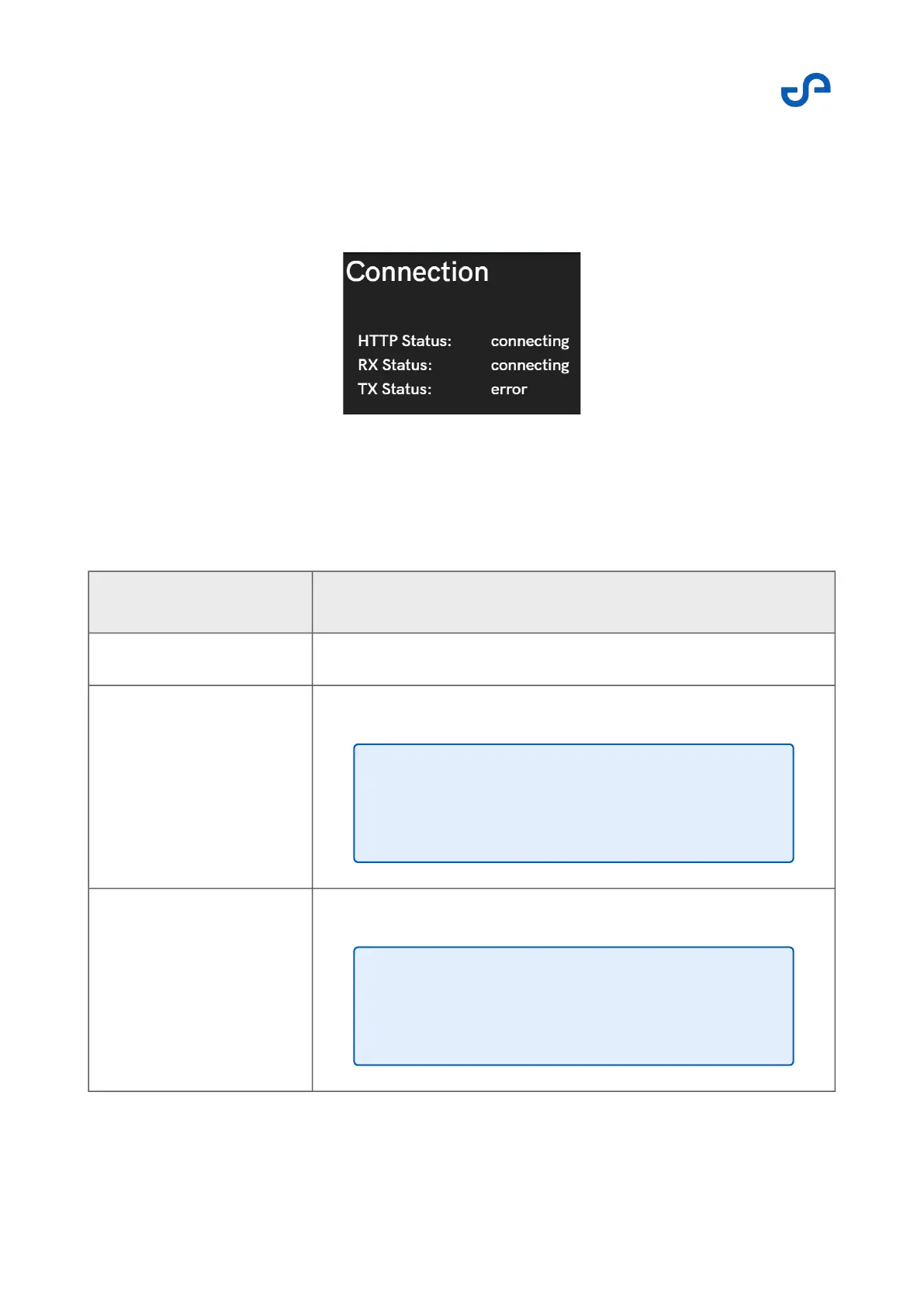
Press the Connection Settings button to open the menu. This menu shows the link status of the
communications used by the app.
Figure 25 Connection settings
The following options are available.
Table 6 Connection settings
Field Data
HTTP Status Legacy communications link used to get the basic system status.
RX Status Shows the status of the receiving link for autonomy functionality.
TX Status Shows the status of the transmitting link for autonomy functionality.
Note
This link only goes live once the scan has been
started.
Note
This link only goes live once the scan has been
started.



 To Next Page