Release date: 01 Nov 2021
Revision: 1.0
•
•
•
•
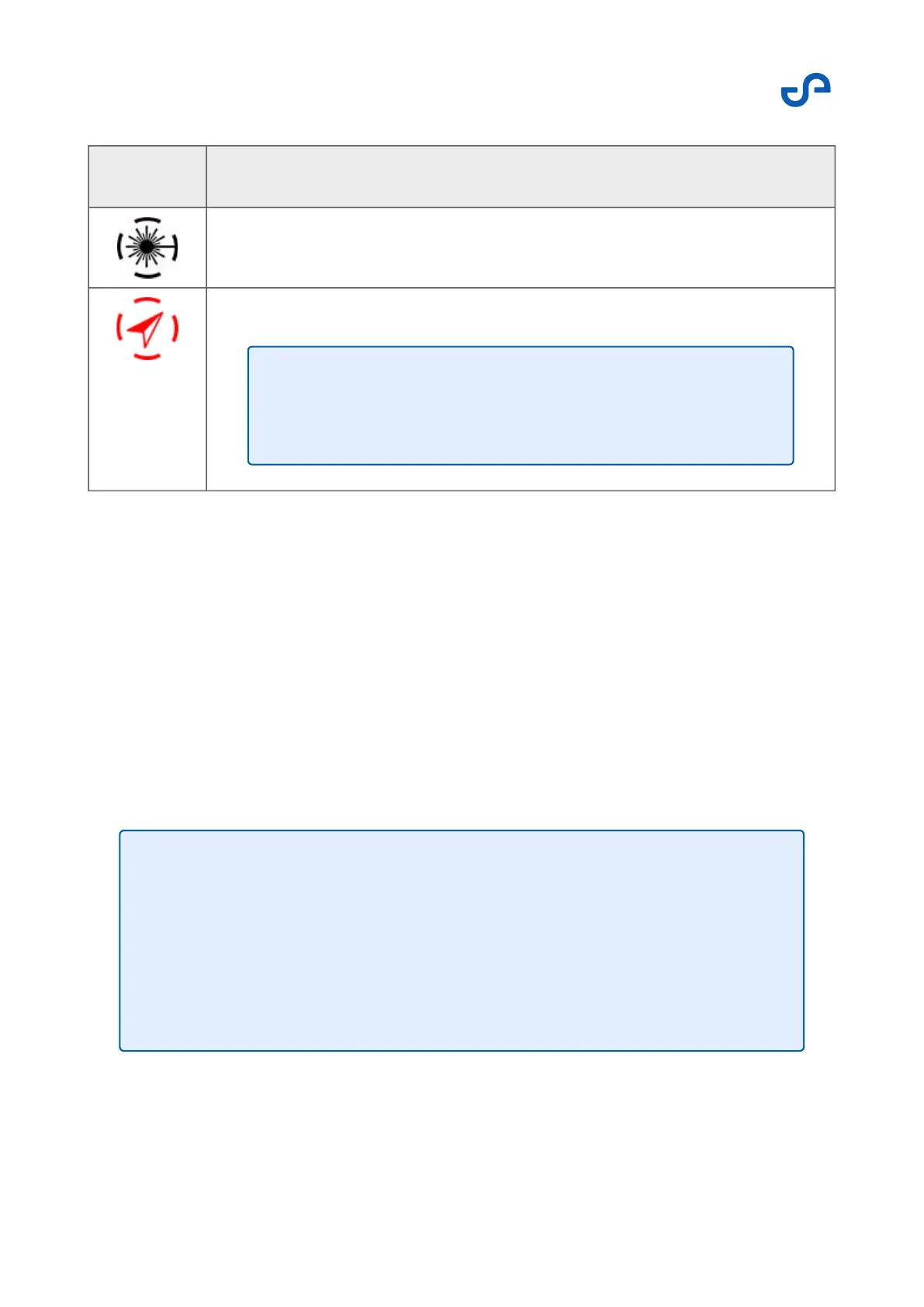
Icon Navigation method
Navigate using SLAM
Navigate using INS
The color of the button provides the following information:
Green: Hovermap is flying with the navigation method selected.
Blue: The primary navigation method has been changed. Toggle the flight mode switch to choose
your primary navigation method.
White: Hovermap is not in control.
Red: The primary method has failed. Hovermap is now using the secondary navigation method.
VESH settings
Press the VESH button to open the menu. The VESH settings allow you to turn Hovermap’s collision
avoidance system (known as VESH) on and off, as well as set the limits for the VESH shield.
Note
Always set the secondary navigation method to INS when in a
GPS-denied environment.
•
•
Note
For added safety, when flying with GPS as the primary navigation method,
VESH distances will be multiplied by a safety factor to account for
uncertainties in the position provided by GPS.
A beeper will trigger when the VESH boundary is approaching an obstacle,
or if there is already an obstacle within the VESH limits.



 To Next Page