Release date: 01 Nov 2021
Revision: 1.0
1.
2.
1.
2.
3.
Autonomous Waypoint mode
For Autonomous Waypoint mode, do everything outlined in Mapping mode and Pilot Assist mode, and
then continue as follows:
Check that the velocity and position values at the bottom of the Hovermap App are close to zero.
If they are not, do not start the motors. Instead, restart Zoe and Hovermap.
Place your waypoints.
Step 3: Start Zoe
Start Zoe as follows:
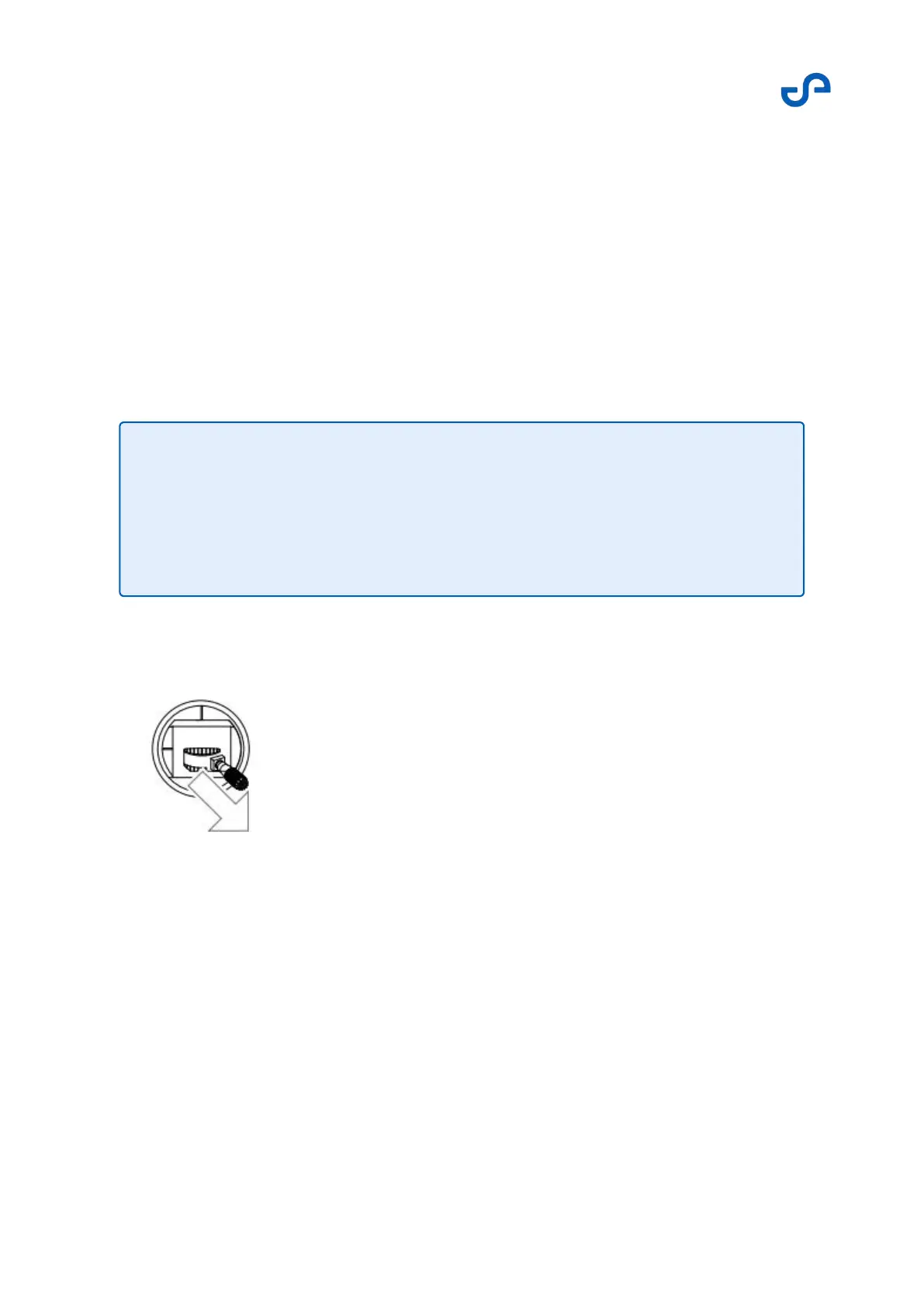
To arm the motors, move the left stick to the bottom-right position.
Keep the right stick centered. When the motors are armed, Zoe will play a single audible tone for
1 second.
Within 2 seconds, release both sticks back to the center position. The motors will start to spin
slowly, but Zoe will not take off. Maintain visual contact with Zoe to make sure that it is behaving
appropriately.
•
•
Note
Never release your fingers from the stick. Always keep control of both sticks
to ensure safe operation.
Pushing the throttle stick before takeoff will not start the motors.



 To Next Page