CR825 and CE875 Instant Issuance System User’s Guide A-9
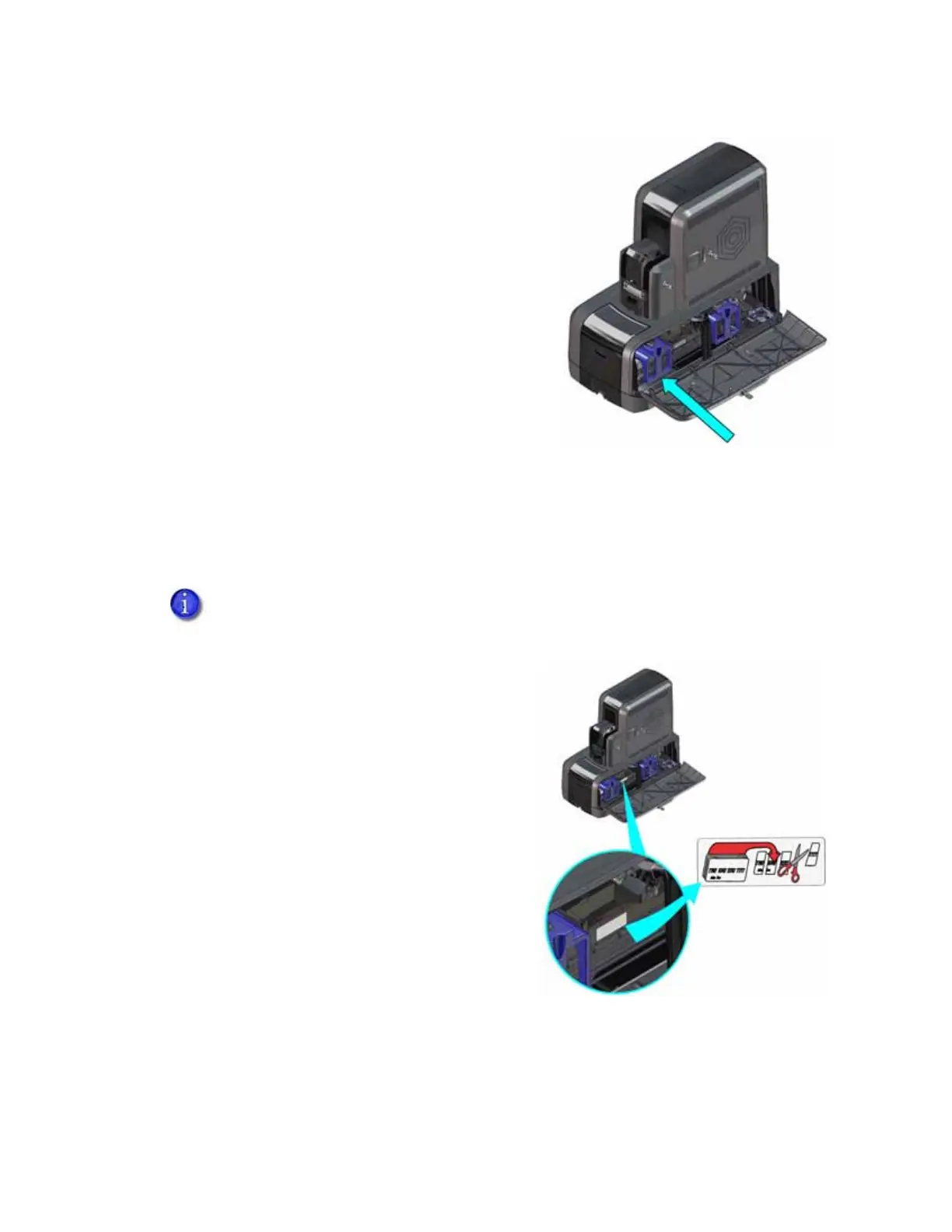
6. Replace the topping foil cartridge.
a. Hold the cartridge by its handle.
b. Align the top of the cartridge with the guides
inside the embosser.
c. Slide the cartridge in until it clicks and stops.
7. Close and lock the embosser supplies access door.
Empty the Embosser Reject Tray
Unfinished cards, or cards that were not processed properly, are placed in the reject tray inside
the embosser. Empty the reject tray regularly to avoid card jams.
1. Unlock and open the embosser supplies access
door.
2. Remove the cards from the reject tray.
Follow your site’s guidelines to properly
dispose of the cards removed from the reject
tray.
3. Close and lock the embosser supplies access
door.
The printer reject tray is not used when the embosser is present. Rejected cards are
always placed in the embosser reject tray



 To Next Page