46 System Maintenance
Clean the Inside of the Printer
Use the following procedures to clean the inside of the printer. Clean the printer after you have
cleaned the printhead cam rollers using the sticky cleaning card.
Single-Hopper Printer
1. Power on the printer, if necessary.
2. Unlock the input hopper lock.
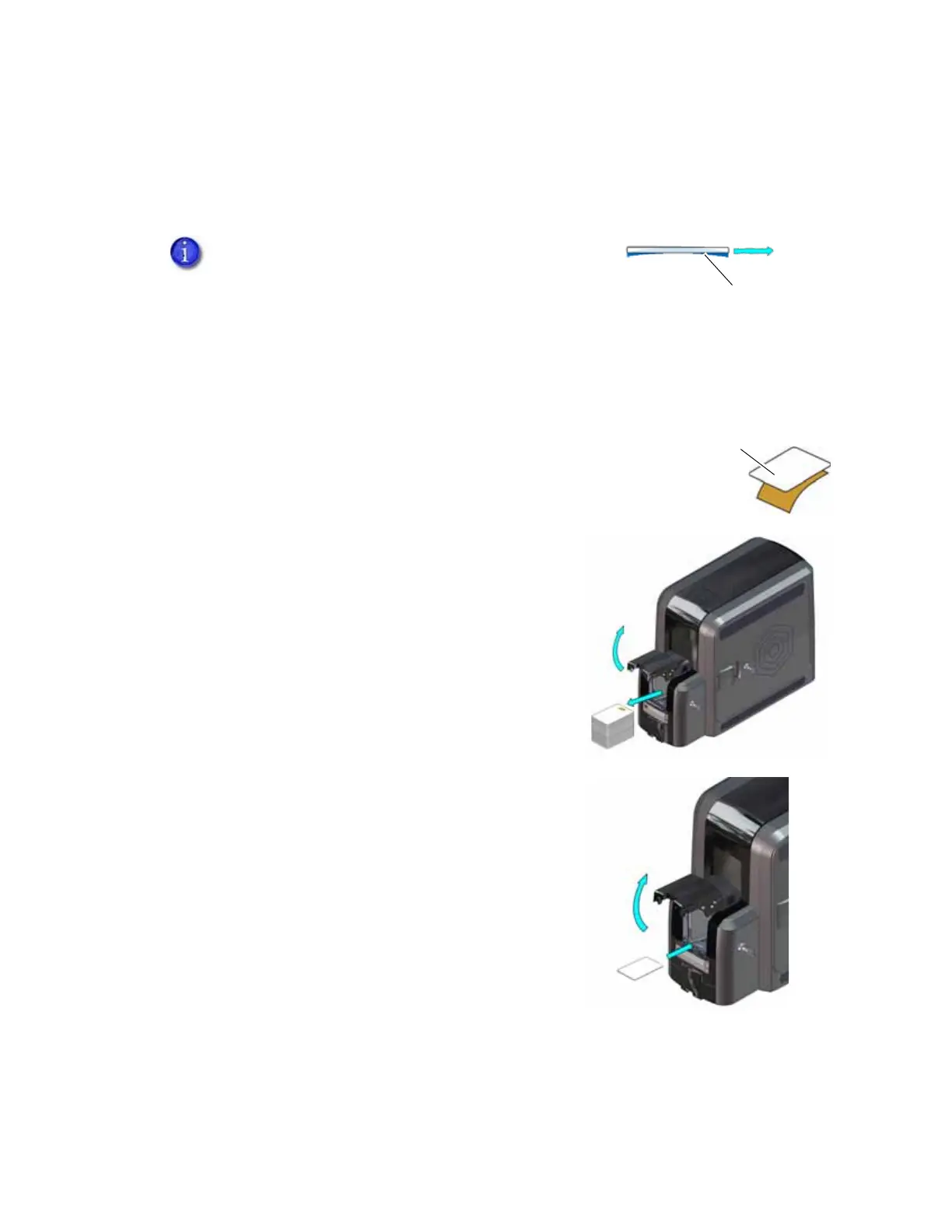
3. Peel off the wrapper from the other side of the sticky cleaning
card.
4. Open the input hopper cover.
5. Remove any unprinted cards.
6. Insert the cleaning card into the input hopper.
7. Close and lock the input hopper.
8. Continue with “Start the Cleaning Cycle” on page 47.
The cleaning cards may become bowed slightly during
shipment. If a card is bowed, make sure that you insert
the card into the printer as shown.



 To Next Page