12 About the Printer
Printer Configuration Label
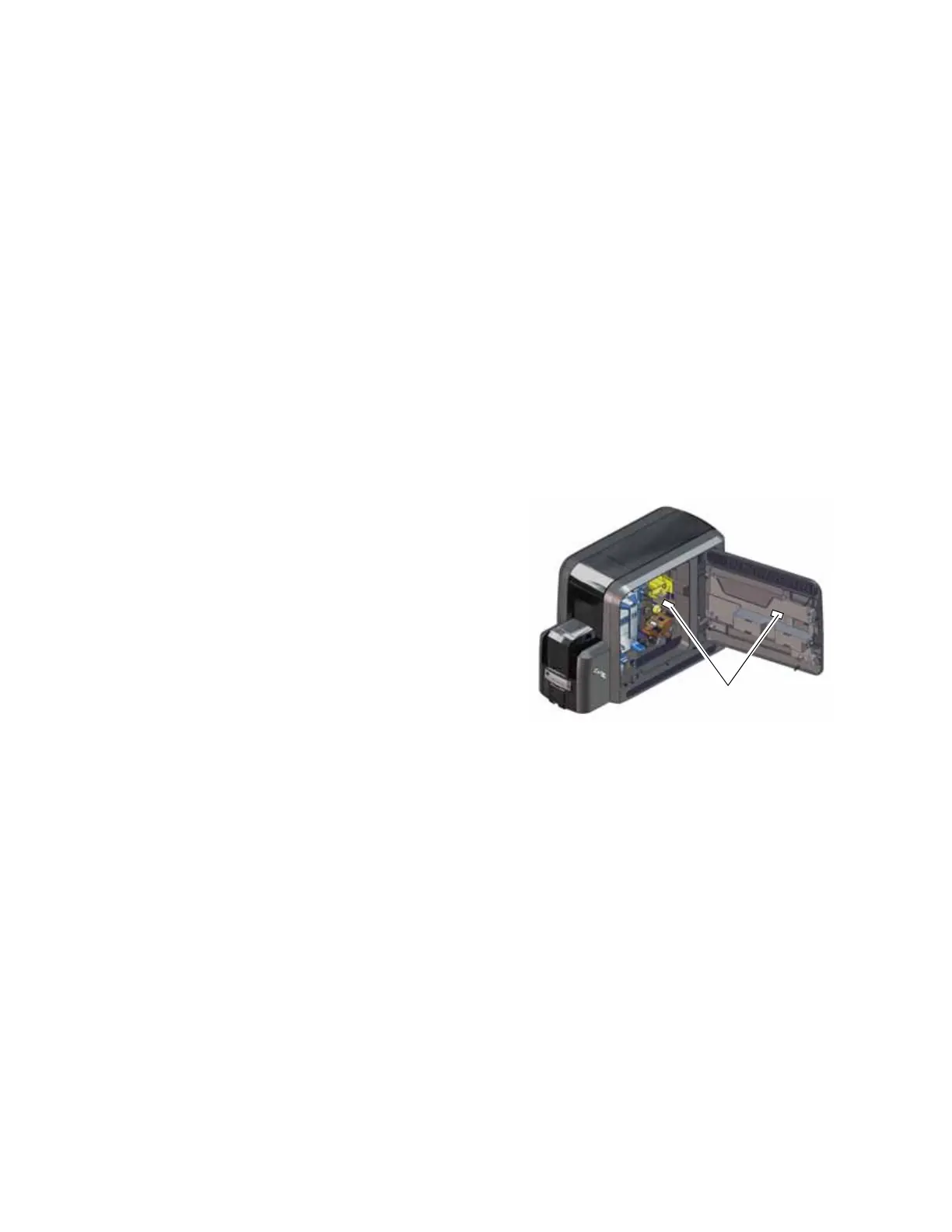
The printer system configuration label shows the
components installed when the printer was built.
It provides information that is useful when
requesting service. The label is located on the
inside of the printer access door, and on the
printer frame behind the retransfer film cartridge
(you must remove the cartridge to see the label).
The label shows the following information:
Printer model and serial number
Configuration, which includes the factory-
installed options in the printer
Date and country of assembly
MAC address to use when the printer is connected via an Ethernet network
Additional labels may be attached to the printer to indicate components installed by the dealer
or sales group after the printer was manufactured.
Retransfer Station The retransfer station houses the heated roller that bonds
the retransfer film containing the printed image to the
surface of the card.
Reject Tray (RT1) The reject tray (RT1) holds unfinished cards or cards that
were not processed properly. Empty the reject tray
regularly. Refer to “Empty the Printer Reject Tray” on
page 51.
Note: If your system includes an embosser, the printer
reject tray is not used. Cards are placed in the embosser
reject tray. Refer to “Inside the Embosser” on page A-4.



 To Next Page