CR825 and CE875 Instant Issuance System User’s Guide 11
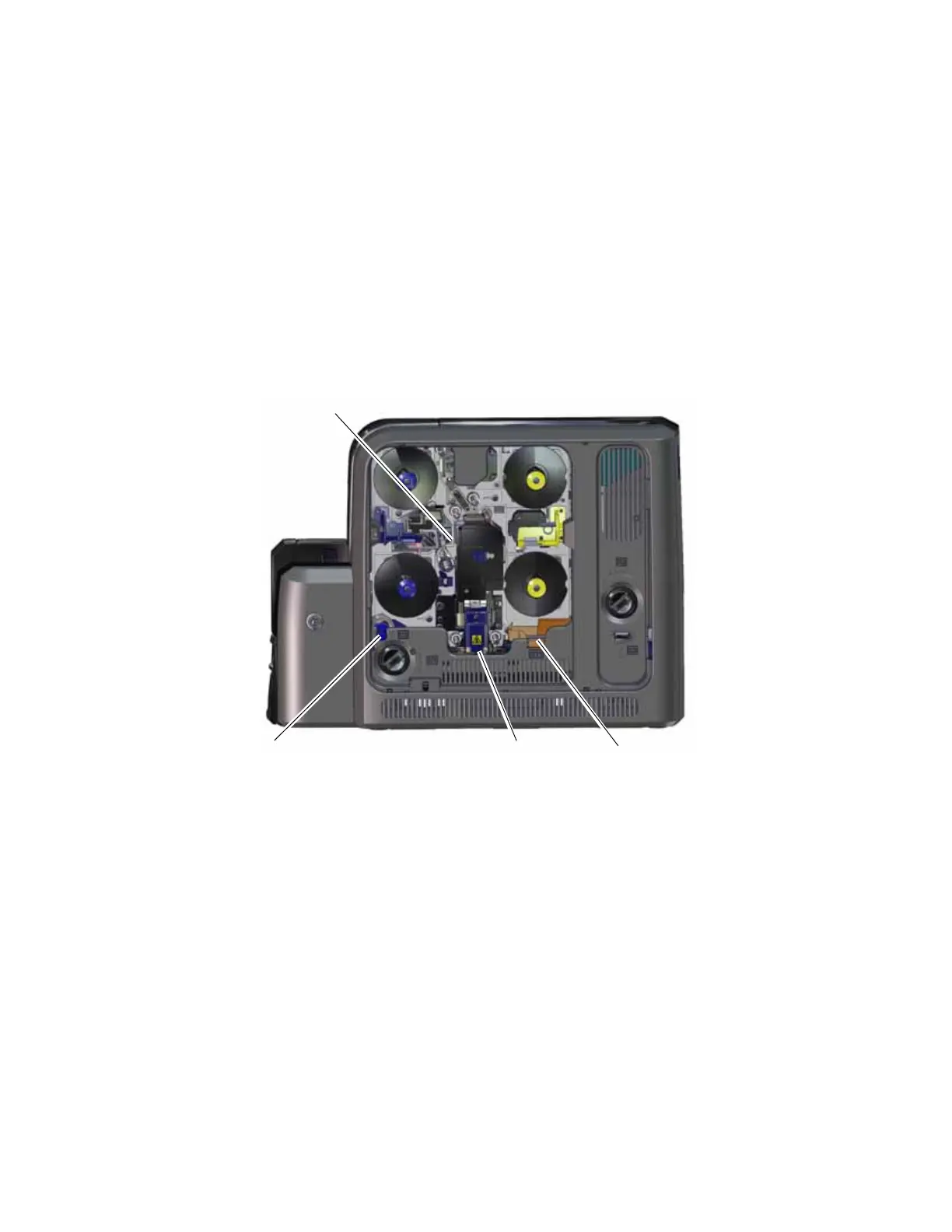
The following illustration shows the inside of the printer when the ink ribbon and retransfer
cartridges are removed.
Rear Access Door Release (K3) The rear access door release (K3) opens the rear access
door in the back of the printer to clear a card jam in the
vertical transport.
Manual Advance Knob (K1)
Manual Advance Knob (K2)
The manual advance knobs allow you to move a card inside
the printer (K1) or in the vertical transport area (K2) to
clear a card jam. The K2 knob is present only if a magnetic
stripe unit or smart card reader is installed in the printer.
Printhead The printhead prints the card data on the retransfer film
using the ink ribbon.
Cleaning Spindle (C3) The cleaning spindle (C3) holds the replaceable cleaning
sleeve, which removes dust and other particles from cards
to maintain print quality.
Printhead
Cleaning
Spindle (C3)
Reject Tray (RT1)
Retransfer
Station



 To Next Page