CR825 and CE875 Instant Issuance System User’s Guide 21
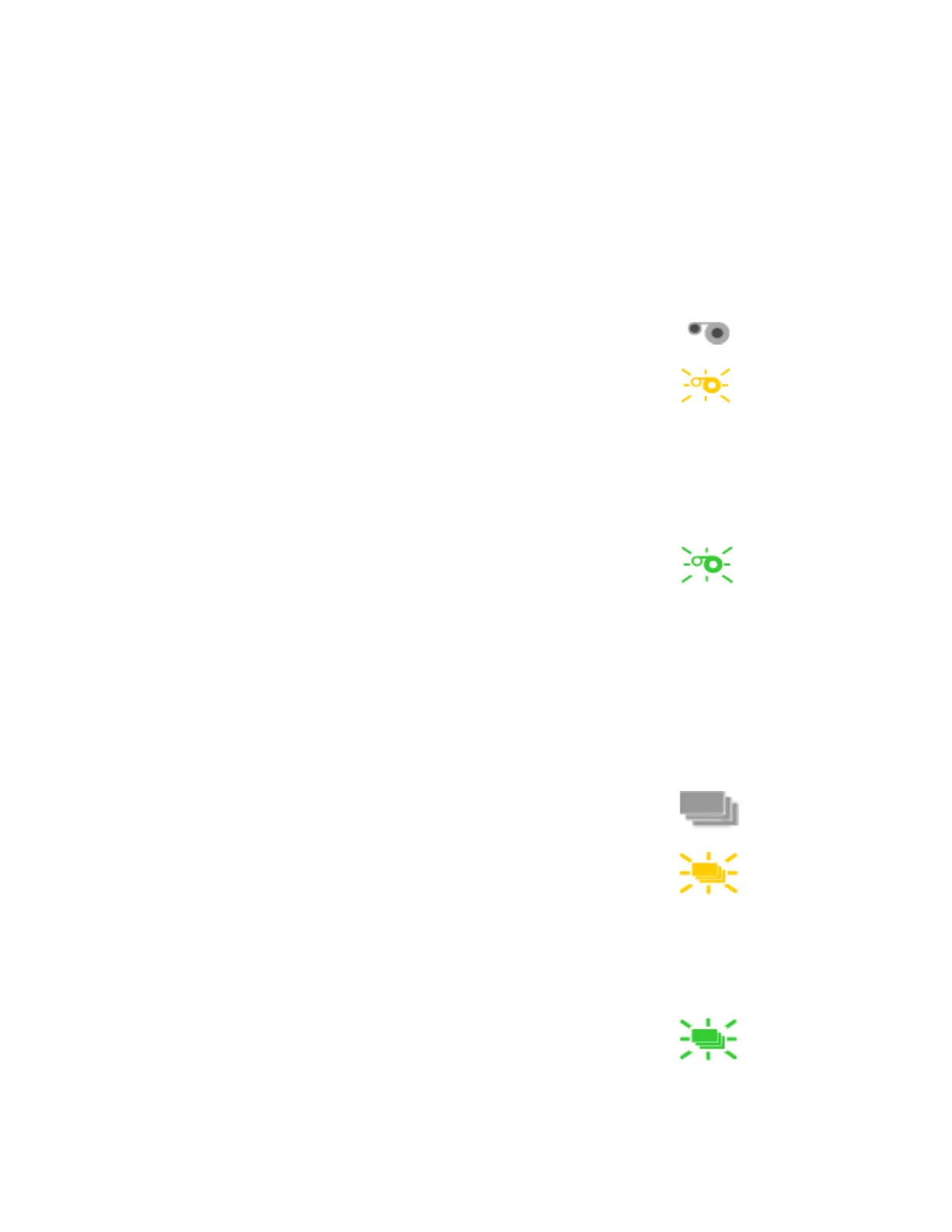
Ribbon Light
The ribbon light indicates the status of a supply in the printer or in an attached component.
Indicators include the following. Refer to “Messages and Conditions” on page 68 for a list of the
LCD messages that correspond to the ribbon light.
Card Light
The card light indicates the status of cards in the printer or an attached component. Indicators
include the following. Refer to “Messages and Conditions” on page 68 for a list of the LCD
messages that correspond to the card light.
Light Description
Off The supply levels are okay.
Blinking amber A blinking light indicates one of the
following:
A problem with a printer supply.
The printer supply level is low. The light
blinks slowly (every 2 seconds).
The printer supply is out. The light blinks
quickly (every 1/2 second).
Blinking green There is a problem with a supply in an
attached component.
Light Description
Off Cards are okay.
Blinking amber A blinking light indicates either of the
following:
No card is detected for the print job.
Insert a card to continue printing.
A scheduled printer cleaning is due.
Insert a cleaning card now, or set aside
time to run a cleaning card.
Blinking green There is a card problem in an attached
component.



 To Next Page