14 About the Printer
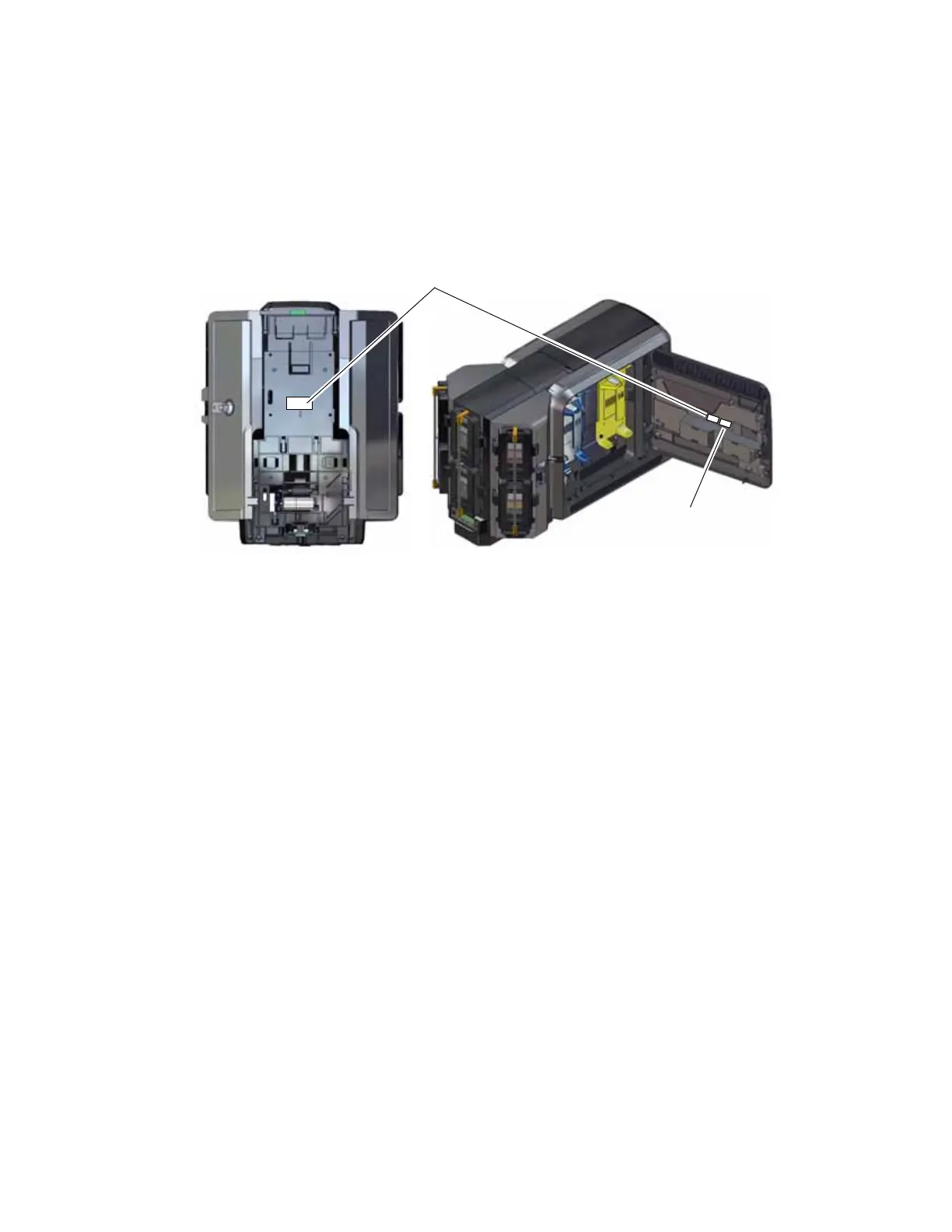
Multi-Hopper Configuration Label
The multi-hopper configuration label is located on the back of the multi-hopper. After the multi-
hopper is attached to the printer, a second label should be added on the inside of the printer
access door, next to the printer configuration label.
The label shows the following information:
The name of the multi-hopper module
Serial number
Part number
Configuration code
Date and country of assembly
Multi-Hopper Configuration Label
Printer Configuration
Label



 To Next Page